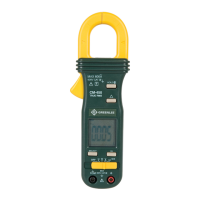
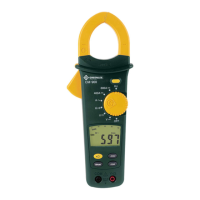
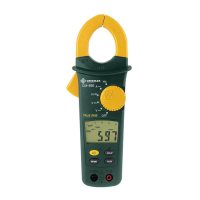
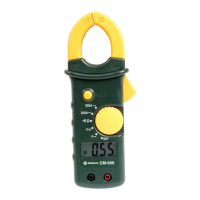
CM-600
7
1. Set the selector according to the Settings Table.
2. Refer to “Typical Measurements” for specific measurement instructions.
3. Test the unit on a known functioning circuit or component.
• If the unit does not function as expected on a known functioning circuit, replace the
battery.
• If the unit still does not function as expected, send the unit to Greenlee for repair. Refer to
the instructions under the Warranty.
4. Take the reading from the circuit or component to be tested.
5. Press HOLD to hold the measured value on the display.
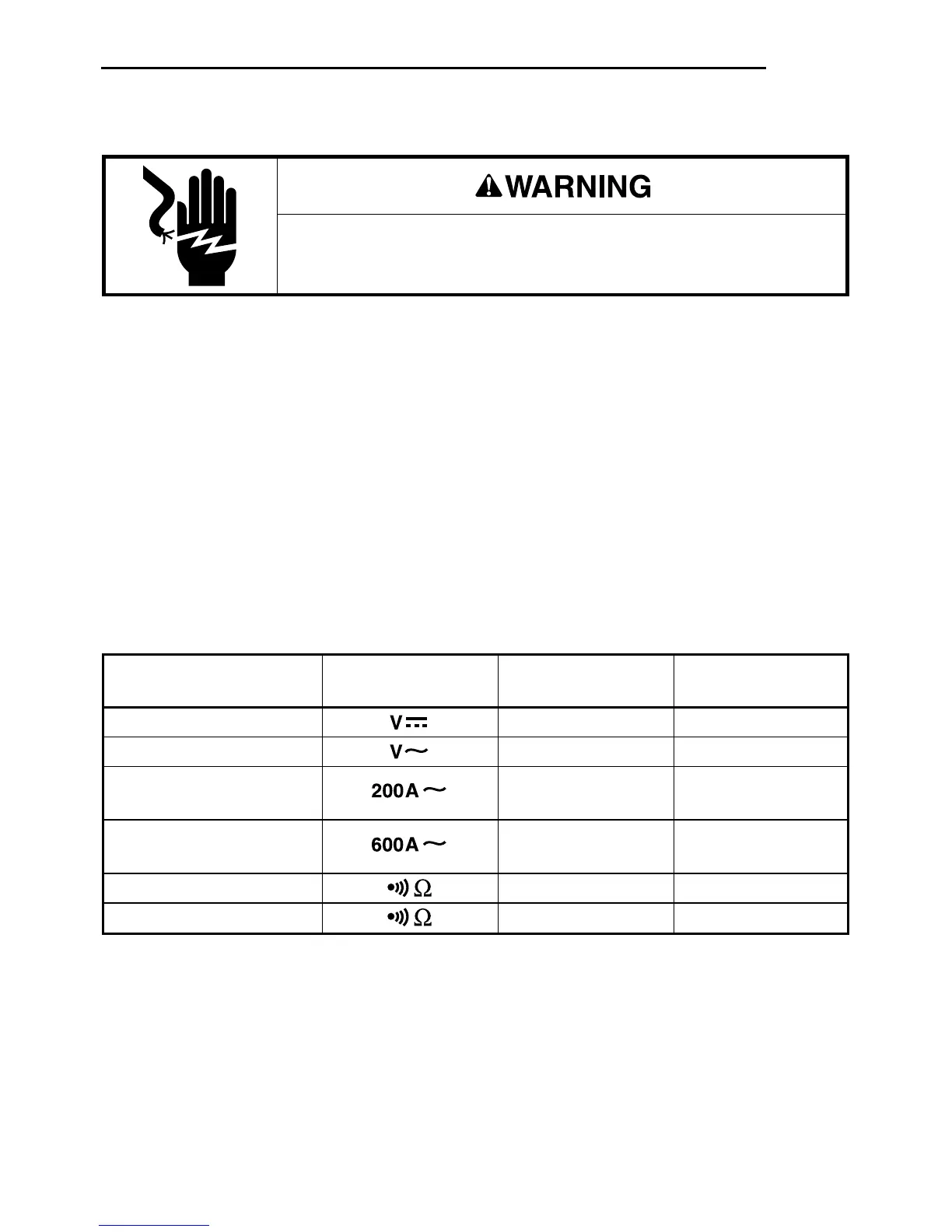
Settings Table
Electric shock hazard:
Contact with live circuits could result in severe injury or death.
Operation
To measure set the selector connect the and connect the
this value … to this symbol … red lead to … black lead to …
DC Voltage V-Ω COM
AC Voltage V-Ω COM
AC Current
N/A N/A
(200 A max.)
AC Current
N/A N/A
(200 A to 600 A)
Continuity V-Ω COM
Resistance* V-Ω COM
*Tone indicates circuit resistance is less than 50 Ω.
Auto Power Off
When the meter is powered on, a timer is activated that will turn the unit off after approximately
30 minutes. To continue making measurements after the unit automatically powers off, switch
the selector to OFF and then back to the desired function.


 To Next Page