EasyManua.ls Logo

Greenmigo Alpha-10 - User Manual

Default Icon
14 pages
Print Icon
To Next Page IconTo Next Page
Loading...
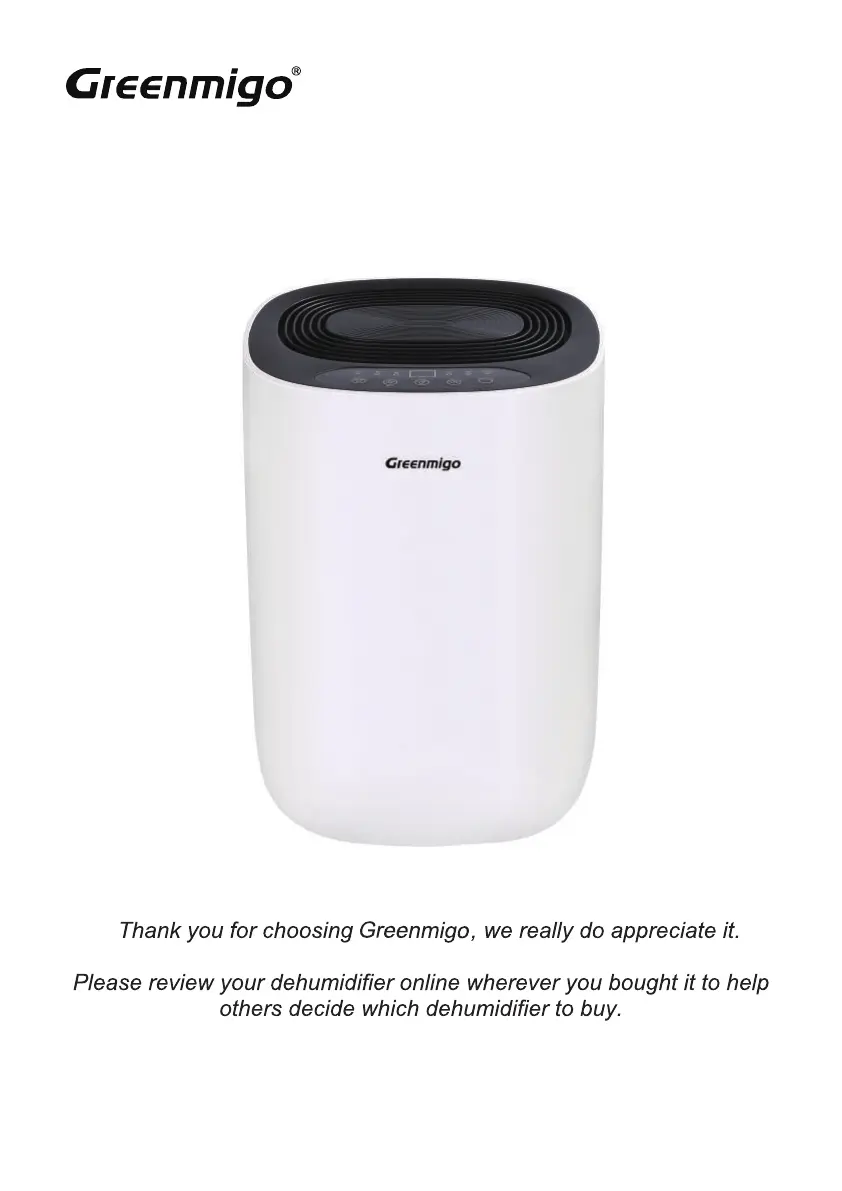
GREENMIGO ‘ALPHA’ Range Dehumidifiers
INSTRUCTION MANUAL [EN]

Questions and Answers

  • S
    Stephen McmahonAug 9, 2025
    Why is my Greenmigo Dehumidifier blowing out warm air?
    • L
      lauracamposAug 9, 2025
      It's normal for a dehumidifier to blow out warm air because the dried air is passed over heating coils before being released into the room as part of the dehumidifying process. Remember, a dehumidifier is not an air conditioner.
  • M
    Michael TaylorAug 15, 2025
    Why is my Greenmigo Dehumidifier not reducing humidity enough?
    • S
      Sara MillerAug 15, 2025
      If your Greenmigo Dehumidifier isn't effectively reducing humidity, it could be due to several factors. The room might be too large for the unit's capacity, in which case a more powerful dehumidifier is recommended. Excessive ventilation, such as open windows and doors, can also hinder its performance; try to reduce ventilation. A clogged air filter can also impact performance, so be sure to clean it. Finally, ensure that the set humidity level is lower than the current ambient humidity.
  • M
    Mr. Matthew PittmanAug 22, 2025
    Why is my Greenmigo Dehumidifier so noisy?
    • M
      michaelnolanAug 22, 2025
      If your Greenmigo Dehumidifier is making excessive noise, the air filter may be blocked, so try cleaning it. Alternatively, the device might be placed on an uneven surface; ensure it is on a flat surface.
  • J
    Justin ChavezAug 28, 2025
    Why is the water removal capacity of my Greenmigo Dehumidifier too low?
    • H
      Heather AtkinsAug 28, 2025
      If the water removal capacity of your Greenmigo Dehumidifier seems too low, remember that dehumidifying takes time, so be patient and wait. Also, the device might not dehumidify effectively if the ambient temperature or humidity is too low, which is normal in those conditions.
  • J
    jacquelineperrySep 2, 2025
    How to check the humidity set point on my Greenmigo Dehumidifier?
    • J
      Johnny EstradaSep 2, 2025
      To see the target relative humidity on your Greenmigo Dehumidifier, press the humidity control button once. The display normally shows the room's relative humidity, not the set point.

Summary

Product and Safety Instructions

General Safety Precautions

Covers usage by children, refrigerant loop servicing, flammable refrigerant handling, ignition sources, power cord safety, and proximity to flammables.

Safety Instructions - Storage and Servicing

Storage and Installation Requirements

Store away from ignition, prevent damage, ensure ventilation. Pipe-work needs protection and ventilation.

Refrigerant Handling and Servicing Certification

Requires certified personnel for refrigerant handling and servicing. Observe gas regulations.

1. Prior to Operation

Pre-Operation Checks and Placement

Check for damage, remove packaging, place on stable surface, ensure 50cm distance from walls.

Power and Tank Setup

Ensure correct power supply and grounding. Verify water tank is fitted correctly.

8. Operating Notes

9. Continuous Drainage (ALPHA 10;12)

10. Continuous Drainage (ALPHA 20)

11. Cleaning & Maintenance

12. Trouble shooting

Troubleshooting Common Issues

Addresses problems like device not working, low capacity, insufficient reduction, noise, and water leaks.

13. Display Error Codes

Error Code E1 and E2 Interpretation

Explains error codes E1 (coil temperature) and E2 (humidity sensor) and their operational impact.

14. Specifications

Greenmigo Alpha-10 Specifications

General IconGeneral
BrandGreenmigo
ModelAlpha-10
CategoryDehumidifier
LanguageEnglish

Related product manuals