EasyManua.ls Logo

Greenmigo ALPHA-Q25 Pro WiFi - User Manual

Default Icon
19 pages
Print Icon
To Next Page IconTo Next Page
Loading...
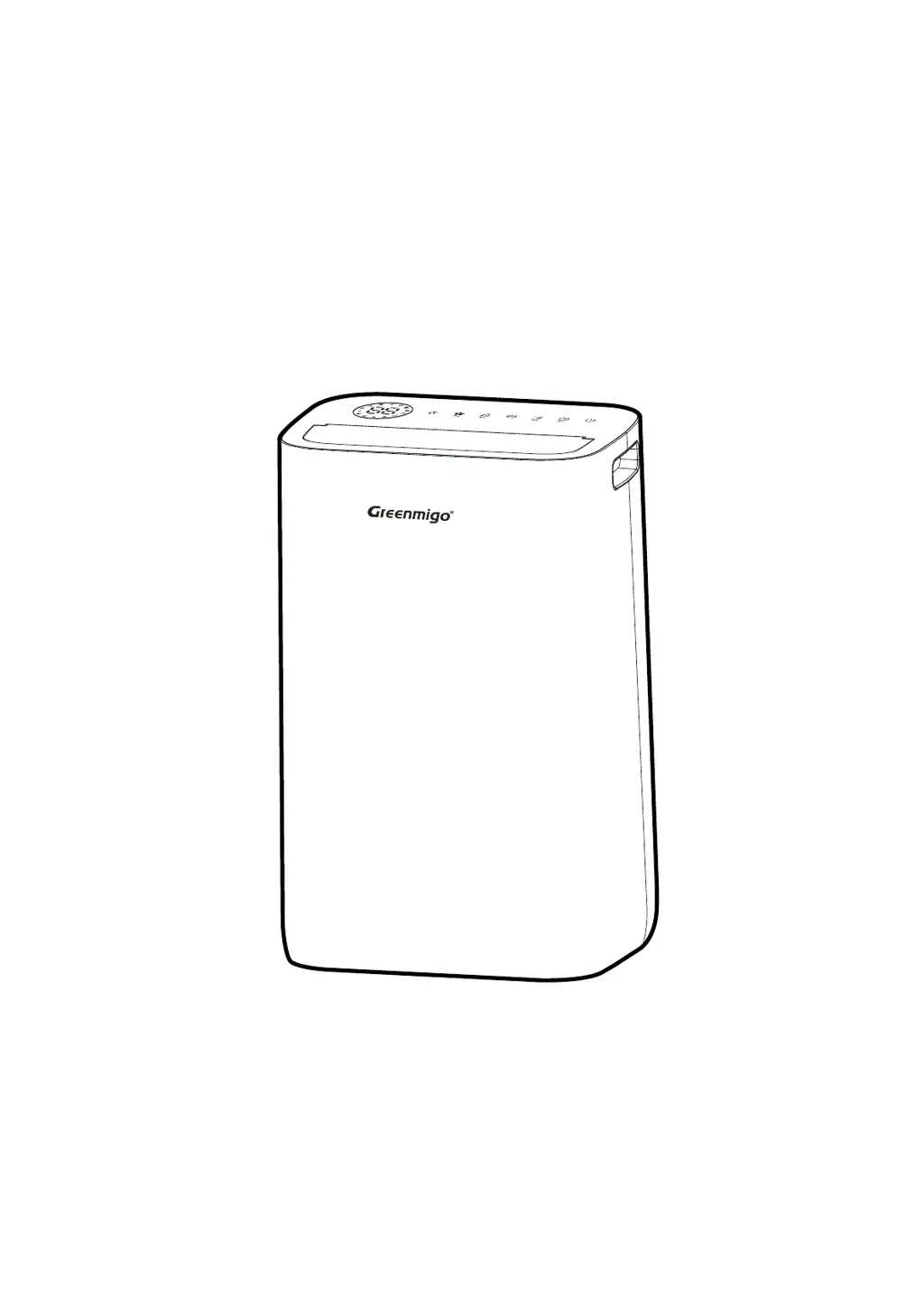
ALPHA-Q25 Pro WiFi
Dehumidifier
INSTRUCTION MANUAL
Please read this instrucon manual
before operang and keep safe for future reference
INSTRUCTION MANUAL [EN]

Questions and Answers

  • J
    Justin ArellanoAug 7, 2025
    How to fix a Greenmigo Dehumidifier that won't turn on?
    • G
      gmorenoAug 8, 2025
      If your Greenmigo Dehumidifier isn't turning on, there might be a few reasons. First, ensure the power cord is securely plugged into a working wall socket. Also, check if the water tank is full or not correctly fitted. The unit also will not start if the set humidity level has already been reached. Finally, examine the power plug and cord for any signs of damage.
  • O
    owoodAug 13, 2025
    Why is my Greenmigo Dehumidifier not reducing humidity?
    • P
      Philip JimenezAug 13, 2025
      If your Greenmigo Dehumidifier isn't reducing humidity, several factors could be at play. Ensure the dehumidifier has been running for a sufficient amount of time. Check that all doors and windows are closed. The ambient temperature or surrounding humidity level might be too low for effective operation. A dirty air filter frame can also hinder performance, so inspect and clean it. Make sure that you do not exceed the dehumidifier's recommended room coverage area. Also, the ambient humidity level might be lower than the humidity level you have set.
  • K
    Kathy GomezAug 19, 2025
    What to do if my Greenmigo ALPHA-Q25 Pro WiFi is making unusual noises?
    • H
      heather17Sep 12, 2025
      If your Greenmigo Dehumidifier is making unusual noises, check if it's on a level surface. An uneven surface can cause vibrations and noise. Also, make sure the air filter is clean, as a dirty filter can sometimes cause odd sounds. Check for any loose or foreign particles inside the unit. The sound of flowing refrigerant can also be normal.
  • V
    Veronica HaynesAug 26, 2025
    Why is the water tank overflowing in my Greenmigo Dehumidifier?
    • A
      Alexander HillAug 26, 2025
      If the water tank in your Greenmigo Dehumidifier is overflowing, it could be due to a damaged tank. Another possibility is that the float for the water auto-sensor is not correctly in place. Also, the internal drainage passage might be blocked or obstructed, causing the overflow.
  • J
    Jessica PatelAug 31, 2025
    What does 'LO' or 'HI' mean on my Greenmigo ALPHA-Q25 Pro WiFi Dehumidifier display?
    • S
      Shawn WilsonAug 31, 2025
      If your Greenmigo Dehumidifier displays 'LO' or 'HI', the control panel might be locked. To unlock it, press and hold the Timer button for 2 seconds. 'LO' indicates that the ambient humidity is below 30%; the display will return to normal when it rises above 30%. 'HI' indicates that the ambient humidity is above 90%; the display will return to normal when it drops below 90%.

Greenmigo ALPHA-Q25 Pro WiFi Specifications

General IconGeneral
BrandGreenmigo
ModelALPHA-Q25 Pro WiFi
CategoryDehumidifier
LanguageEnglish

Related product manuals