EasyManua.ls Logo

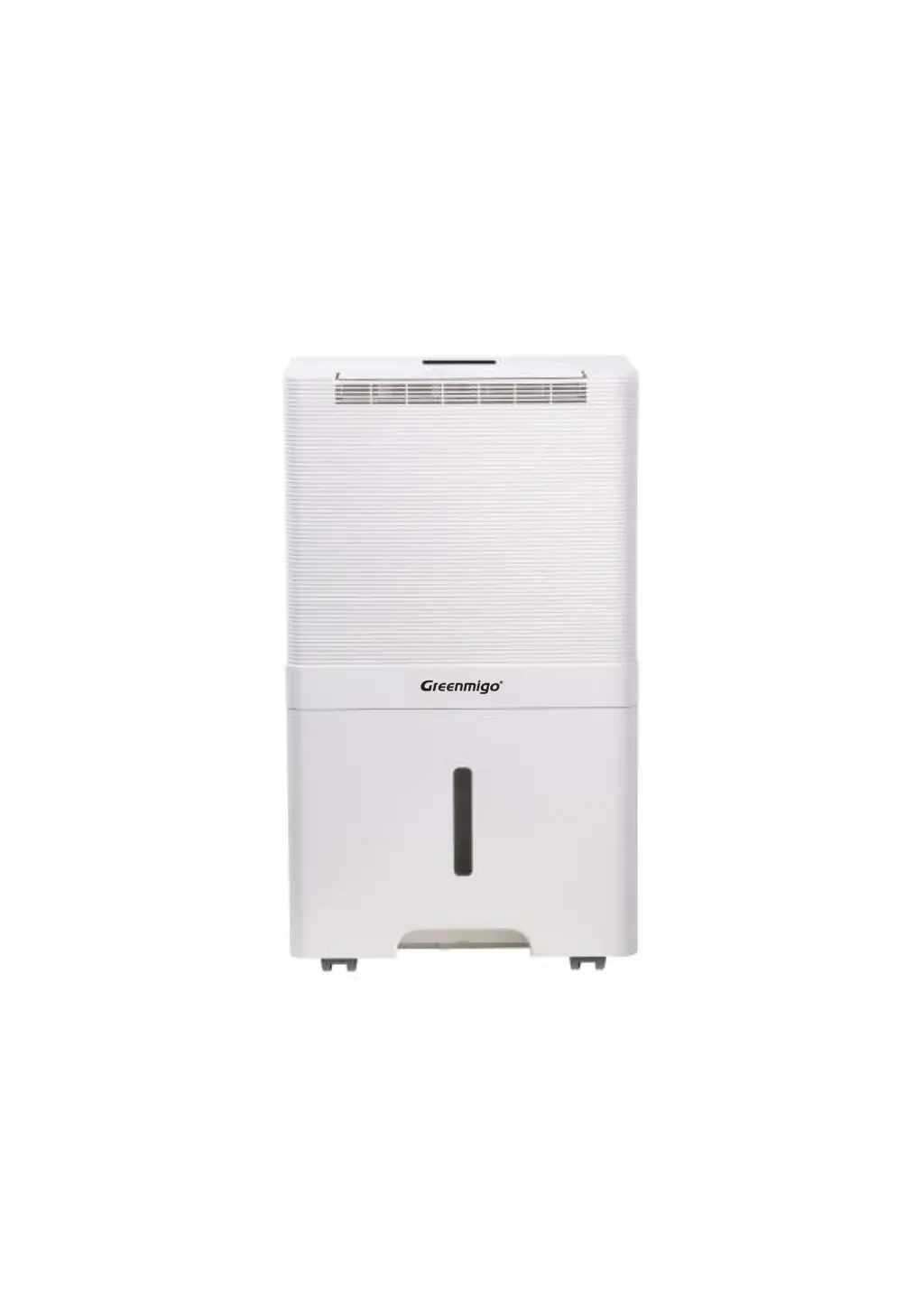
Greenmigo ALPHA-AF55 WiFi - User Manual

Greenmigo ALPHA-AF55 WiFi
19 pages
Print Icon
To Next Page IconTo Next Page
Loading...
INSTRUCTION MANUAL


ALPHA-AF55 WiFi
Dehumidifier
INSTRUCTION MANUAL [EN]

Questions and Answers

Summary

Safety Instruction

Safety Regulations for Service and Repair Work

Checks to the Area

Perform safety checks before working on systems with flammable refrigerants to minimize ignition risk.

Work procedure

Undertake work under a controlled procedure to minimize flammable gas or vapour presence.

General work Area

Instruct staff on work nature, avoid confined spaces, section off workspace, and ensure safety.

Checking for presence of refrigerant

Check area with detector for flammable atmospheres using non-sparking equipment.

Presence of fire extinguisher

Ensure appropriate fire extinguisher is available for hot work on refrigeration equipment.

No ignition sources

Keep ignition sources, including smoking, far from installation and repair areas.

Ventilated area

Ensure the area is open or adequately ventilated before and during work.

Checks to the refrigeration equipment

Ensure electrical components fit purpose and follow maintenance guidelines for refrigerants.

Checks to electrical devices

Perform initial safety checks on electrical components, discharge capacitors, check wiring.

Product Description

Control Panel Description

Control Panel Components and Indicators

Overview of control panel buttons, indicators, and their functions.

Technical Specifications

Placement

Operating Instructions

Switching On;Off The Unit

Connect power cord, press power button to turn unit on/off. Unit defaults to Manual Dehumidifying Mode.

Humidity Setting Control

Use Manual button to select desired humidity level from CO to 80%.

Timer Setting

Press timer button to set automatic shutoff duration from 1-24 hours.

Automatic Louver Function

Louver oscillates for better air circulation and diffusion of dehumidified air.

WiFi Function

Activate WiFi by pressing the Automatic Louver button for 2 seconds.

Built in Ionizer

Activate ion function for air purification by pressing the ionizer button.

Laundry Drying Mode

Unit works in continuous dehumidification with high fan speed for 6 hours.

Sleeping Mode

Operates in low fan speed; all indicators turn off after 10 seconds.

Childlock Function

Activate/deactivate childlock by pressing Timer button for 2 seconds to prevent mishandling.

Automatic Shut Off

Unit shuts off automatically when water tank is full, with indicator and buzzer.

Automatic Defrost Feature

Unit defrosts automatically when room temperature is too low, displaying 'F'.

Memory Feature

Unit resumes previous mode (except timer) after power failure and recovery.

Continuous Drainage Option

Allows continuous water removal via a drain hose connection.

Cleaning and Maintenance

Cleaning the dehumidifier

Clean the unit's outer case and grilles every two weeks using a soft cloth.

Cleaning the Air Filter Frame

Wash the filter frame in warm water with mild detergent and let it dry.

Trouble Shooting

Responsible Disposal

Smart Connection Operation Guide

APP Binding Device

Download 'TuyaSmart' app, connect phone to WiFi/Bluetooth, tap '+' to add device.

Adding Device Manually

Manually add device via app by navigating to Add Device page and entering WiFi credentials.

Greenmigo ALPHA-AF55 WiFi Specifications

General IconGeneral
ModelALPHA-AF55
CategoryDehumidifier
WiFi ConnectivityYes
Operating Temperature41°F - 95°F
Noise Level48 dB

Related product manuals