GrillEye uses 2.4 GHz band networks because of longer range in comparison to 5.0 GHz networks. So, if you own a
5.0 GHz router, check its settings to enable compatibility with 2.4 GHz networks.
MAKE SURE YOU HAVE AN ACTIVE INTERNET CONNECTION
Bluetooth® module in the PRO Plus is purely used for initial setup and "near-field" operations. As such, its range is
limited to 10m which can be further decreased in case of obstacles or interferences (e.g. WiFi routers broadcasting in
the same space).
For Bluetooth Low Energy (BLE) scanning to work, eversince Android Marshmallow (6.0) or later, Google requires
location services to be enabled on your mobile device.
MAKE SURE BLUETOOTH IS ACTIVATED
OR
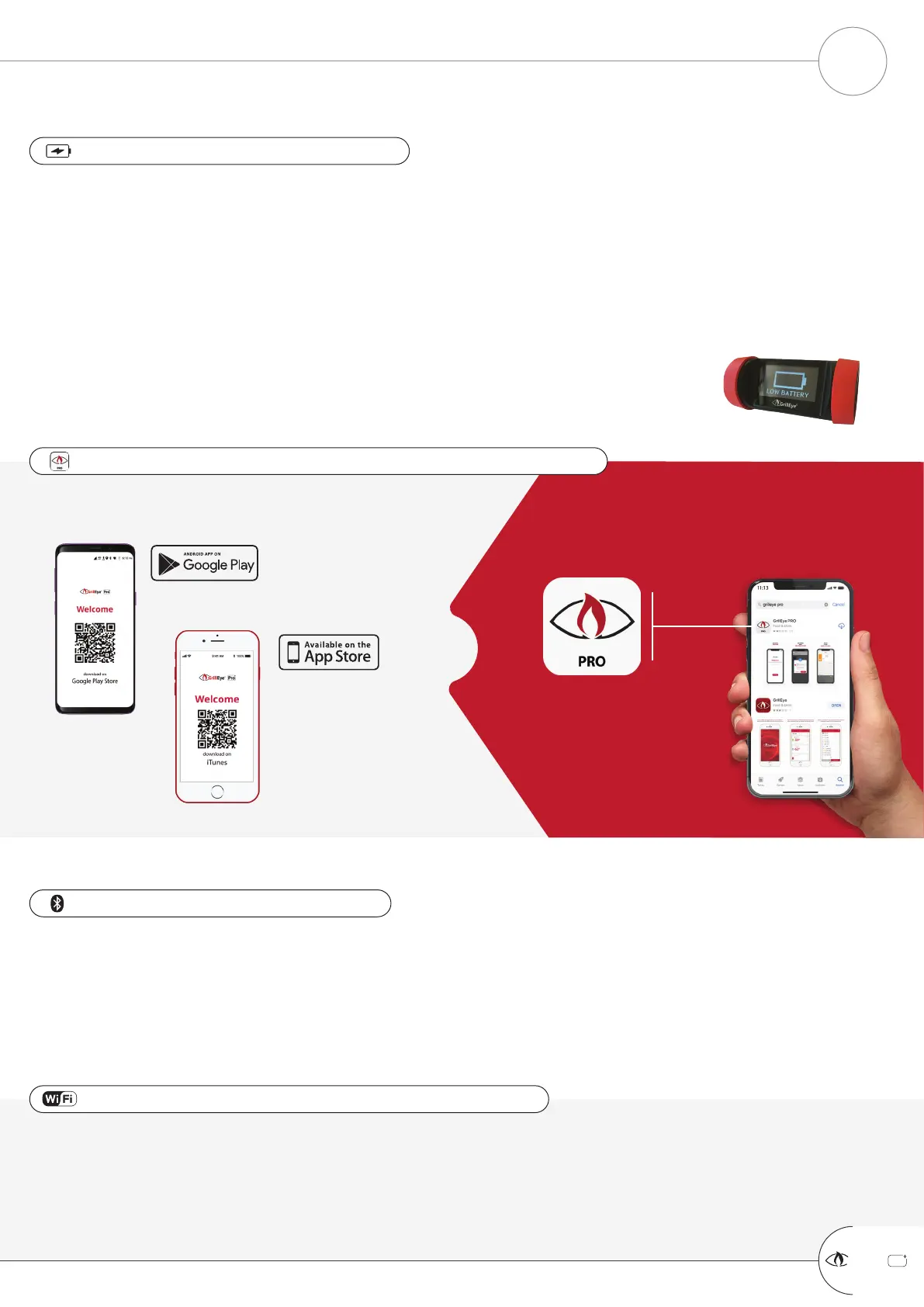
SCAN THE QR CODE BELOW SEARCH GOOGLE PLAY/iTUNES FOR
GRILLEYE PRO
MAKE SURE YOU HAVE THE LATEST GRILLEYE PRO APP INSTALLED
Use any USB charger with the cable included. When you connect the charger, the PRO Plus will power-up
automatically. The display will remain ON while charging to allow you to monitor the process.
If the device does not power-up instantly, it means the battery is completely depleted. In this case leave the
charger plugged and the device will light-up after a while.
Device can be used while charging, without any restriction.
Full battery lasts approx. 48hrs until depletion (under full load, having proximity illumination activated - see App
Settings).
When battery level is at 5% or lower, the PRO Plus will display a “Low Battery” notification
(illustrated).
MAKE SURE YOUR PRO PLUS IS CHARGED
PREREQUISITES
PREPARING TO USE YOUR GRILLEYE
®
PRO PLUS
+
GrillEye Pro
®
4


 To Next Page
 Loading...