Press
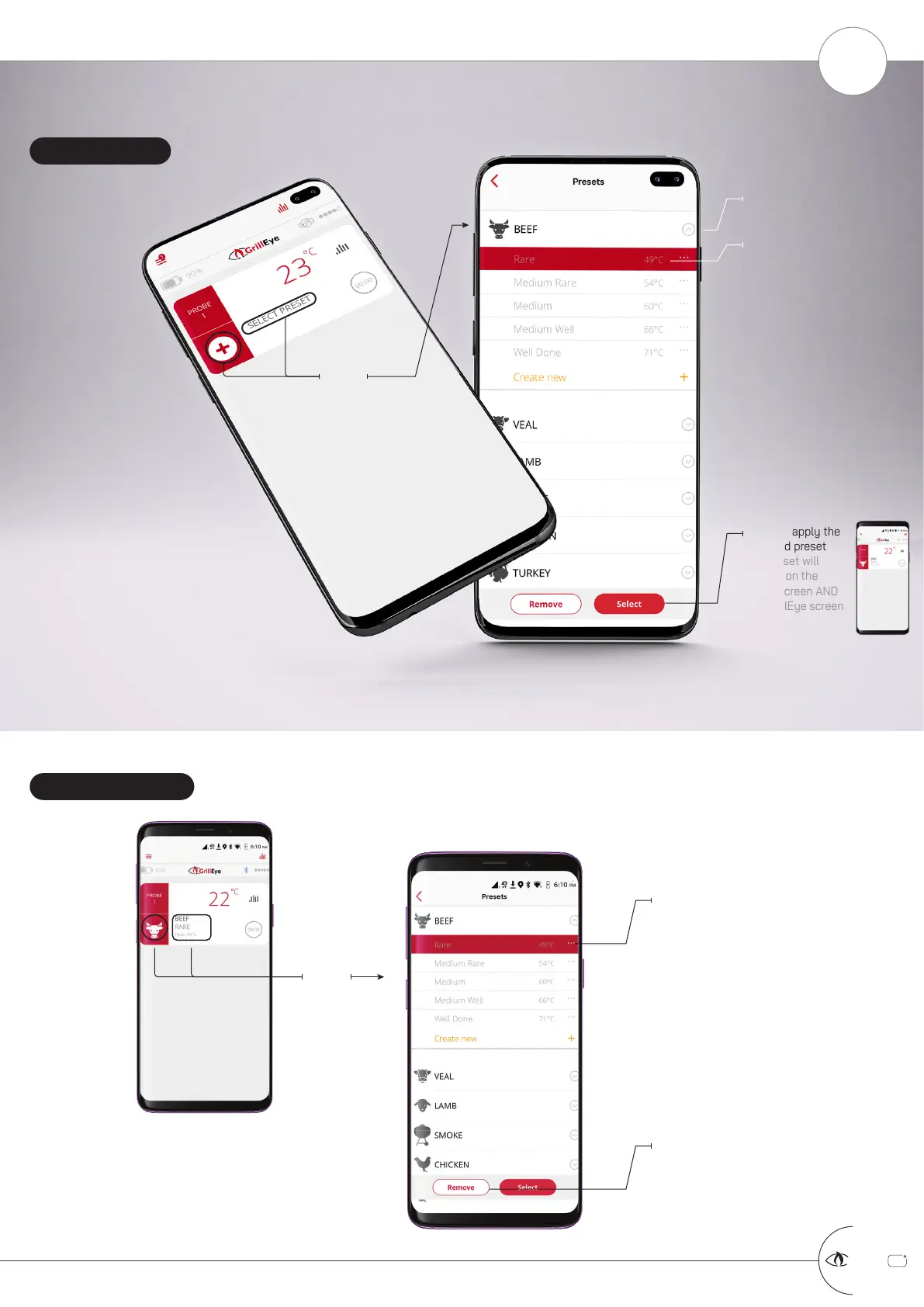
The presets list will
open with the
active preset
already selected
Press to remove the selected
preset
the preset will be removed
from the home screen as well
as the GrillEye screen too
DESELECT PRESET
Press
Expand the category of the
preset your prefer
Press anywhere on the line to
select your preferred type of
grilling
the selected preset will be
marked in red and the selection
buttons will appear at the
bottom of the screen
Press to apply the
selected preset
the preset will
appear on the
home screen AND
the GrillEye screen
SELECT PRESET
+
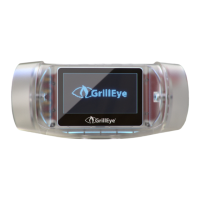
GrillEye Pro
®
MANAGE PRESETS PART 1 OF 3: SELECT & DESELECT (REMOVE) PRESET
START GRILLING & COOKING
8



 To Next Page