23
8. Operation
8.1 Connect and Charge
8.2 Stop Charging
8.3 Self-Monitoring and Recovery (Auto Restart)
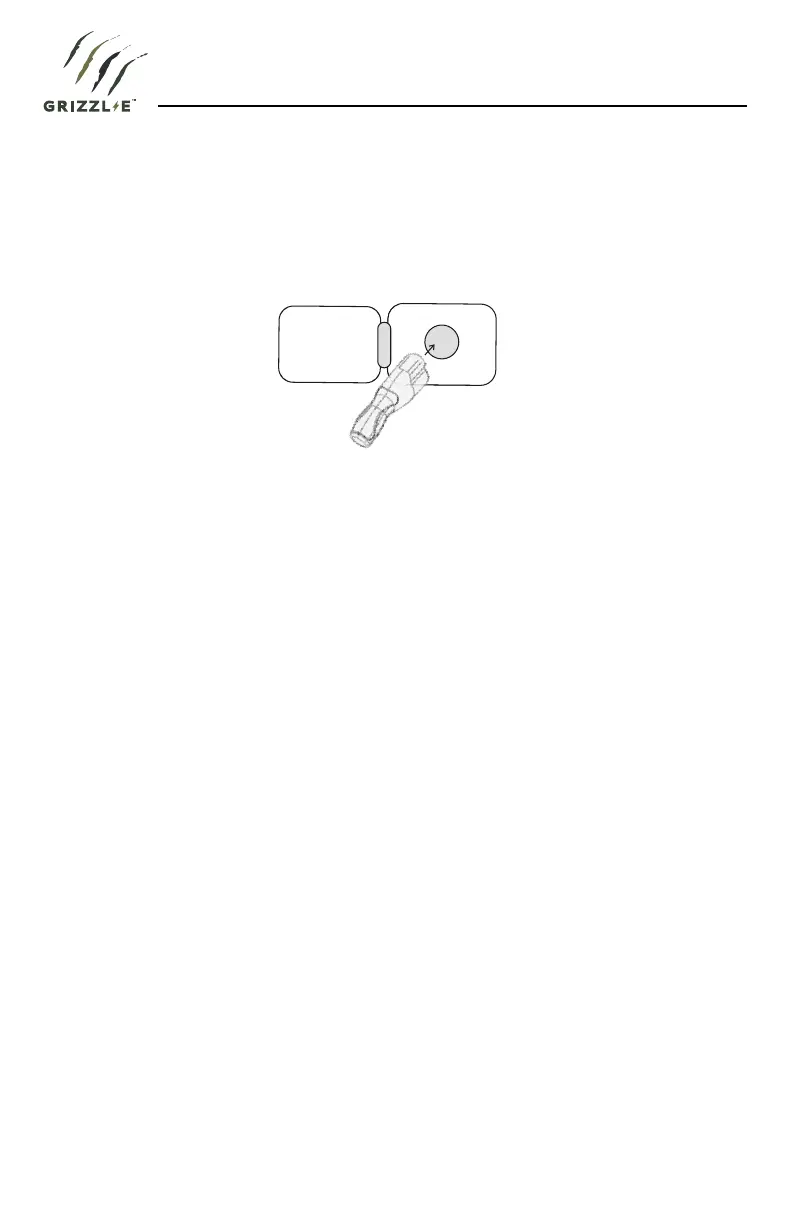
Insert the charging Connector into the EV and ensure the connector is fully seated/locked in
place. Once complete, the charging session will begin.
1. Unplug the charging station by pressing the connector button and removing the Charger
Connector from the EV (once the connector button is depressed, the charging session
terminates immediately).
2. Return the connector to the holster.
When a charging session is interrupted due to a temporary error condition, it will
automatically restart charging when the cause of the temporary error condition returns to
normal. The status indicator lights remain flashing RED until the error condition
is resolved.
• Temporary error conditions include: Over Current, Under Voltage, Missing Diode, Ground
Fault, and Over Temperature.
• For Over Current (OC) conditions: The charging session will be stopped while OC occurs.
After recovery from OC for 30 seconds, the charging station will automatically restart
charging for four times.
• When charging session stopped due to the Ground Fault (GFCI) trip, the charging station
will try to restart after 15 minutes for 4 times. After 4 times, the charging station buzzer
will stay on continuously, and status indicator will stay RED. The user should plug-out and
plug-in the power cable of the charging station.
Figure 3-1. Connect the charging plug to the EV


 To Next Page