2. GETTING STARTED
2.1. SET UP YOUR ACCOUNT
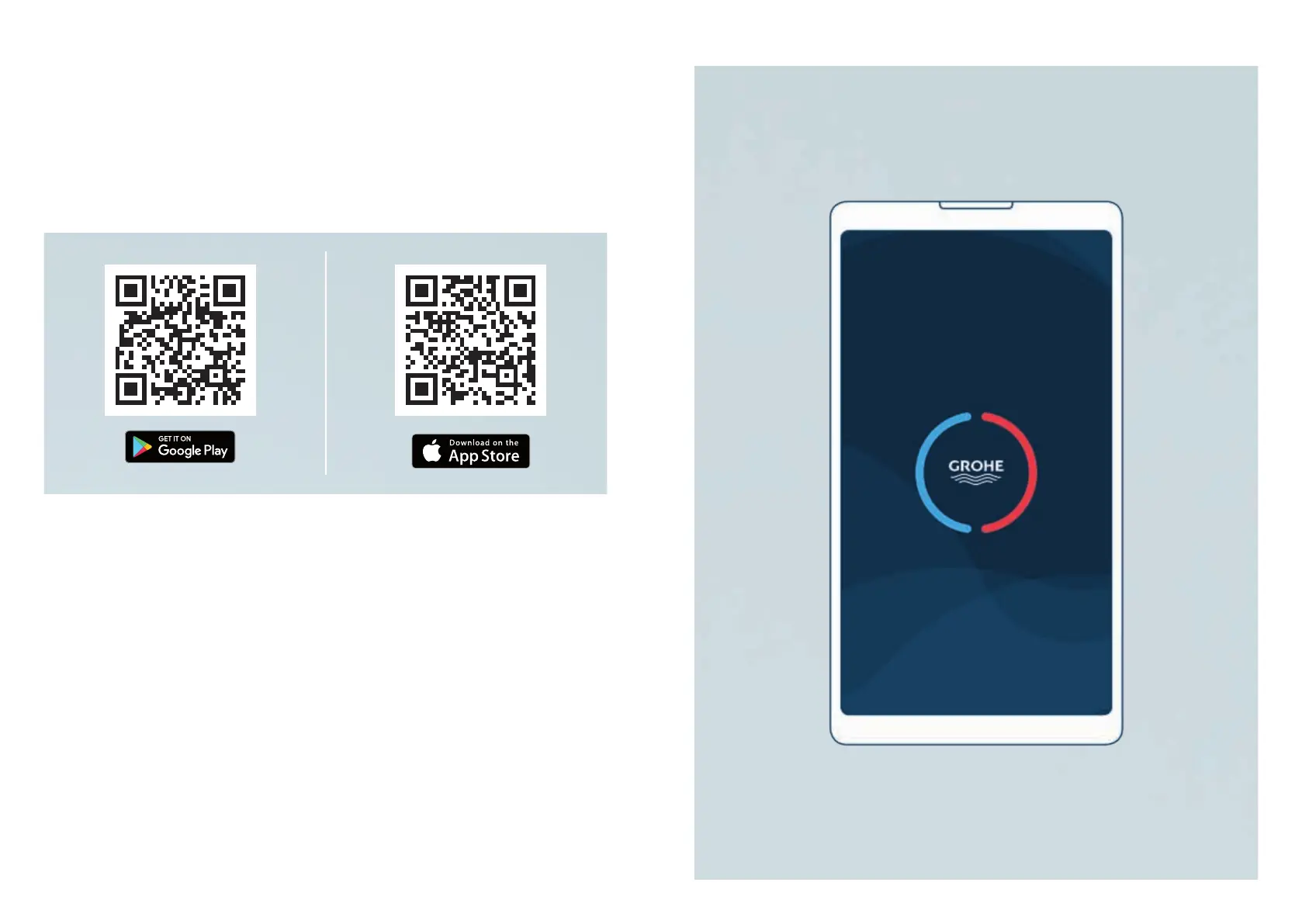
2.1.1. DOWNLOAD GROHE SENSE APP
Todownloadtheapp,opentheGooglePlayStoreorAppleAppStoreonyour
smartphone and search for “GROHE Sense”, or scan the QR code below.
• GROHESenseappiscompatiblewithoperatingsystemversionsAndroid6.0+,
AppleiOS10+.
• During the installation process, the requested permissions need to be granted to
theapptofunctioncorrectly,especiallythepermissiontosendpushnotications
toalertyouincaseofdetectedleaks.
• It is possible to download and run the app on a tablet, but for the best user
experience we recommend the use on smartphones.
6 7
GROHE SENSE USER GUIDE
6 7
2. GETTING STARTED


 To Next Page