1 2 3 4 5
2.2.2. CONNECT GROHE SENSE
ToconnectGROHESensetoyourhome’sWi-Finetwork,followthesestepsinthe
GROHESenseapp:
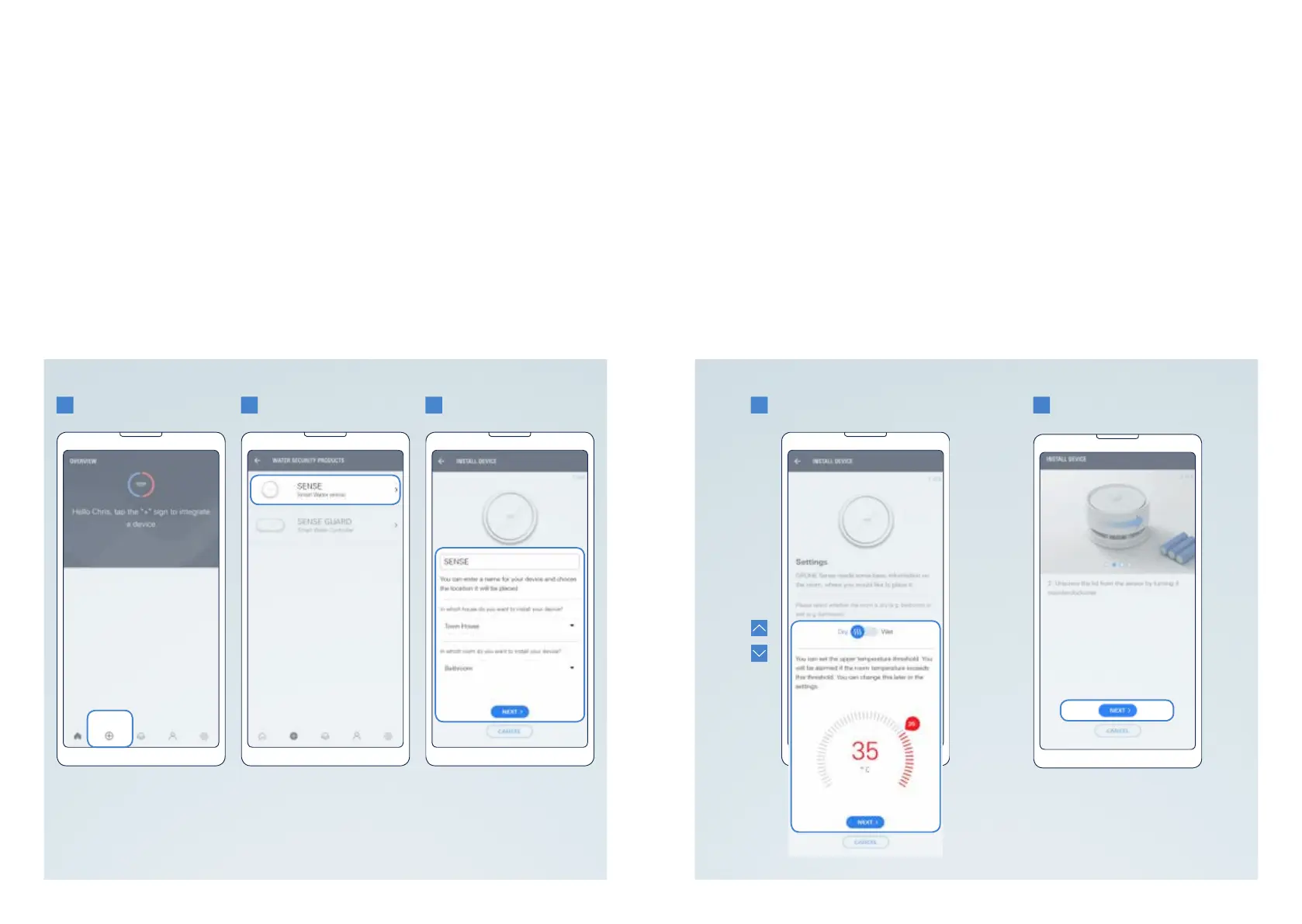
1. Tapthe(+)buttoninthebottompartofthescreentostartaddinganewdevice.
2. Selectthedevicetype:GROHESense.
3. Enteranameforyourdevice,andassignittoahouseandaroominthehouse.
Ifyouhaven’tcreatedahouseoraroomyet,youwillbeautomaticallyrequested.
Tap the button “Next”.
4. Deneyourdevicepreferencesandtapthebutton“Next”.Youcaneditthese
preferencesalsoatanytimelaterafteryouhavesuccessfullyconnectedthedevice.
5. ActivateyourdeviceforWi-Fiintegrationaccordingtotheinstructionsonthescreen.
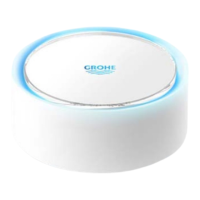
• Insertthebatteries.GROHESensestartsashingblueandremainsavailablefor
Wi-Ficonnectionfor5minutes.Ifyoudonotconnectthedevicein5minutes,take
outall3batteries,wait30seconds,insertthebatteriesagainandyourGROHE
Sense is available for Wi-Fi connection for 5 minutes again.
• Ifyourdevicedoesnotstartashingblue,itisnotreadyforWi-Fiintegration.Tryto
reset the device.
14 15
GROHE SENSE USER GUIDE
14 15
2. GETTING STARTED


 To Next Page