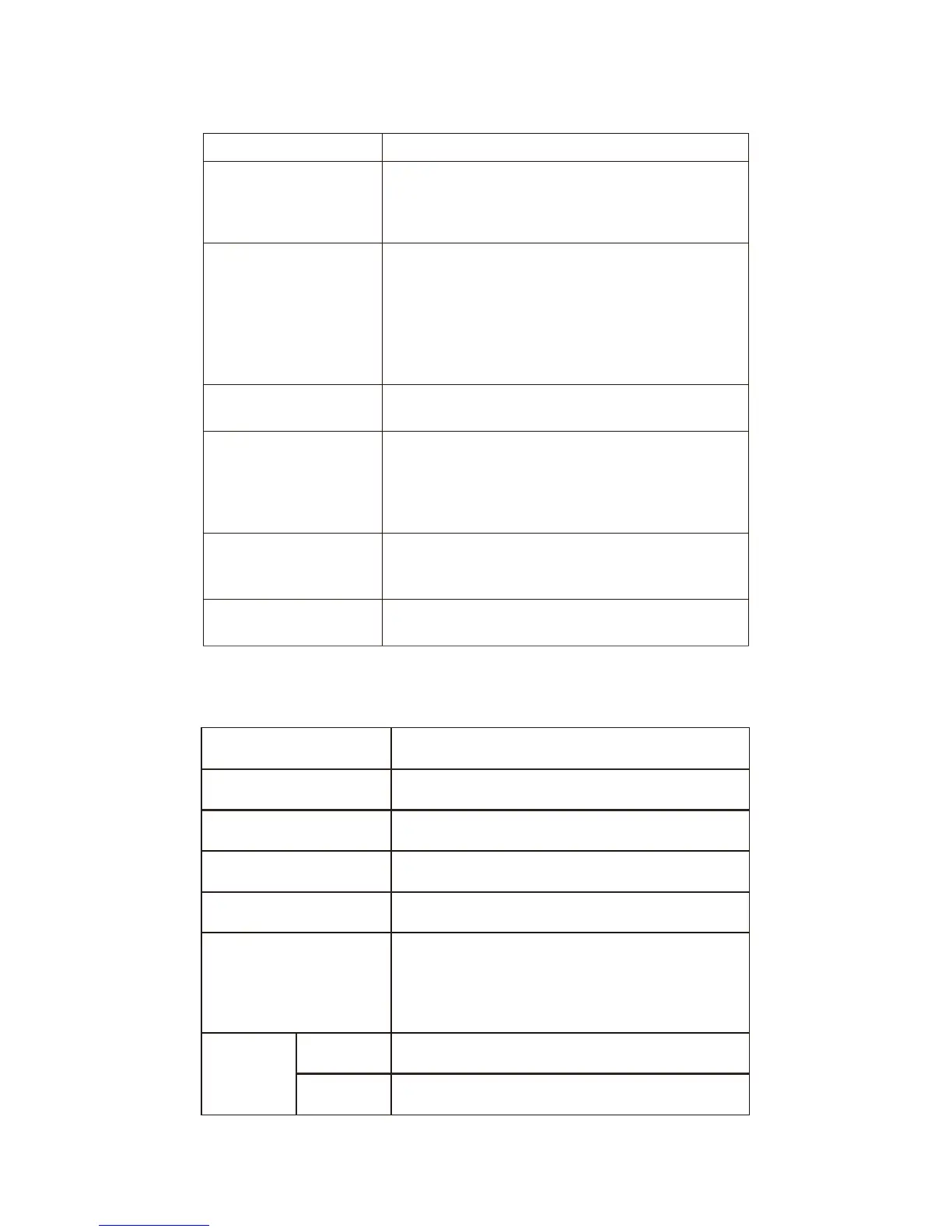
Problem Solution
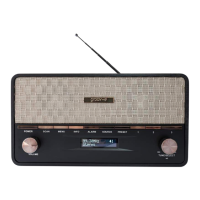
My Retro Digital Radio
isn't turning on.
Check that the power ad
aptor is connec
ted to the
back of
the radio. En
sure that the
wall Outlet is
switched to
ON.If still no
success,try
disconnecting the power and reconnecting again.
Why is there no sound?
•
Ensure that you are inDA
B or FM mode by
c
hecking the LCD Display.
If only the clock is
shown, press the POWE
R button.
•
Turn
the volume dial clockwise to increase
the volume.
•
No station may be tune
d in. Adjust the
TUNE/SELECT
dial to select a station.
Why are the buttons
not respondi
ng?
Disconnect the pow
er an
d reconnect again.
Why does the FM and
DAB have static or
intermittent c
u
t-outs?
•
Yo
ur signal reception
may be too low, extend
and adjust the antenna, o
r move to a stronger
signal location
•
Yo
u can also try pressin
g the
SCAN
button
or scan for st
ations.
I can't find my desired
radio station.
What does the MENU
button do?
The MENU
button can also be used as a SELECT
button
F A Q s
Tr
y using
the TUNE/SEL
ECT dial to manually tun
e
into your station. If us
ing DAB, try pressing the
SCAN button to re scan for stations.
Specifica
tions
2x5W
174MHz
-
240MHz
FM Range
Speaker Out
put
87.5MHz
-
108.0MHz
Bluetooth Version
Digital Radio Frequency
V4.0
20(10DAB+ 10FM)
Features
Preset
Stations
Bluetooth
Alarm Clock
Auto Tune
LCD Display
AUX Input
Po
w
e
r
Adapter
Input
100-240V~ 50/60Hz 0.5A Max.
Output
DC 7.5V 1.5A


 To Next Page