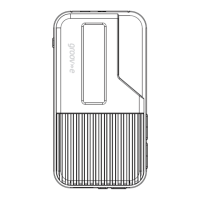
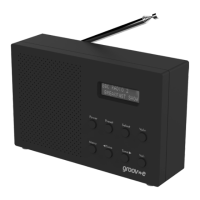
Product Ove
r
view
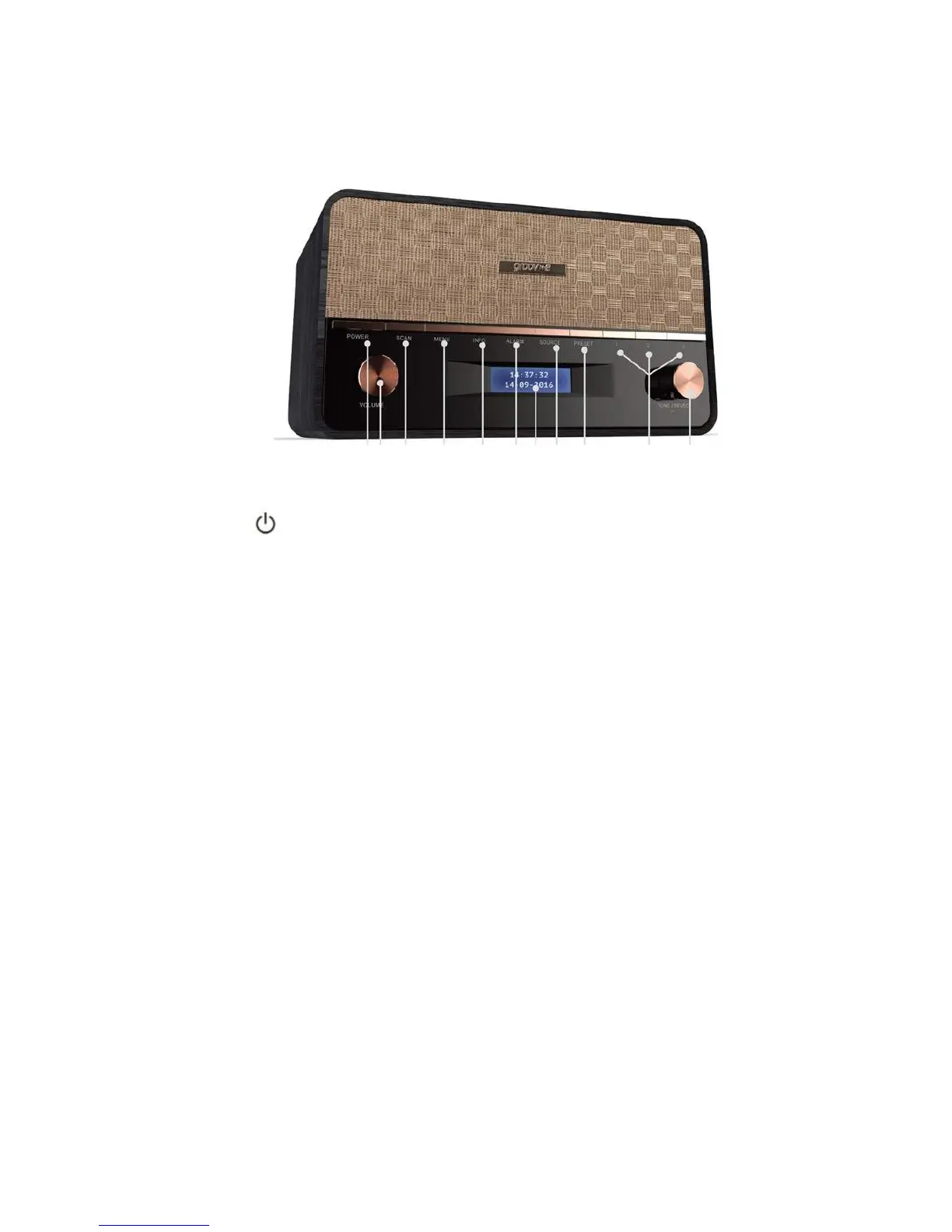
Front view
1 2 3
4
5 6 7 8 9 10
11
1
2
Vol+/-
3
Scan
4
Menu
5
Info
6
AlarmISleep
7
Display
8
Source
9
Preset
10
Memory
Button1, 2 ,3
11
Tune/S
el
ect
Press to turn on the radio from standby mode. Press
to place the r
adio in Standby.
Increase/decrease the volume.
Auto scans all DAB/DAB+ and FM stations.
Menu settings.
Toggle between station info, display Clock
Press once to access Alarm1 info. P
ress twice to access
Alarm2 info. Press and hold to set the Sleep function.
Shows cloc
k or station information.
Input source DAB/DAB+
,
FM
,
AUX In.
Store and access up to 10 DAB/DAB+
and 10FM
Station Presets.
Store stations for easy recall.
Select previous/next frequency station, preset station or
Bluetooth Previous/Next, Play/Pause
, and Bluetooth mode


 To Next Page