OPERATION
16
.
CD controls
You can use the following controls on your Boombox in CD mode.
•
Play
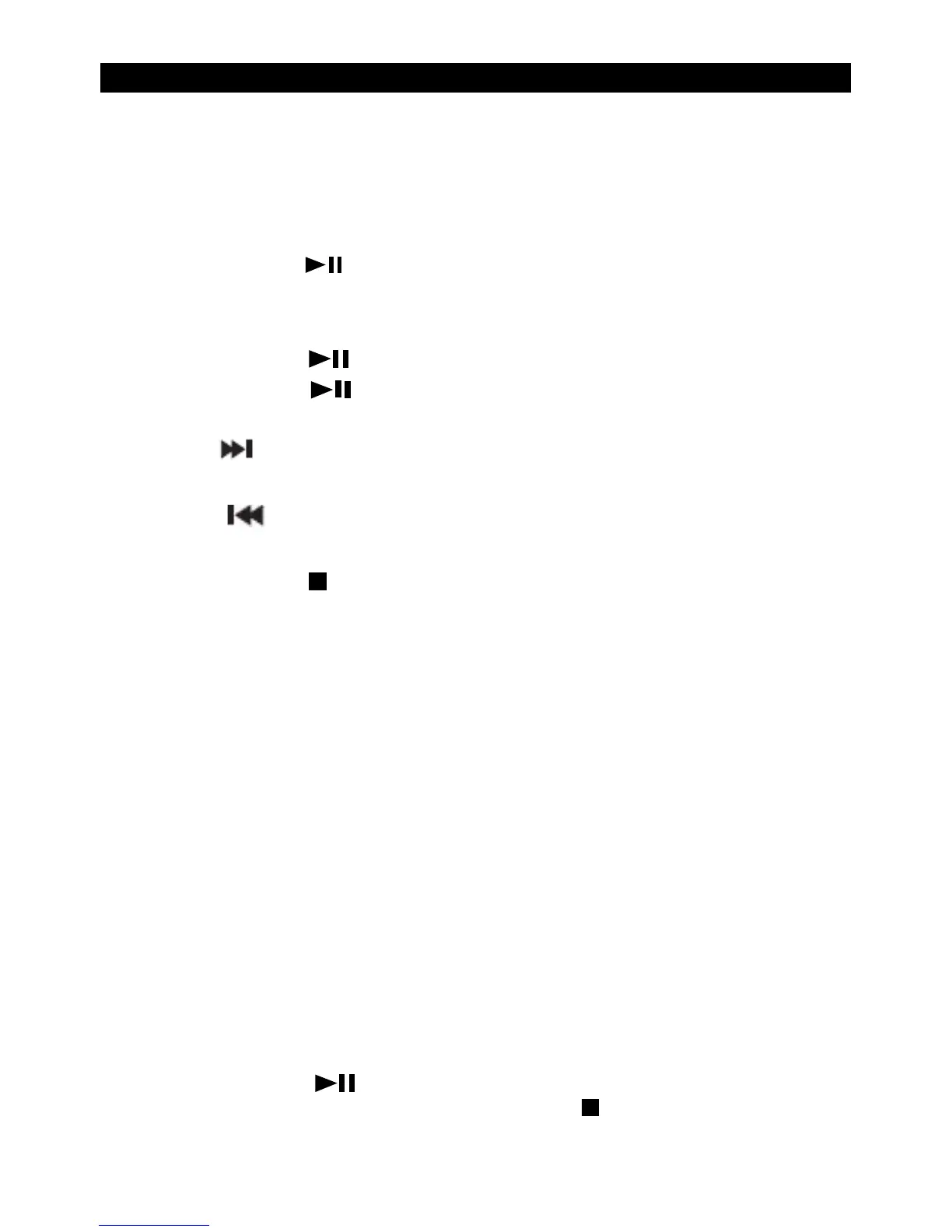
Press and release the button. The first track will begin to play, and the
track number and the elapsed time of the track will be displayed.
•
Pause
Press and release the . The elapsed time of the track will flash in pause mode.
Press and release the button again to continue to play the track/CD.
•
N
ext track:
Press the button to select
•
Pre
vious track:
Press the button to select
•
S
top
Press and release the button.
Programmed play mode
In programmed play mode, you can program the play order of the tracks on your CD.
You can program up to 20 tracks in total.
Note: To set up programmed play mode, the CD must be stopped in the CD
compartment and must not be paused or playing.
I
n CD mode, with the CD you wish to programme in the CD compartment and stopped:
1.
Pre
ss and release the Preset button to enter CD programmed play mode. ‘P01 00’ will
be displayed. You can select the first track that you would like to programme. Press
and release the Preset button to confirm.
2.
‘
P02 00’ will now be displayed and you can select the second track that you would
like to programme. Continue to select each track as in Step 1 above, up to a total of
20 tracks. Press and release the Preset button again to confirm the last track in the
programmed play mode list. If you have programmed 20 tracks, ‘PROG FULL’ will be
displayed.
3.
Pre
ss and release the button to play the programmed tracks.
4.
T
o exit programmed play mode, press and release the
button twice.


 To Next Page