Need help?
Do you have a question about the Grosvenor IT31 and is the answer not in the manual?
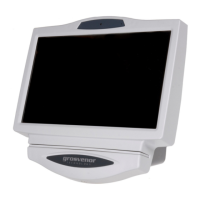
Overview of the IT31 terminal's design and applications.
Purpose and intended audience of the user guide.
References to other Grosvenor Technology documentation.
Contact information for technical assistance.
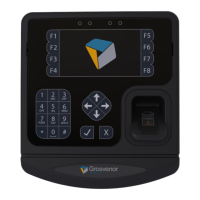
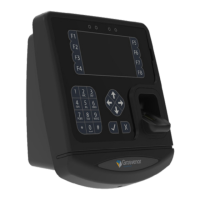
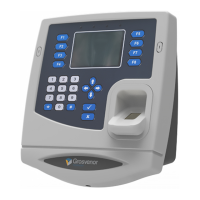
Details of the terminal's physical components and capabilities.
Overview of the terminal's operating system and software capabilities.
Procedure for entering the terminal's configuration menus.
Managing the installed application on the terminal.
Managing the terminal's firmware and system settings.
Enabling or disabling network and other services.
Configuring terminal properties like date, time, region, display, and sound.
Configuring the terminal's network connection methods and settings.
Configuring the type of reader fitted and data decoding.
Managing biometric reader detection and calibration.
Testing IO-Boards and managing USB devices and installations.
Performing diagnostic tests on the terminal.
Connecting to the terminal's command line via TELNET.
Connecting to the terminal using an RS-232 serial connection.
Connecting to the terminal's command line securely via SSH.
Utilizing Grosvenor's remote support feature.
Transferring files to and from the terminal using FTP.
Remotely controlling the terminal's display and keyboard.
Managing the Personal Identification Number for terminal access.
Managing the password for remote login access.
Procedures for resetting lost PIN or login passwords.
Using key combinations for reboot, termination, and bootloader entry.
Accessing and using the bootloader for recovery operations.
Installing applications using a USB memory stick.
Installing applications using a network connection.
Details of the primary terminal components.
Various types of card and biometric readers available.
Modules for Ethernet and Wi-Fi connectivity.
Battery backup and I/O expansion modules.
Additional accessories like power supplies and flash drives.
 General
| Brand | Grosvenor |
|---|---|
| Model | IT31 |
| Category | Data Loggers |
| Language | English |

 To Next Page