Need help?
Do you have a question about the Grosvenor IT51E and is the answer not in the manual?
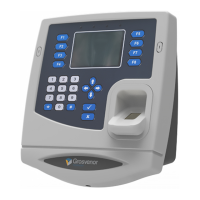
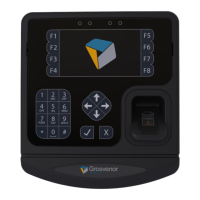
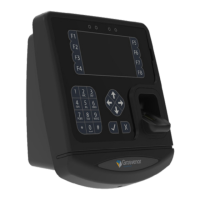
Provides details about the IT series data collection terminal's design and capabilities.
Explains the intended users and the guide's objective for installing and configuring the IT51E terminal.
Lists other available documents from Grosvenor Technology for further reference.
Provides contact information for obtaining technical support from Grosvenor Technology.
Summarises the hardware features of the IT51E terminal.
Summarises the software features of the IT51E terminal.
Manages installed applications, updates, and backups.
Manages terminal firmware, including updates and resets.
Configures general terminal settings like date, time, and language.
Runs network and system diagnostic tests.
Connects to the terminal's command line shell using TELNET.
Connects to the terminal via a serial RS-232 cable.
Connects securely to the terminal's command line shell via SSH.
Transfers files to and from the terminal using the FTP protocol.
Controls the terminal remotely using a VNC client viewer.
Utilises Grosvenor's remote support feature for interrogation and control.
Explains the purpose and management of the terminal's Personal Identification Number (PIN).
Explains the purpose and management of the remote login password.
Details procedures for recovering lost PIN or login passwords.
Instructions for installing applications and firmware via a USB memory stick.
Instructions for installing applications and firmware via a network connection.
Details the main system unit components and back panel.
Lists and describes various available reader modules for the terminal.
Lists and describes communication modules like PoE and Wi-Fi.
Lists and describes expansion modules like battery backup.
Lists additional ancillary equipment such as power supplies and USB drives.
 General
| Brand | Grosvenor |
|---|---|
| Model | IT51E |
| Category | Data Loggers |
| Language | English |

 To Next Page