www.hzgrow.com
4 Read Mode
4.1 Manual Mode
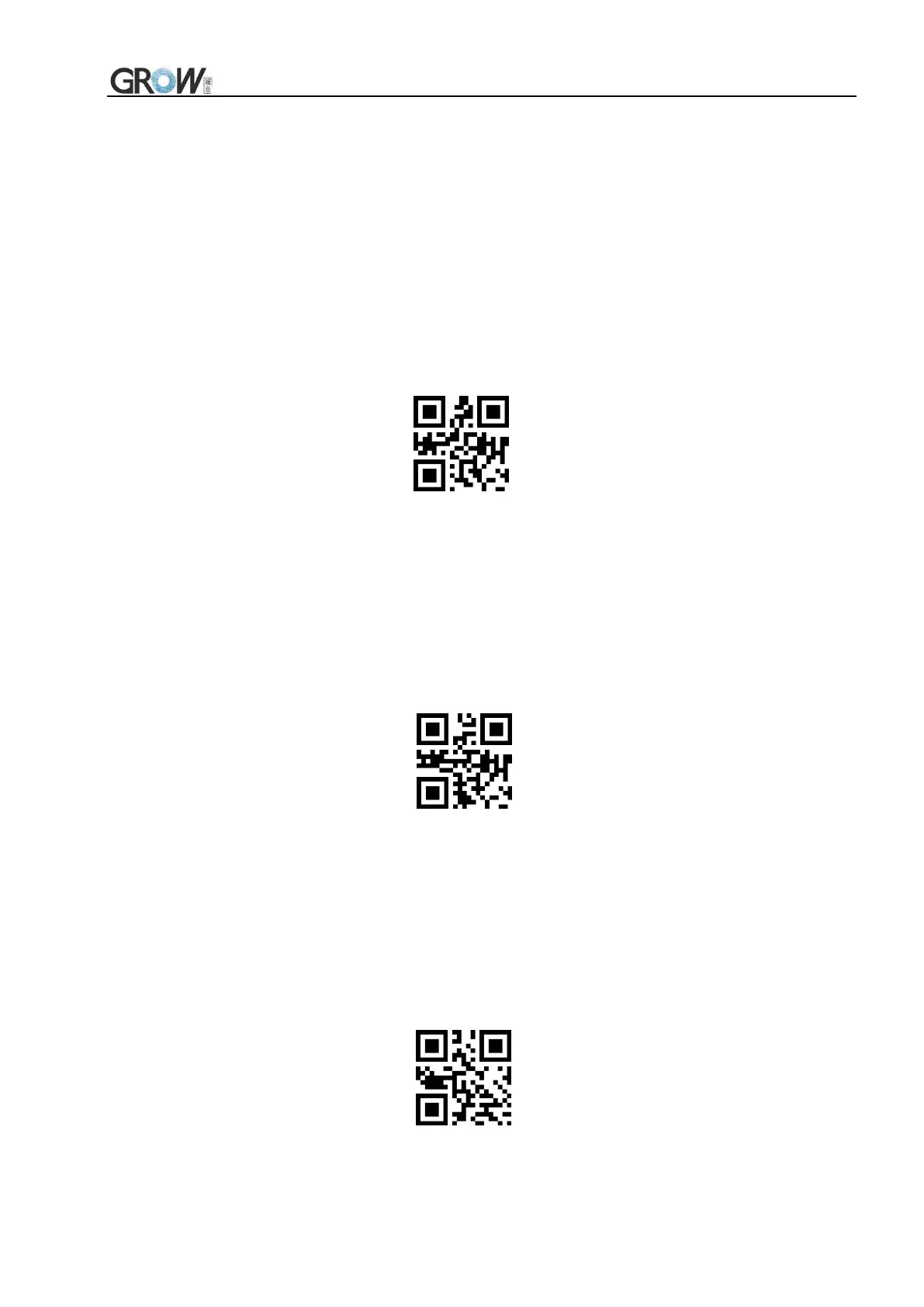
4.1.1 Button Holding Mode
Set to button holding mode, press the button to trigger reading, and release the button to end
reading. If the reading is successful or the reading time exceeds the single reading time, the reading will
be finished.
Manual Mode- Button Holding
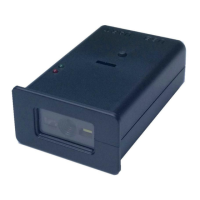
4.1.2 Button Trigger Mode
Set to the button trigger mode, press the button to start reading, release the button, read will not
stop. If the reading is successful or the reading time exceeds the single reading time, the reading will be
finished.
Manual Mode- Button Trigger
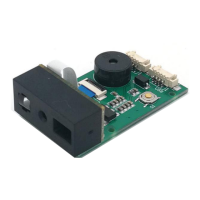
4.2 Continuous Mode(Default)
On this mode, reading module read code continuous and automatic. Read successfully or the
reading time exceeds the single reading time,the reading will be finished,and automatically trigger the
next reading.
*Continuous Mode


 To Next Page