www.hzgrow.com
When this function is disabled, no message can be sent to the host even if the barcode cannot be
decoded.
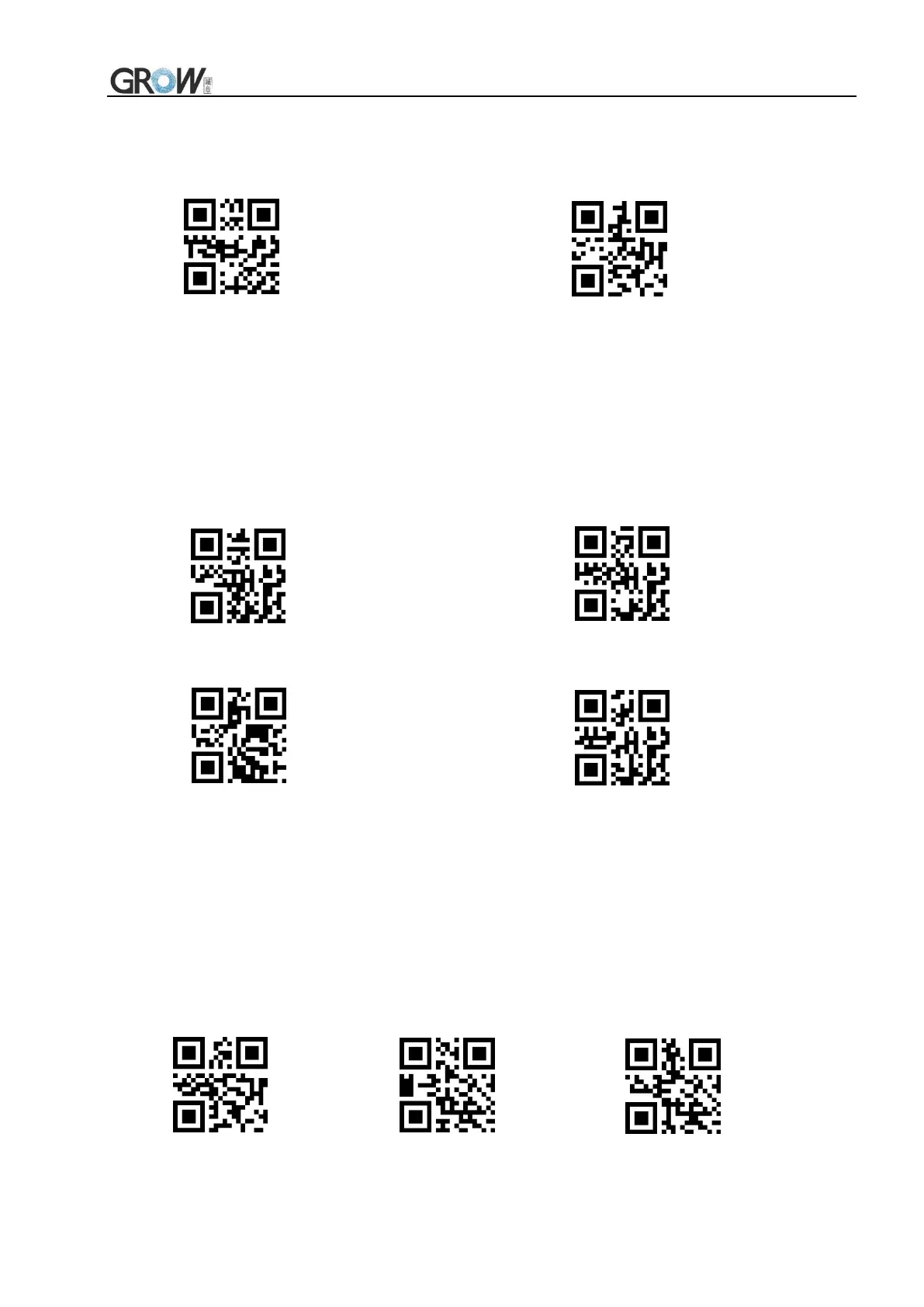
*Forbid sending NR Allow sending NR
6.6 Keyboard Output Force Letter Case Conversion
Example: If the barcode is ab123dE, if scan the "convert to uppercase" bar code, the output is
AB123DE; if scan the "convert to lowercase" bar code,the output is abc123de.
Default: Keyboard case is not converted.
*Keyboard case is not converted All uppercase
All lowercase Case reversal
6.7 Output Data Code Format
Read following to print Chinese data according to specified code format
0: Original type 1:GBK format: notepad, EXCEL
2: UNICODE format: WORD and input box for chat tools
Original Type *GBK Unicode


 To Next Page