ENGLISH
11
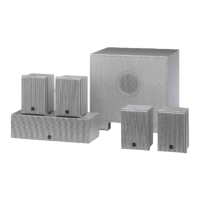
DPS 5200 HIFI LOUDSPEAKERS
_____________________________________________
Setting the impedance of the loudspeakers
All the loudspeakers in the DPS 5200 speaker set have a rated impedance of
4 Ω. Before you connect the loudspeakers to the AV receiver, this value must be
set on the AV receiver.
Connecting the loudspeakers
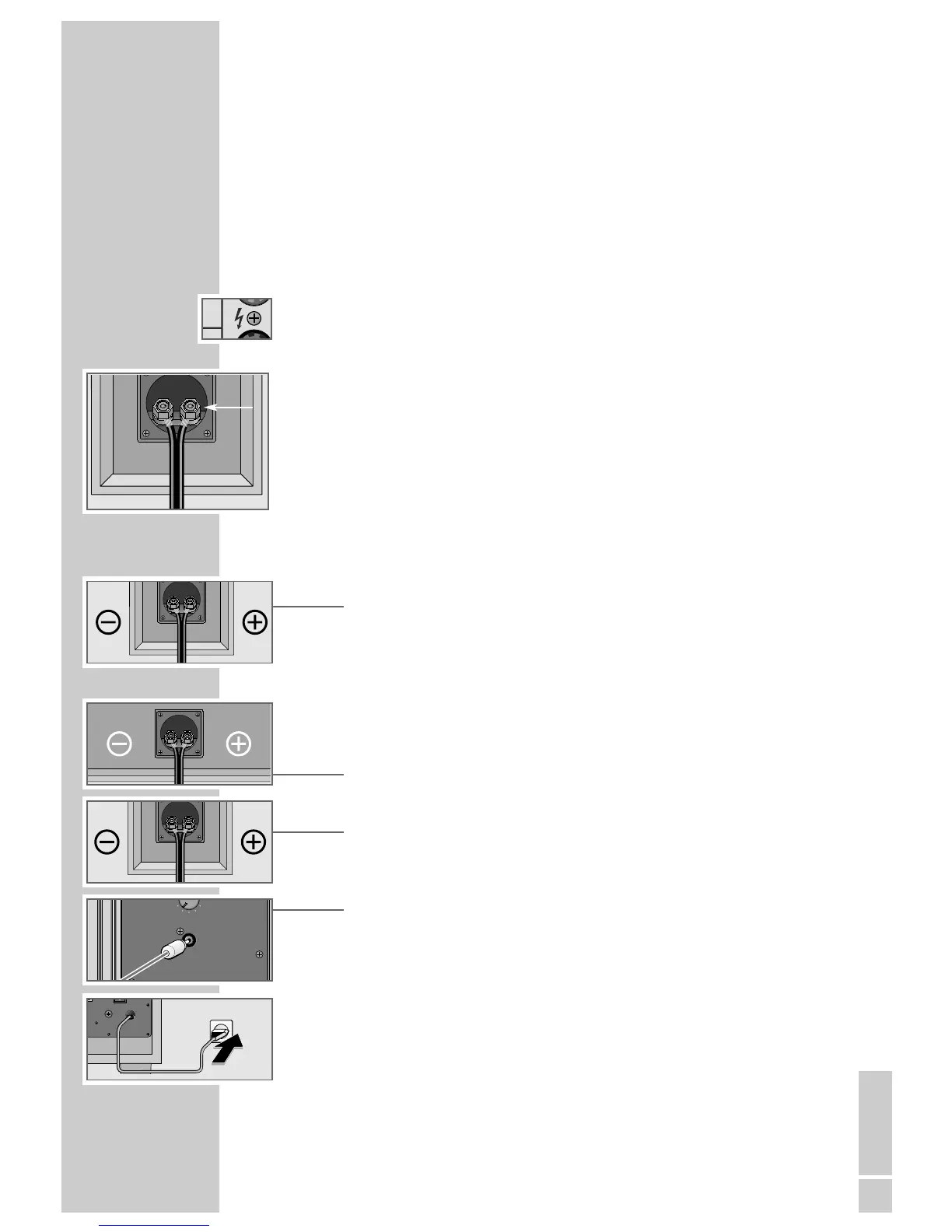
You must not touch the loudspeaker connections indicated with the symbol on
the left during operation. To connect the loudspeakers, switch off the AV receiver
and disconnect the mains.
Do not remove the insulation from too long a section of the loudspeaker cable
wires, and twist them together properly before connecting them. Do not let any
strands stick out, as this can cause short circuits.
To connect the loudspeaker cables, loosen the appropriate terminal screw on the
back of the device and insert the wire into the opening provided. Then tighten
the terminal screw again.
Note:
Check that the connection is secure by pulling lightly on the loudspeaker
cable.
1 Use the loudspeaker cables included to connect the input sockets of the front
loudspeakers with the output sockets of the receiver, observing the polarity.
Note:
Connect the loudspeaker cable with the coloured marking to the »
+
« inputs
and outputs, and the unmarked cable to the »–«. Connect the loudspeaker
cable with the coloured marking to the red output socket of the AV receiver,
and the unmarked cable to the black socket.
2 Use the loudspeaker cables included to connect the input sockets of the cent-
re loudspeaker with the output sockets of the receiver, observing the polarity.
3 Use the loudspeaker cables included to connect the input sockets of the surro-
und loudspeakers with the output sockets of the receiver, observing the pola-
rity.
4 Use the audio cable included to connect the »AUDIO INPUT« socket of the
subwoofer with the »SUBWOOFER OUT« socket of the receiver.
5 Insert the subwoofer power cord plug into the socket.
Note:
Only connect the subwoofer to the mains when all the other system compo-
nents have been completely connected.


 To Next Page