EasyManua.ls Logo

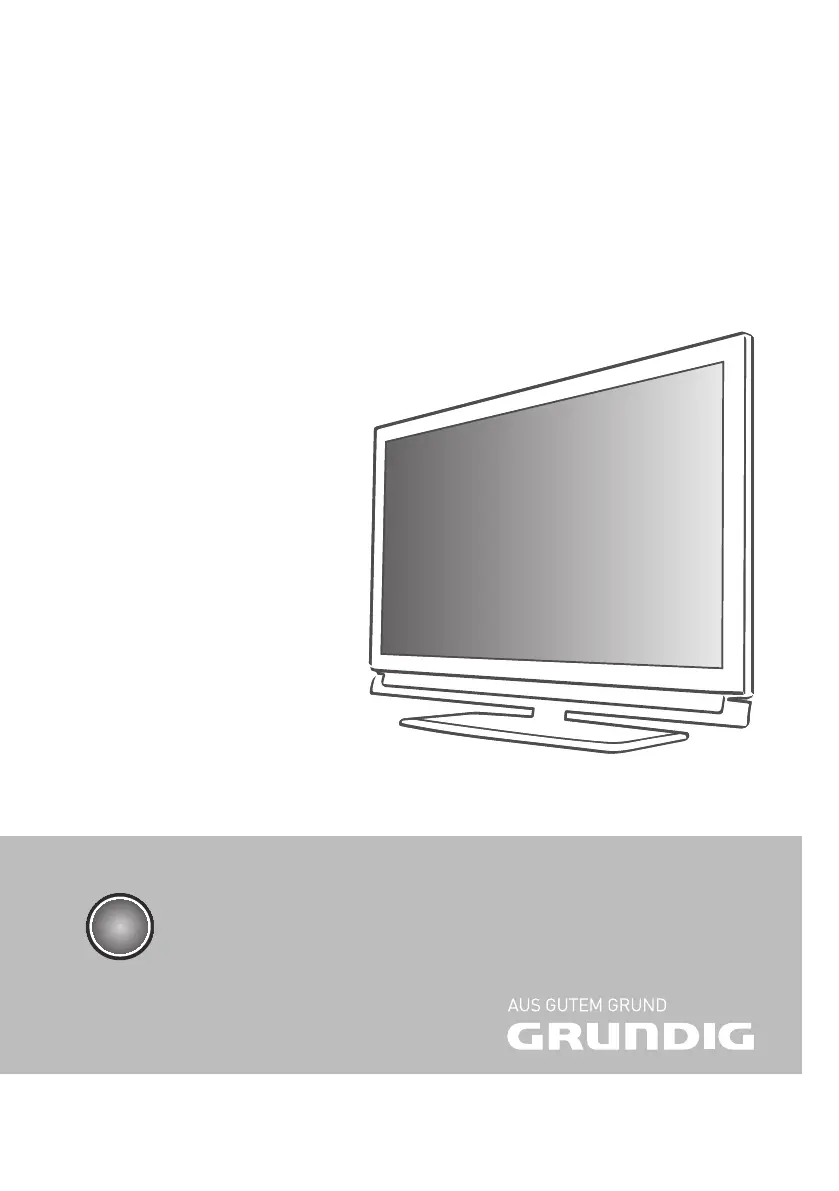
Grundig FineArts 40 FLE 9170 S - User Manual

Grundig FineArts 40 FLE 9170 S
83 pages
Print Icon
To Next Page IconTo Next Page
Loading...
LCD TV
FineArts 40 FLE 9170 SL
EN

Table of Contents

Questions and Answers

  • A
    Anthony PowellAug 7, 2025
    What to do if the Grundig LED TV remote control does not work?
    • L
      Laura WilkinsonAug 7, 2025
      If the Grundig LED TV remote control isn't working, first, make sure there's nothing blocking the remote's signal to the TV. Then, check the batteries and replace them if needed. As a last resort, try switching off the television at the mains switch for two minutes.
  • D
    dwatkinsAug 18, 2025
    What to do if my Grundig LED TV has ghosting, reflection, no colour picture and no sound?
    • M
      markmolinaAug 18, 2025
      If your Grundig LED TV is showing ghosting, reflection, no colour and no sound, try automatic or manual tuning/fine tuning the channel. Have your antenna cable or system checked. Also, turn up the colour intensity and select the correct colour standard. If that doesn't work, try a different channel, and ensure the volume isn't set to a minimum.
  • E
    erikabowersAug 28, 2025
    How to fix impaired or absent Teletext on a Grundig LED TV?
    • T
      Tina HawkinsAug 28, 2025
      If Teletext is not working on your Grundig LED TV, the problem may be at the station, so try a different channel. If this does not work, try with a different TV channel and carry out fine tuning, as the television channel may not have teletext or there may be an issue with the antenna system. Finally, check the antenna, as the station signal may be too weak.

Grundig FineArts 40 FLE 9170 S Specifications

General IconGeneral
BrandGrundig
ModelFineArts 40 FLE 9170 S
CategoryLED TV
LanguageEnglish

Related product manuals