19
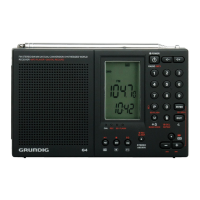
G4 WORLD RECORDER OWNER’S MANUAL
TRANSFERRING MUSIC TO THE SSD/MMC CARD
OR FLASH MEMORY continued
icon,
, and unplug the cable when prompted to do so.
TO PLAY THE MUSIC THAT YOU’VE TRANSFERRED
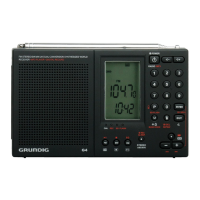
Turn on the radio, go into the MP3 mode and select where you
transferred your music to, SD/MMC card or flash memory. Press the
play button (the FM button). The music plays in the order that the
files were transferred. Note that folder and file names have automati-
cally been replaced with numbers on the bottom of the display, 01,
02, 03, etc.
Note: To fast rewind or fast forward (RW/FF) what is being played
press and hold the -+ buttons. RW/FF is not applicable to songs on
the SD/MMC card.
SELECTING THE REPEAT MODE
to select the repeat mode. If the time of day is on the bottom of
the display, all files are repeated; if “R” displays one file is repeated; if
“FR” displays, all files in this folder are repeated.
SELECTING THE A-B REPEAT MODE
Use this mode to repeat a section of a song. While it’s playing press
to set the start point, A appears at the bottom of the display. Then
press it again to set the end point, Ab appears at the bottom of the
display and the repeat process starts and continues over and over.
Press it again to cancel the repeat process.


 To Next Page