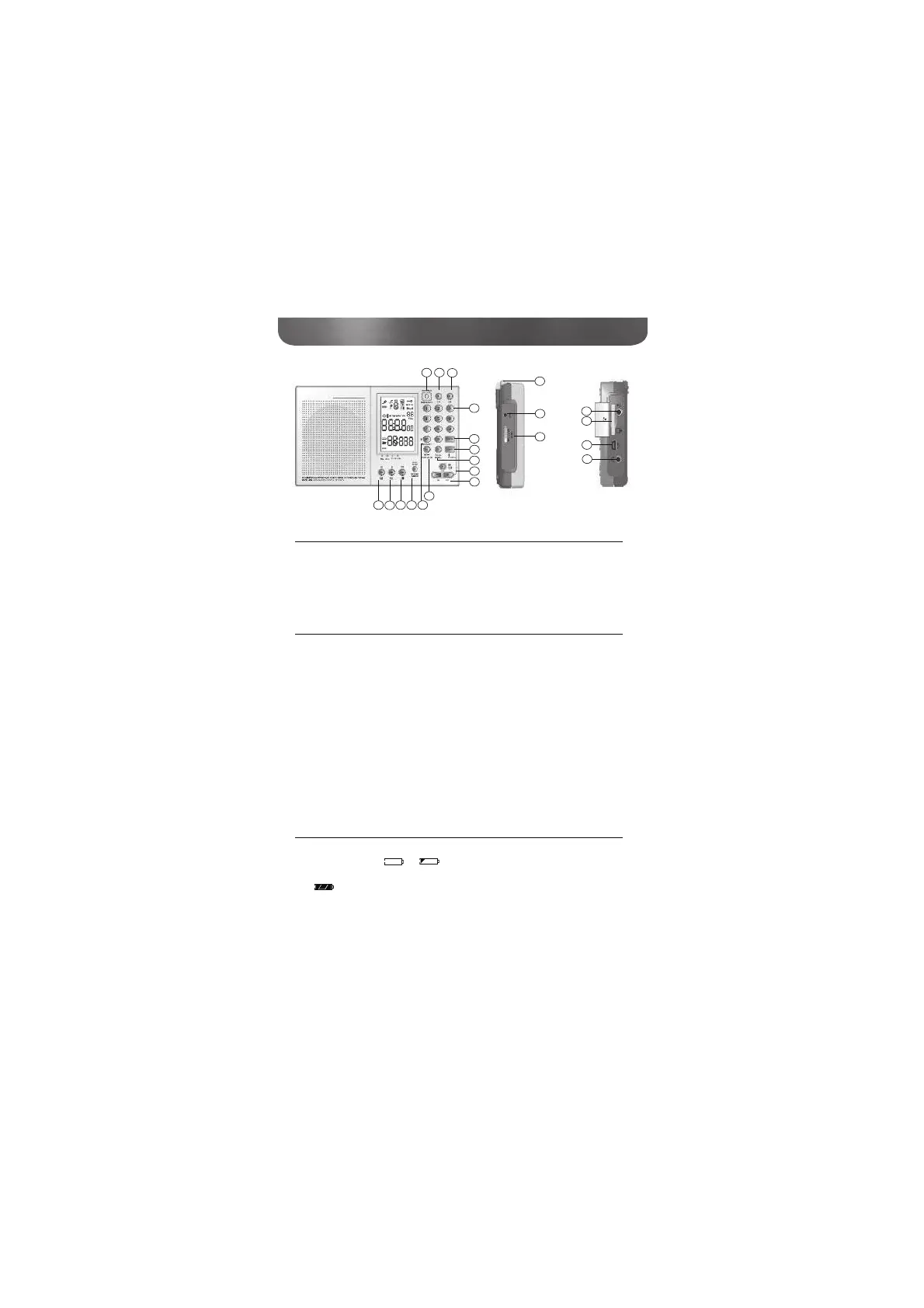
5
G4 WORLD RECORDER OWNER’S MANUAL
WHAT’S INCLUDED?
It includes the owner’s manual, carrying pouch and carrying strap
(attached).
POWER SOURCE
Power the G4 by plugging in the AC adapter or installing 3 AA al-
the upper right of the LCD, indicating battery or AC adapter power.
When installing batteries, observe the polarity diagrams in the battery
compartment. Only charge Ni-MH batteries (see instructions below).
The AC adapter and batteries can both be in the unit at the same
time. Use only the supplied AC adapter for best results.
NOTE:When changing batteries, turn off the unit and change them
also plug in the adaptor within 60 seconds to supply the power.
BATTERY POWER INDICATOR
The battery power indicator is in the upper left corner of the display.
or the battery is drained and should be



 To Next Page