24
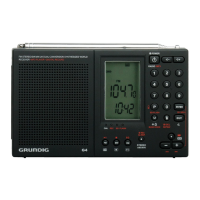
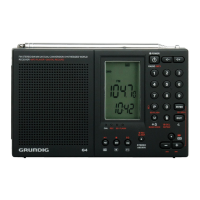
G4 WORLD RECORDER OWNER’S MANUAL
USING THE LOCK FEATURE
-
appears in the display.
Deactivate it with a one-second press of the LOCK button.
RESET FEATURE
To reset the G4 remove the batteries for one minute, then replace
them. Memory is not lost by doing the reset procedure.
ERROR CODES
E01 Order parameter error (e.g.: Delete the file error, Appointed ID
error, Not finding the file)
UÊäÓ No file (includes: MUSIC, VOICE mode)
UÊäÎ The extended card is not inserted
UÊä{ Set up folder error (While recording, if it does not have a
RECORD folder, it will set it up)
UÊäx No response
UÊäÈ Folder full (e.g.: The file number is 99 in RECORD folder)
UÊäÇÊ
UÊän
MUSIC, VOICE, RING, RECORD)
UÊä Card error
U棊 Recording error
UÊ££ USB cable is not plugged in
UÊ£Ó Folder does not exist
UÊxÎ In voice folder, no record files or record files error


 To Next Page