Bluetooth device compatibility
Your GSB 2000 connects with all Bluetooth
Devices that support the A2DP profile including
the most smartphones, laptops and tablets.
Controls
– Reduces the volume.
8 Switches the device in and out
of standby mode.
+ Increases the volume.
A
Display lights up:
Red – Device is in standby;
Blue – Bluetooth mode;
White – Operating with exter-
nal device;
Turquoise – Hands-free and
demo sound.
Display flashes:
Red – Battery is low;
Yellow – Battery is charging;
Green – Battery is charged.
AUX
Switches between Bluetooth
mode and operating with an
external device.
Position for NFC login (near
field communication) of Smart-
phones and tablet PCs.
B
Reset button.
Sockets
DC 18V DC IN socket for the power
supply unit.
USB interface for charging
5V
>
1A
of a USB data medium.
AUX IN Port for connecting an external
device.
OVERVIEW
-----------------------------------------------------------------------------------------------------------------------------------

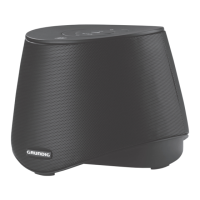
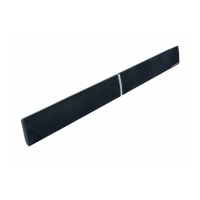
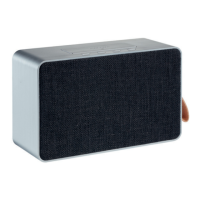
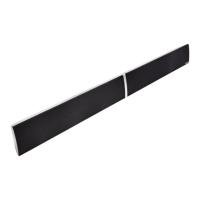

 To Next Page