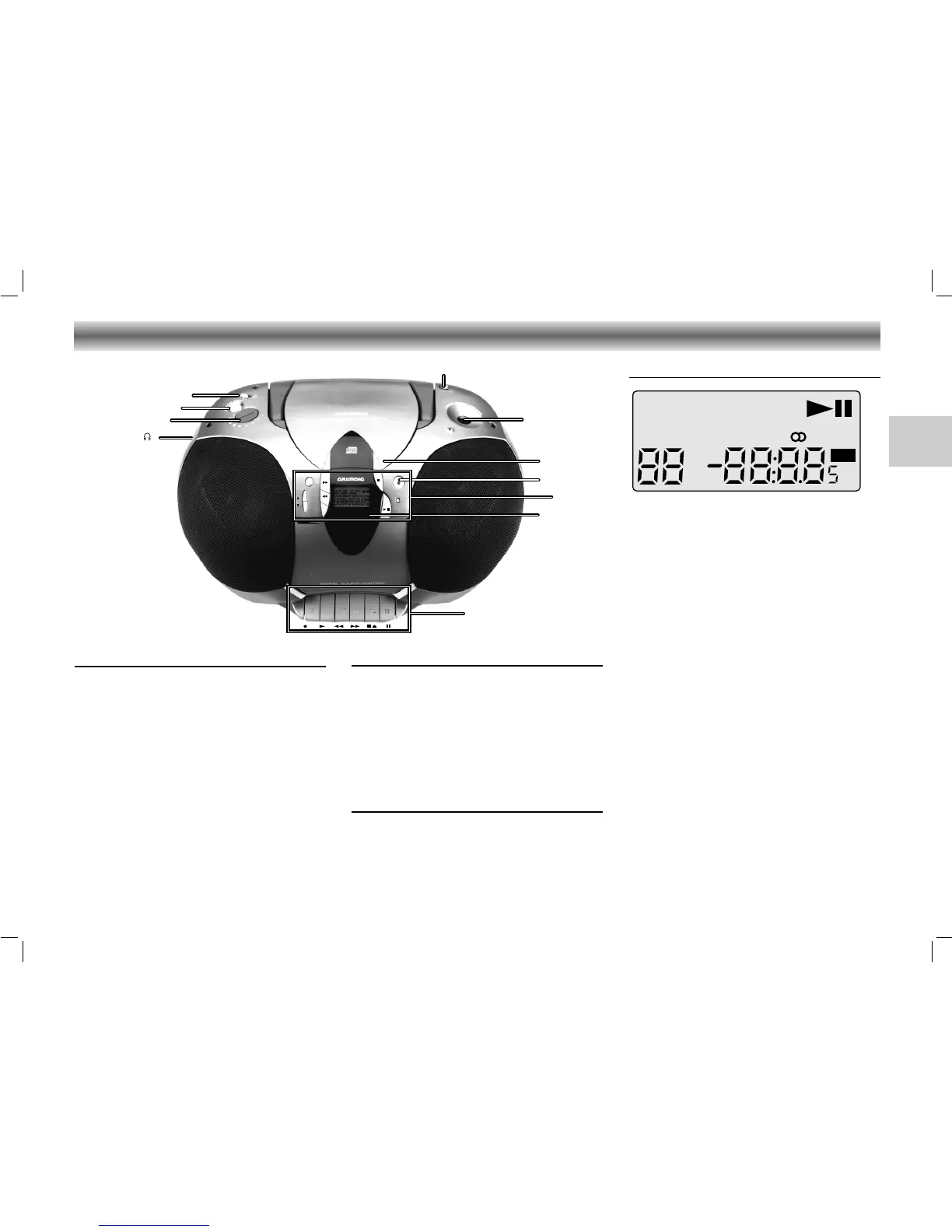
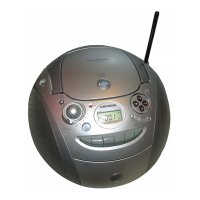
Display (illustration: RR 760 CD)
The display indicates:
CLASSIC, ROCK, POP: the selected sound effect.
TAPE: when cassette deck is selected
B lights up during CD playback
; lights up during the CD pause mode
INTRO: lights up during the INTRO function
REPEAT: lights up = repeat all
flashing = repeat one
RANDOM:
lights up during the RANDOM function
CH:
indicates the radio memory channel
TRACK: indicates the CD track
MEMORY: programming or programme play-
back (CD) or storing stations (radio)
ɳ: lights up when receiving FM stereo
stations
VOLUME: (only RR 760 CD) lights up when
adjusting the volume indicated in dB
MW/FM/LW
: indicates the selected waveband
88 track number (CD) or memory
channel (radio)
88:8.85: playing time (CD) or station
frequency (radio)
MHz/kHz: for FM reception the frequencies
are indicated in MHz and for
MW/LW reception in kHz
Radio
(FUNCTION switch in position RADIO)
PROG. – to store the radio stations
DOWN Q – to tune backward
UP R – to tune forward
BAND – to select between FM, MW,
and LW waveband
MEM 34 –
to select the next/previous
memory position
Cassette
(FUNCTION switch in position TAPE)
0 – to start recording
B – to start cassette playback
Q – fast rewind
R – fast forward
9// – to stop and eject the cassette
; – to interrupt and continue
playback and recording
CD
(FUNCTION switch in position CD)
PLAY/PAUSE 2; – to start and interrupt
playback
STOP 9 – to stop playback
PROG. – to programme track numbers
in the memory
R-SKIP Q – to skip and search
backward
F-SKIP R – to skip and search forward
INTRO – to play only the first 10
seconds of each title
REPEAT – to repeat one/all tracks
RANDOM – to play the titles of a CD in
random order
CONTROLS
15
RR 720/760 CD page 15
GB




 To Next Page