4
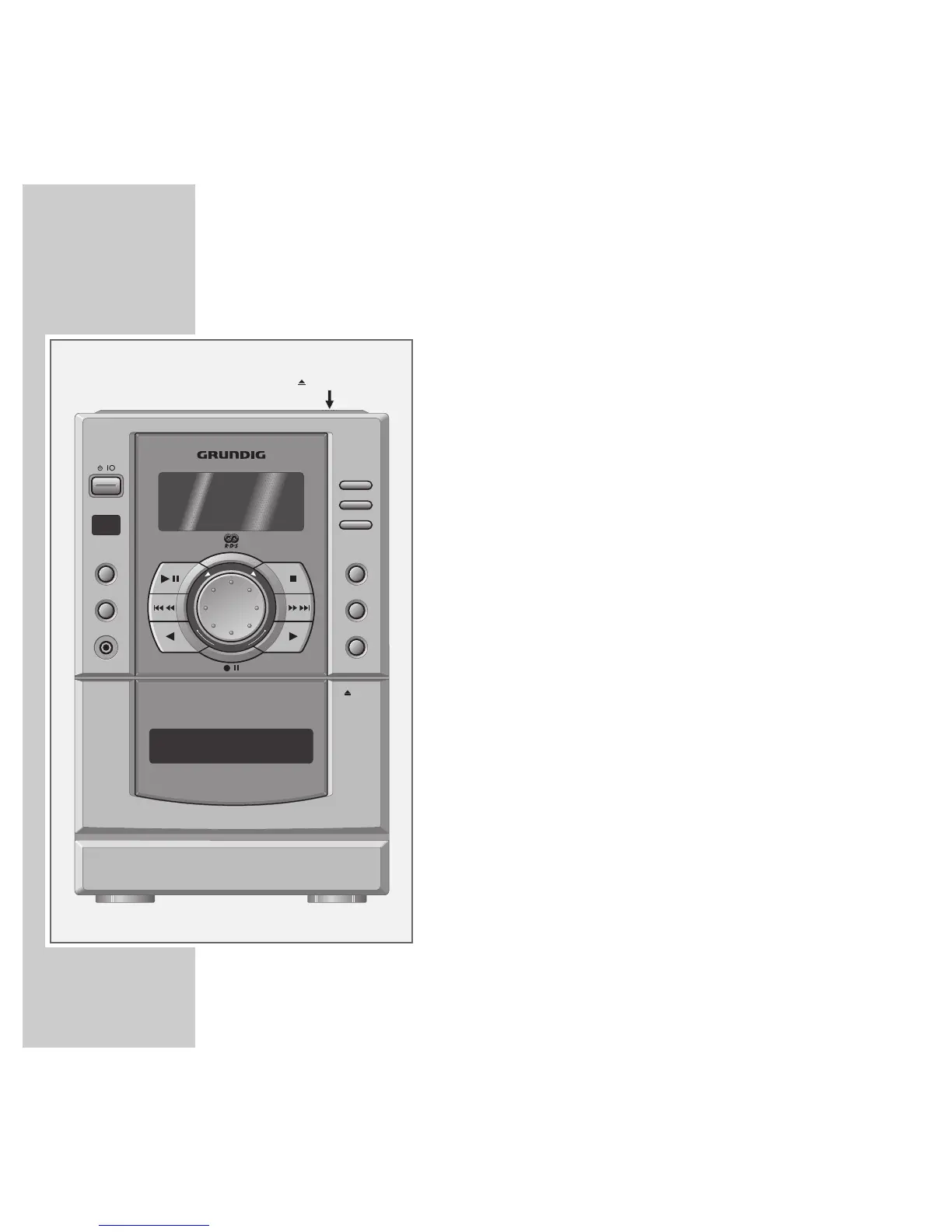
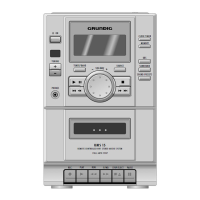
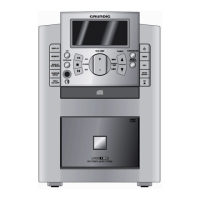
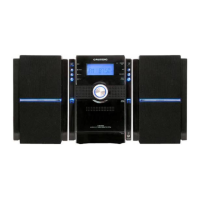
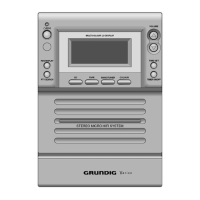
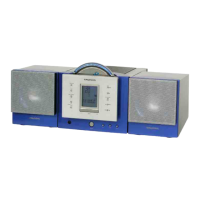
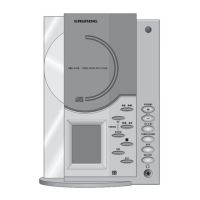
Operating elements of the stereo system
CD com- To open press »
.
CD OPEN/CLOSE«.
partment
88
ON Switches the stereo system on and off
again.
7
Receiver for remote control signals.
SOURCE Selects the programme sources »CD «,
»TAPE «, »TUNER «, »VIDEO:AUX «.
TUNER/BAND Selects the programme source »TUNER«;
selects the frequency ranges »FM«, »MW«,
»LW«.
PHONES Headphone jack, for connecting a stereo
headphone set with a jack plug
(ø 3.5 mm).
The loudspeakers of the stereo system
are automatically switched off.
Display Displays various items of information on
the operating modes »TUNER«, »CD«,
»TAPE« and »VIDEO:AUX«.
e
II Selects the programme source »CD «;
starts the playback of a CD; switches to
playback pause.
5aaa
In tuner mode: call up the next
sss6
or previous channel position.
In CD mode: for selecting a title; keeping it
pressed down enables you to search for a
particular passage;
In cassette mode: winds the cassette back-
wards or forwards.
OVERVIEW
_______________________________________________________________________
PHONES
CLOCK TIMER
MEMORY
CD OPEN/CLOSE
UMS 25
REMOTE CONTROLLED HIFI STEREO MICRO SYSTEM
AUTO REVERSE
EJECT
TUNER/BAND
SOURCE
RDS MODE
SURROUND
UBS
SOUND PRESETS
P
T
Y
S
E
L
E
C
T
-
V
O
L
U
M
E
+
R
E
V
E
R
S
E




 To Next Page