EasyManua.ls Logo

Grundig V 210 - Rear Panel Connections

Grundig V 210
24 pages
Print Icon
To Next Page IconTo Next Page
To Previous Page IconTo Previous Page
Loading...
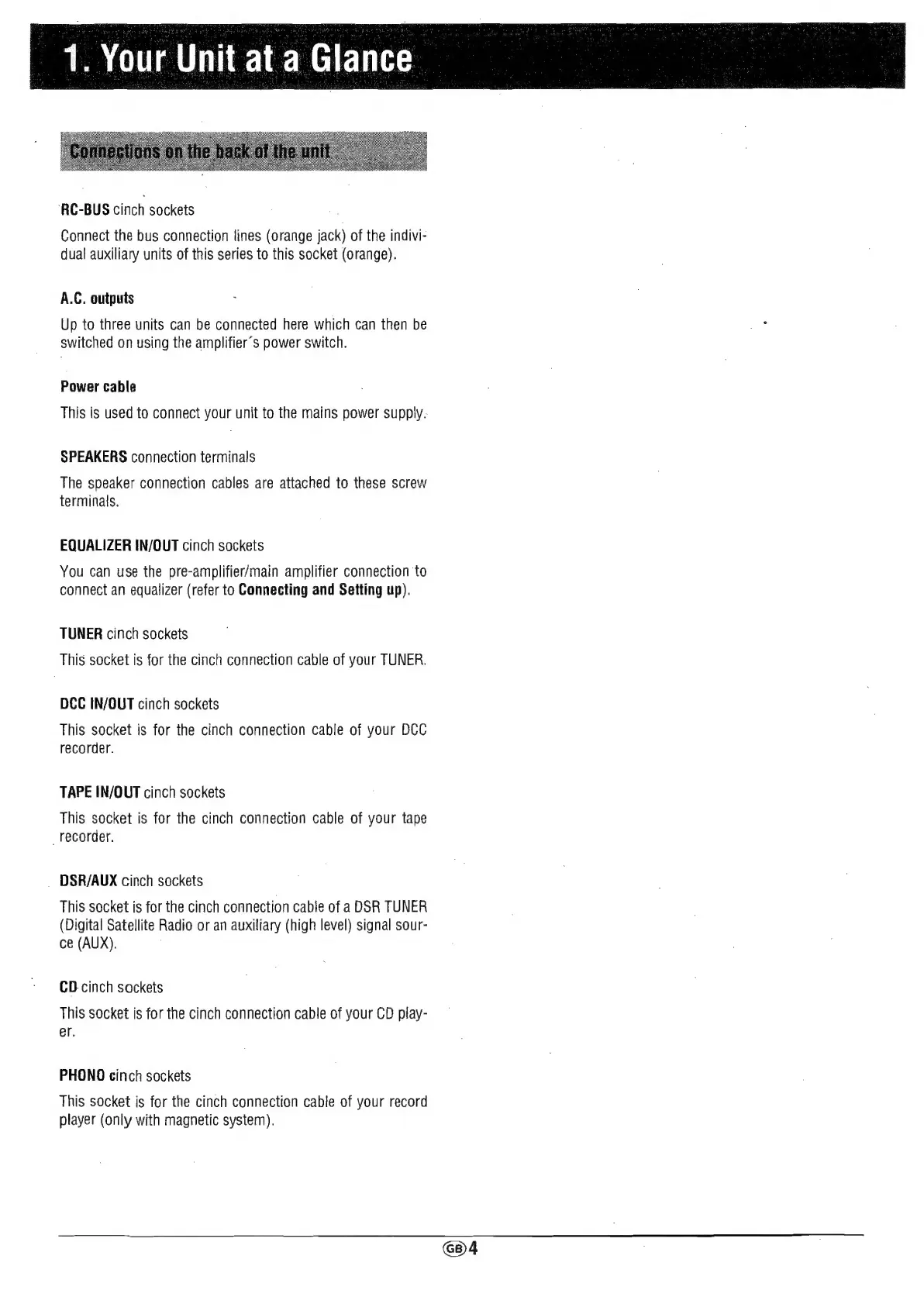
1.
Your Unit
at
a
Glance
‘RC-BUS
cinch
sockets
Connect
the
bus
connection
lines
(orange
jack)
of
the
indivi-
dual
auxiliary
units
of
this
series
to
this
socket
(orange).
A.C.
outputs
Up
to
three
units
can
be
connected
here
which
can
then
be
switched
on
using
the
amplifier’s
power
switch.
Power
cable
This
is
used
to
connect
your
unit
to
the
mains
power
supply.
SPEAKERS
connection
terminals
The
speaker
connection
cables
are
attached
to
these
screw
terminals.
EQUALIZER
IN/OUT
cinch
sockets
You
can
use
the
pre-amplifier/main
amplifier
connection
to
connect
an
equalizer
(refer
to
Connecting
and
Setting
up).
TUNER
cinch
sockets
This
socket
is
for
the
cinch
connection
cable
of
your
TUNER.
DCC
IN/OUT
cinch
sockets
This
socket
is
for
the
cinch
connection
cable
of
your
DCC
recorder.
TAPE
IN/OUT
cinch
sockets
This
socket
is
for
the
cinch
connection
cable
of
your
tape
_
recorder.
DSR/AUX
cinch
sockets
This
socket
is
for
the
cinch
connection
cable
of
a
DSR
TUNER
(Digital
Satellite
Radio
or
an
auxiliary
(high
level)
signal
sour-
ce
(AUX).
CD
cinch
sockets
This
socket
is
for
the
cinch
connection
cable
of
your
CD
play-
er.
PHONO
cinch
sockets
This
socket
is
for
the
cinch
connection
cable
of
your
record
player
(only
with
magnetic
system).