12
WARNING:
Do not store the battery outside for prolonged periods of time over the winter months.
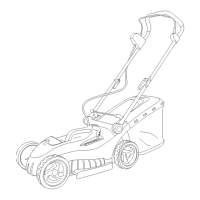
Place the battery onto the charging unit.
Plug in the charger and switch it on.
Charging the battery
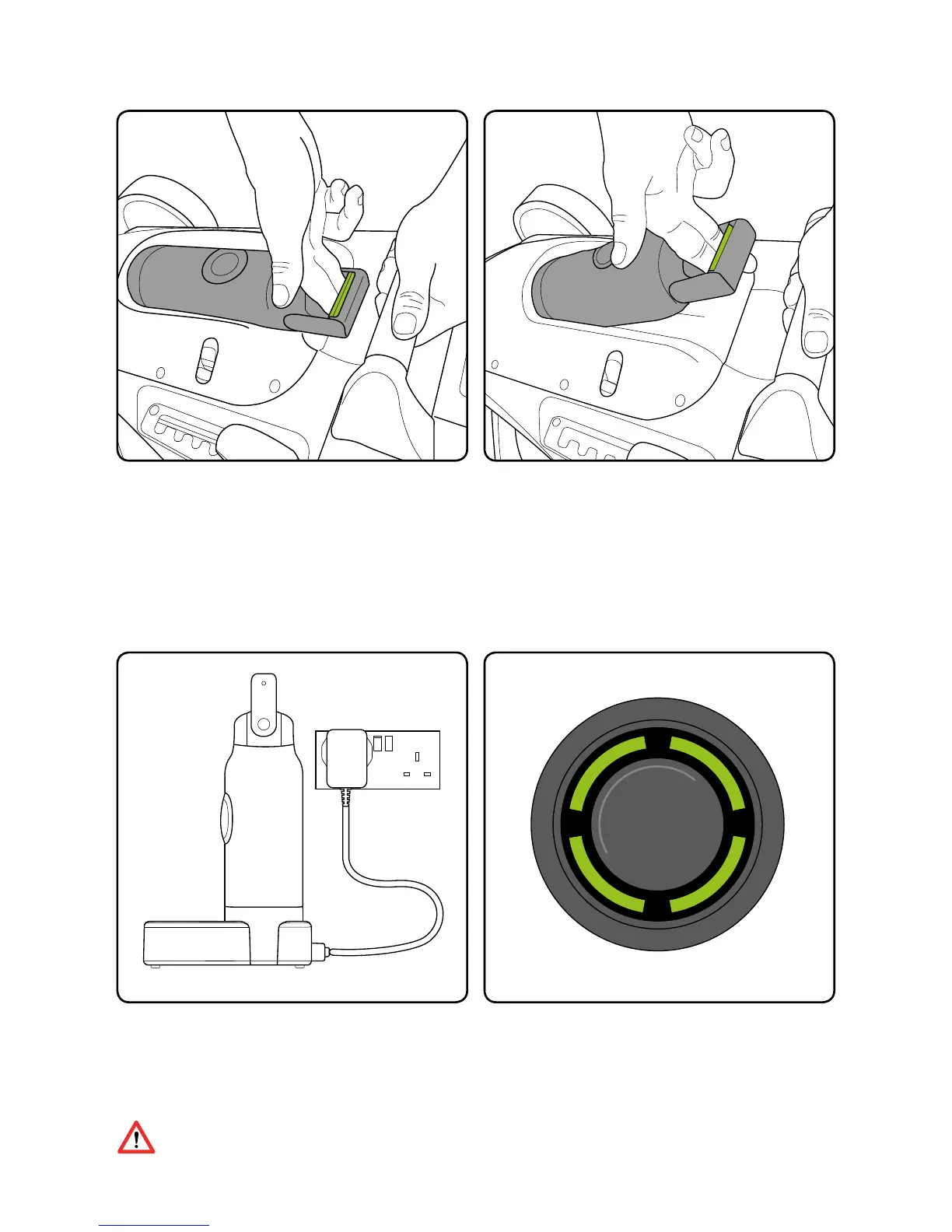
To remove the battery push the release
lever in the handle to unlock the battery.
Then remove the battery from the cradle by
the handle.
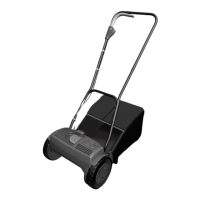
While charging, the LEDs will progressively
pulse until all four are lit. When the battery
is fully charged the LEDs will turn off and
the charger LED will ash.
This should take up to 5 hours.



 To Next Page