1818
State of charge indicator
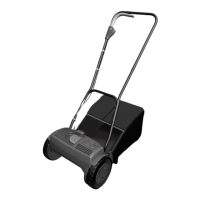
Press the button on the back of the battery to
check how much charge there is.
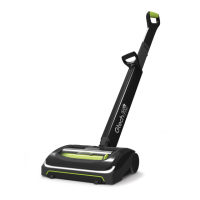
The number of LEDs that are lit up show the
state of charge.
Figures are approximate.
100%
- 60%
60%
- 30%
30%
-10%
10%
- 1%
Charging the battery
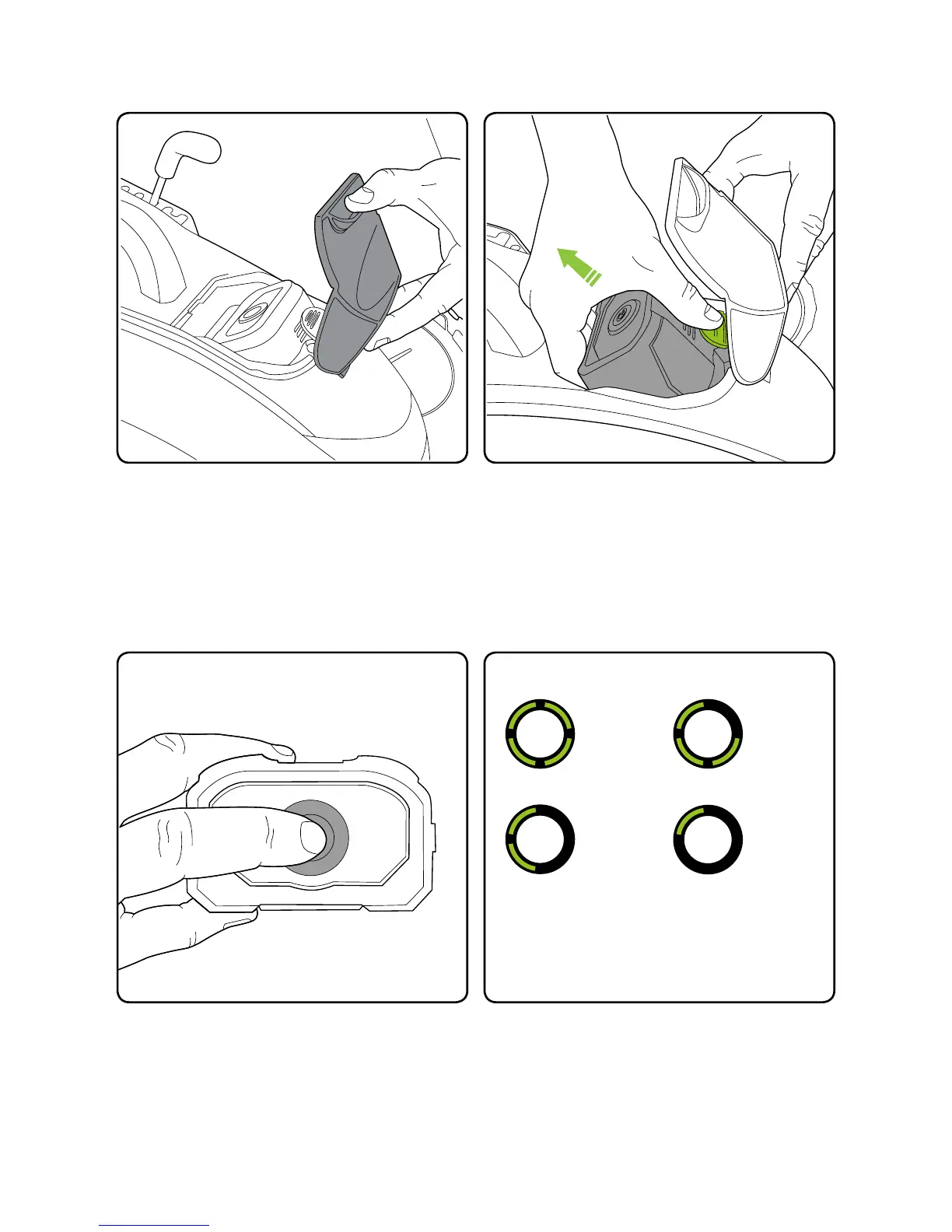
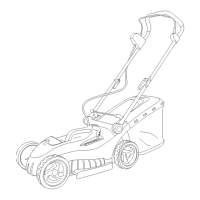
To unlock the battery, push the release latch
located under the visor, then pull out the
battery.
Reveal the battery by liing the cover visor.



 To Next Page