10
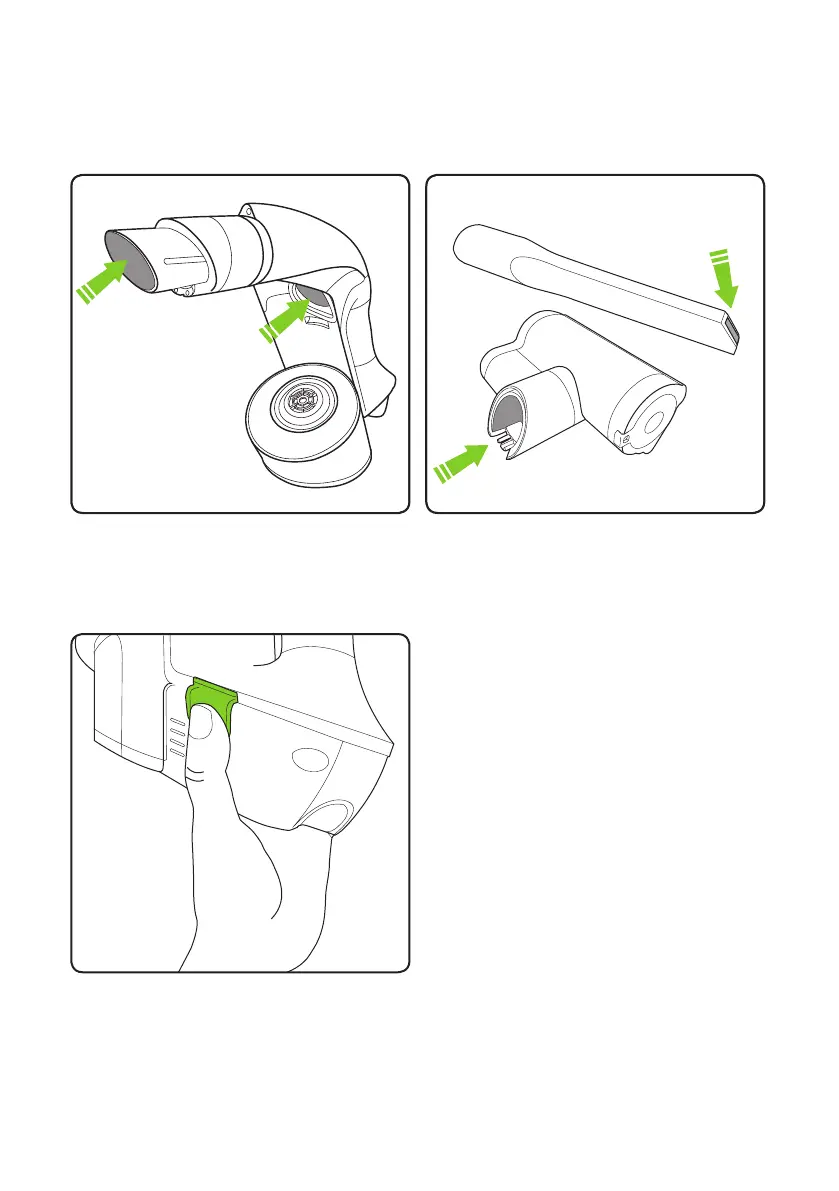
If the suction is low when the bin is empty and lter is clean...
you have a blockage.
Remove the battery & bin and look through
both ends of the tube. Remove any blockages.
Press the green buttons and pull to remove
the battery. The battery can be charged on
or off the main unit. If you want to buy a
spare battery go to www.gtech.co.uk
or call 01905 345891
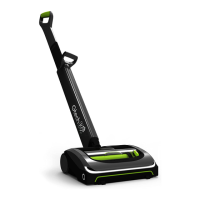
The tools can block too, sometimes.
Removing the battery



 To Next Page