37
SETTING THE CONTROL BOARD FOR DUAL GATE INSTALLATIONS
DIP SWITCHES
The Control Board DIP switches must be set to accommodate your particular type of installation. Since the
SNGL / DUAL, SEQ1, and SEQ2 DIP switches are used by dual gate operator systems, they will be discussed
in the following steps.
STEP 4:
Make sure the control box power switch is OFF.
STEP 5:
Unscrew and remove the control box cover. Use a small
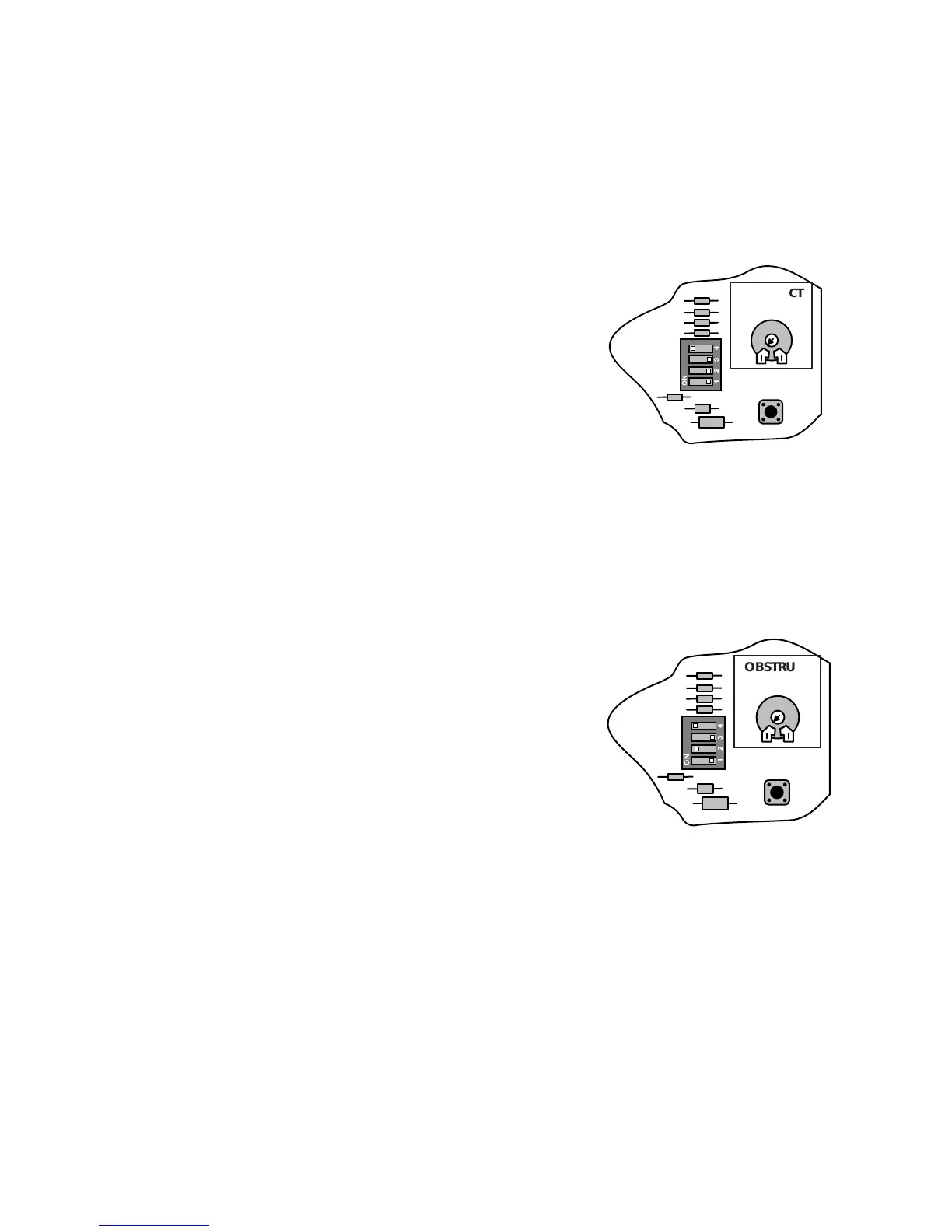
screwdriver to move the SNGL / DUAL DIP switch to DUAL
(see illustration).
The order of gate operation ("sequencing") must now be
determined for your dual gate operators to function properly.
Refer to the illustrations on the next page.
NOTE: The terms "FIRST OPERATOR" and "SECOND
OPERATOR" refer to a unit wired to the terminal block of the
same name.
STEP 6:
BOTH OPERATORS OPEN SIMULTANEOUSLY
BOTH OPERATORS CLOSE SIMULTANEOUSLY
SEQ1 = ON SEQ2 = OFF
If SEQ1 is set to ON, and SEQ2 is set to OFF, the FIRST
OPERATOR and SECOND OPERATOR open simultaneously,
and the FIRST OPERATOR and SECOND OPERATOR close
simultaneously (see illustration).
1234
ON
OBSTRUCT
SENS.
PULL/PUSH
SEQ1
SNGL/DUAL
SEQ2
MIN MAX
LEARN
1234
ON
OBSTRUCT
SENS.
PULL/PUSH
SEQ1
SNGL/DUAL
SEQ2
MIN MAX
LEARN



 To Next Page