EasyManua.ls Logo

Guide TN Series - Quickstart Guide; Button Operation Overview

Guide TN Series
106 pages
Print Icon
To Next Page IconTo Next Page
To Previous Page IconTo Previous Page
Loading...
9
GB CN DE FR RU
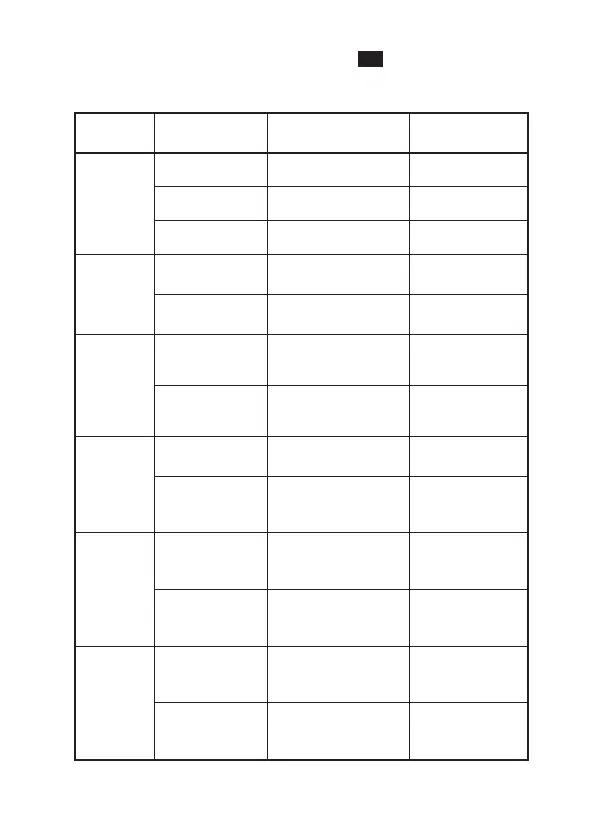
- QUICKSTART INSTRUCTIONS -
Button
Current
device status
Press Long Press
Power
button
Power on Compensation Display o/o
Power o / Power on
Display o Display on Display on
Shutter
button
Menu bar not
shown
Take photos
Video
recording
Menu bar
display
/ /
Ranging
button
Menu bar not
shown
/
Turn on the
distance
function
Menu bar
display
/
Turn on the
distance
function
Menu
button
Menu bar not
shown
Open shortcut
menu
Open Main
Menu
Menu bar
display
Enter the lower
menu, or confirm
the options
Exit menu
without saving
settings
Upper
button
Menu bar not
shown
Switch scene
mode
Zoom in
Menu bar
display
Menu options
move up
/
Lower
button
Menu bar not
shown
Switch to color
palettes
Zoom out
Menu bar
display
Menu option
moves down
/

Related product manuals