Display and operation menu
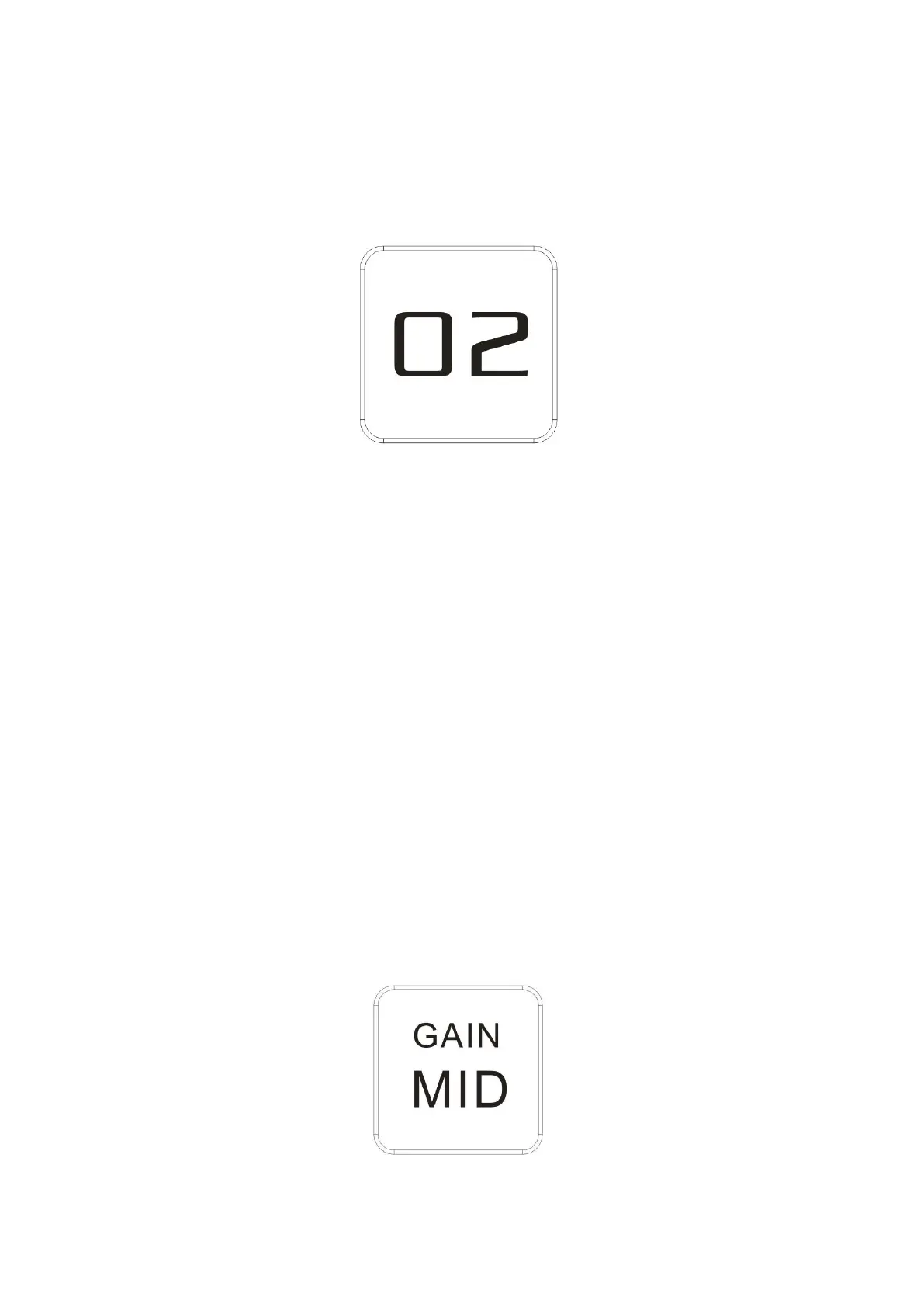
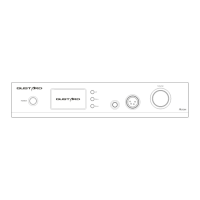
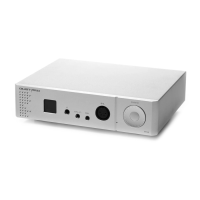
1. H16 headphone amplifier uses high-resolution OLED display, real-time volume display
and functional operation. The following figure shows the display status of the
main page of the screen.
2. Input channel selection:
The H16 headphone amplifier has a total of 2 input channels. In the main page
display state, short press the menu key to cycle through the current input channel
between XLR and RCA.
3. Volume adjustment
When the screen is the homepage display, you can directly adjust the volume of the
H16 headphone amplifier by operating the Turntable. Turn it counterclockwise to
attenuate the volume, and turn clockwise to increase the volume. The volume can
be from 00-99, a total of 100 volume levels.
4. Gain adjustment:
In the main page screen state, long press the menu button to enter the gain
adjustment. In this state, the gain can be adjusted by rotating the Turntable.
There are LOW (low) MID (medium) HIGH (high) three gears adjustable


 To Next Page