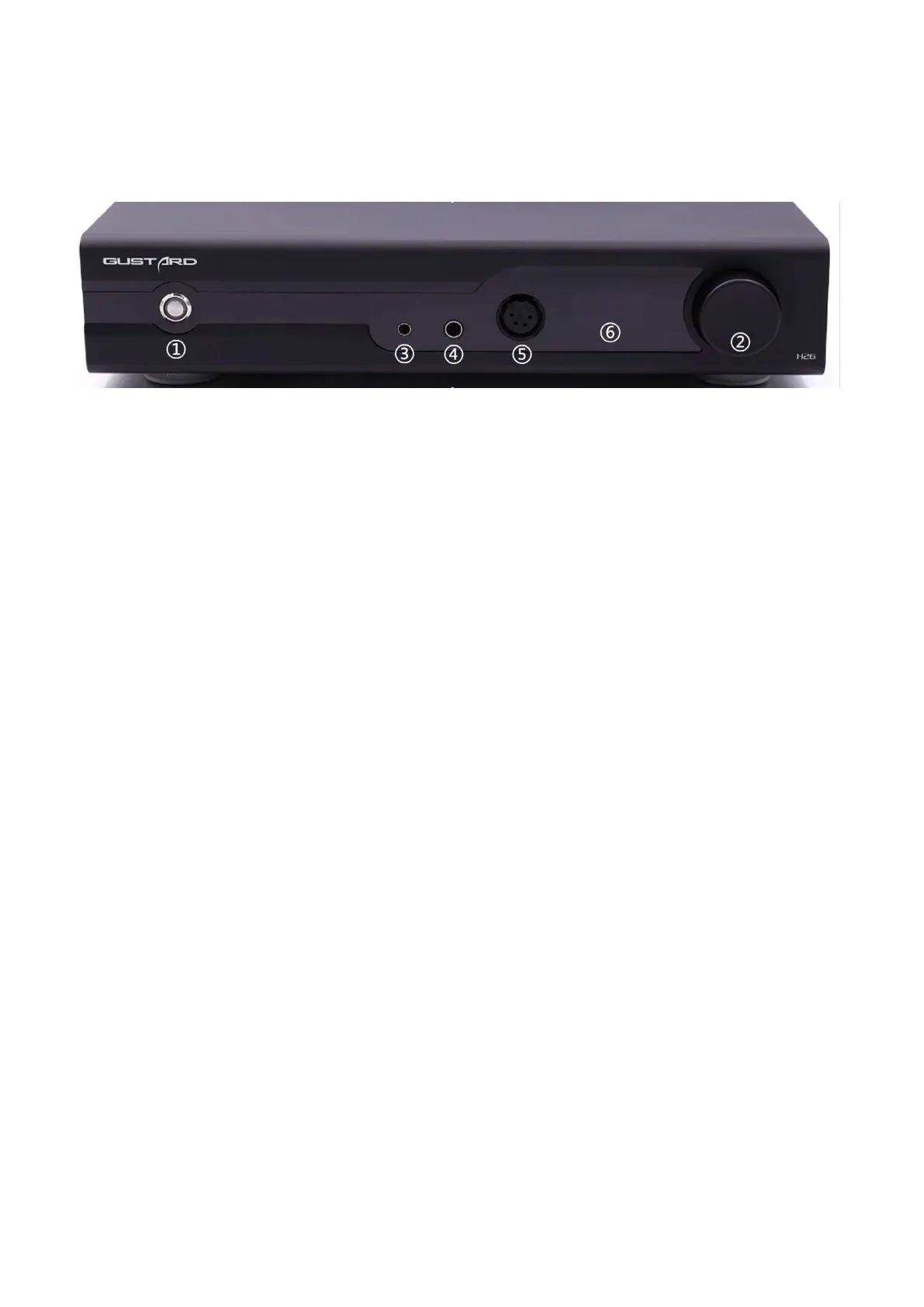
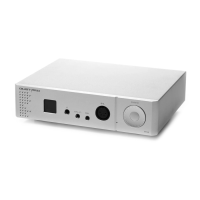
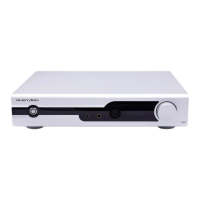
Front Panel
① Power and mute switch: key switch, short press to turn on the power in off state, long press to
turn off the power in on state.
Short press in power on state can enter and release mute.
② Volume and operation knob: volume in the normal state, clockwise increase, counterclockwise
decrease.
Short press to switch the input channel, long press to enter the menu.
③ 4.4 balanced headphone jack
④ 6.35 single-ended headphone jack
⑤ XLR 4 pin balanced headphone jack: Pin 1=Left+ Pin 3=Right+
Pin 2=Left- Pin 4=Right-
⑥ Screen: Displays the current volume level, or to access menu operations.


 To Next Page