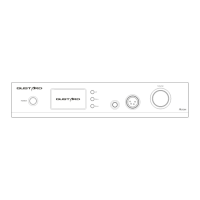
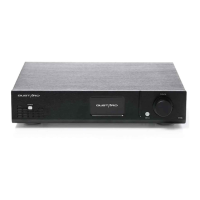
Front panel
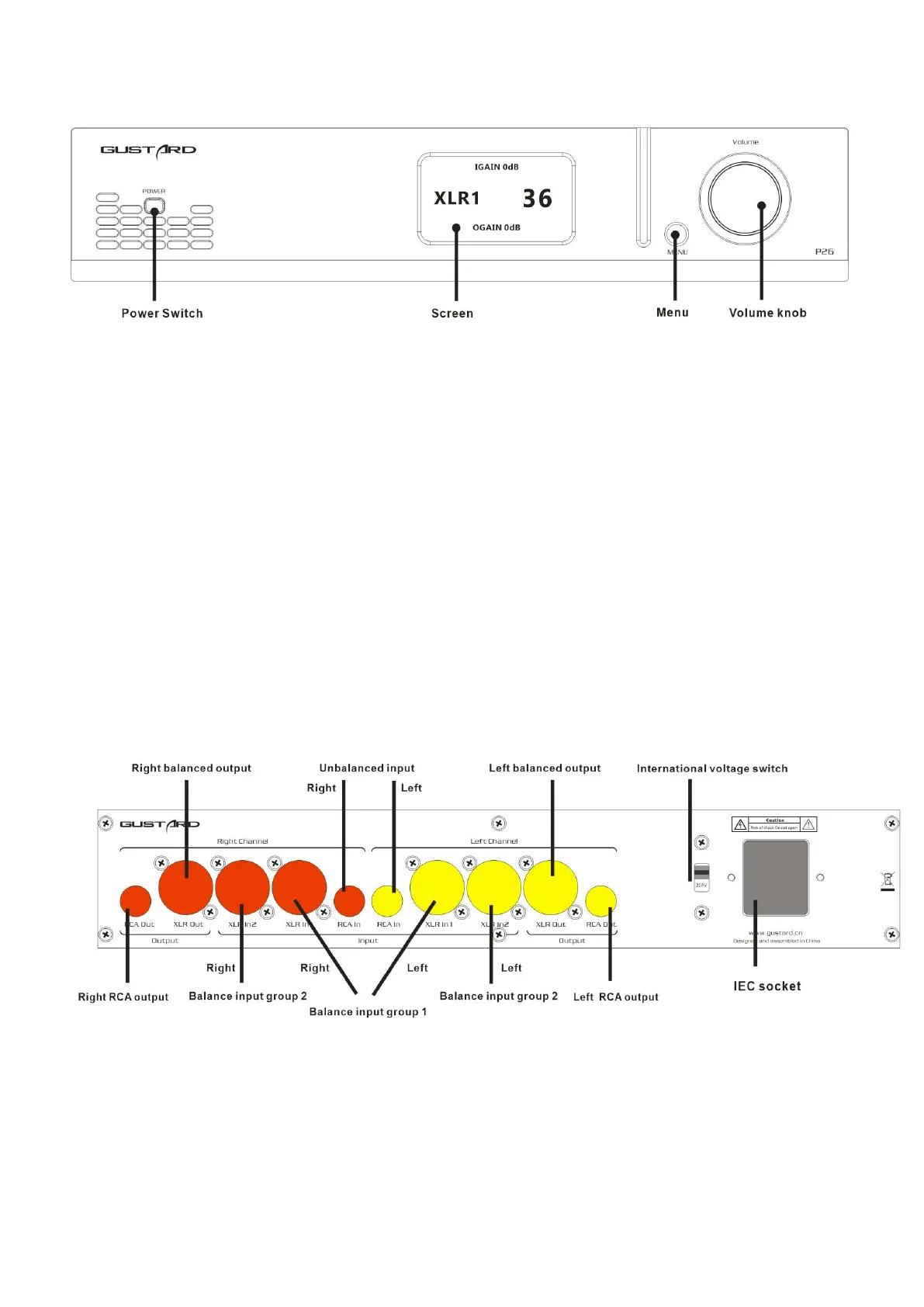
1. The power switch is a button. When the power is off, press the power switch to
turn it on. Press again to power off.
2. The screen will display the current input channel, GAIN, volume and other status.
3. The menu button can select the input channel and enter the setting menu.
4. The volume knob can be turned clockwise / counterclockwise to increase or decrease
the volume of the output; or adjust options when entering the menu.
Rear panel
Yellow and red indicate different channel connection areas


 To Next Page