Display and menu
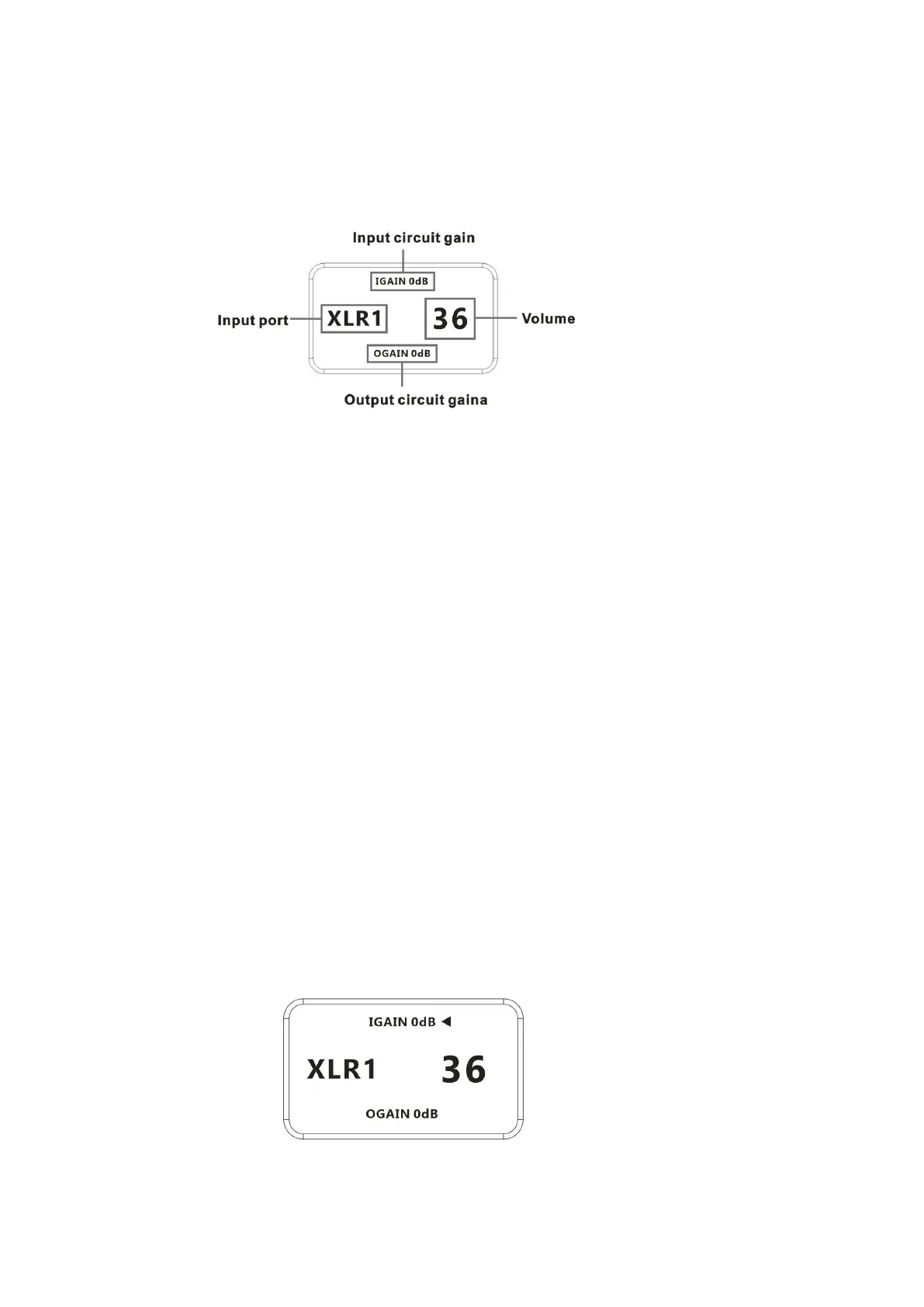
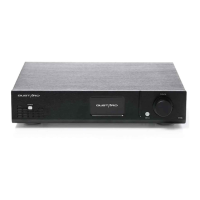
1. P26 Preamp uses an OLED screen for real-time status display and functional
operation. The following graphic shows the status of the main page of the screen.
2. Input channel selection:
The P26 preamp has a total of 3 input channels. In the main page display state,
short press the menu key to cycle select the current input channel in the order
of RCA—XLR1—XLR2.
3. Volume adjustment:
When the screen is the homepage display, you can directly adjust the volume
adjustment function of the front stage of P26 by operating the knob. Turning
counterclockwise to decrease the volume, and turning clockwise to increase the
volume. Volume can be from 00 to 99, a total of 100 volume volume positions.
4. Setting menu:
In the screen status of the main page, long press the menu key to enter the setting
menu. In this state, short press the menu key to cycle through the menu items to
be modified. The knob is used to adjust the currently selected menu option. When
the screen is in the setting menu, press and hold the menu key again to return to
the main page. The menu is switched by the movement of the arrows, in order:
—IGAIN :Input circuit gain * Only XLR input is valid
—OGAIN : Output circuit gain


 To Next Page