4.2 Face recognition & QR code Unlocking
Tap icon to scan the face or the QR code for unlocking. Once the face and QR
code is recognized as correct, the door will be unlocked.
Note:
① When the user whose face has been registered approaches and faces the camera of
the outdoor station, the device automatically enters face recognition unlock mode.
② The QR code for unlocking is generated by the mobile APP. In the mode of not using
the server, there is no QR code unlock function.
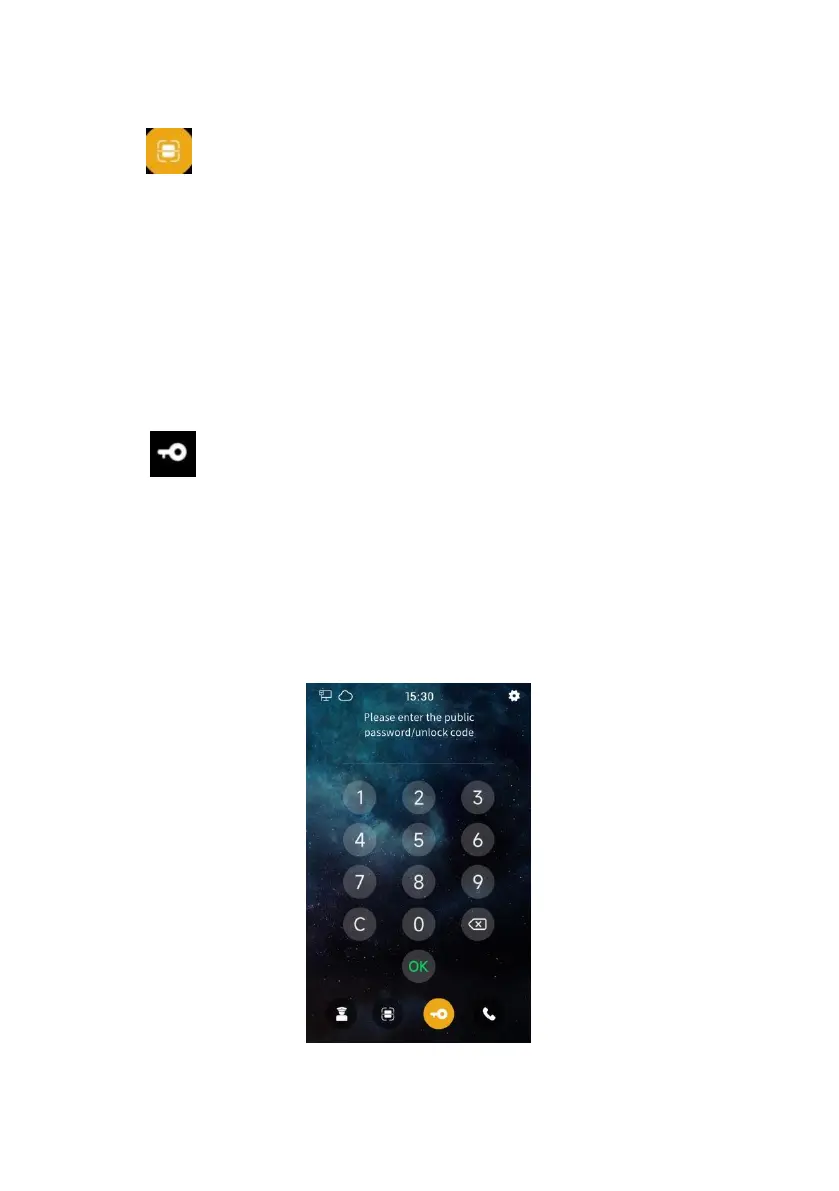
4.3 Public password / unlock code unlocking
Tap icon to enter the public password/ unlock code to unlock. Once the
password/code is recognized as correct, the door will be unlocked.
Note:
①
The default public password is 666666, which can be modified in "Access Control
Settings-Unlock Settings".
②
The unlock code is generated by the mobile APP. In the mode of not using the server,
there is no unlock code function.
③
Both public password unlocking and unlock code unlocking can be turned on or off in
the system settings.
Public password / lock code unlocking


 To Next Page