Unit 5 System Setting
Tap icon in the upper right corner to enter the system setting interface by inputing
the correct engineering password (the default is 801801, which can be modified).
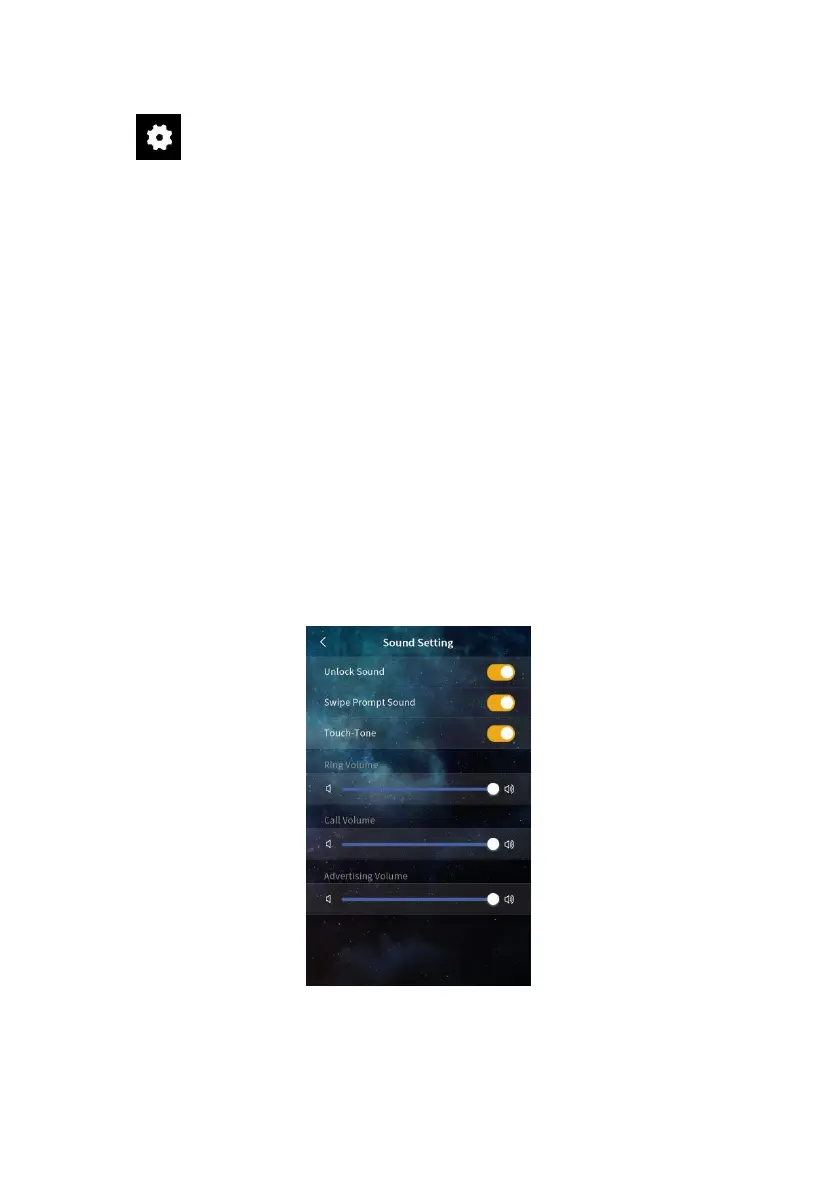
5.1 Sound Setting
(1) Unlock prompt sound: After it’s enabled, the device will have sound feedback when
the door is unlocked.
(2) Card swiping prompt sound: After it’s enabled, the device will have sound feedback
when the user swipes the card.
(3) Touch-Tone: After it’s enabled, the device will have sound feedback when user clicks
the screen.
(4) Ringtone volume: The volume of the ringtone can be adjusted.
(5) Call volume: The volume of the call can be adjusted.
(6) Advertisement volume: The volume of the advertisement can be adjusted.
Sound setting


 To Next Page