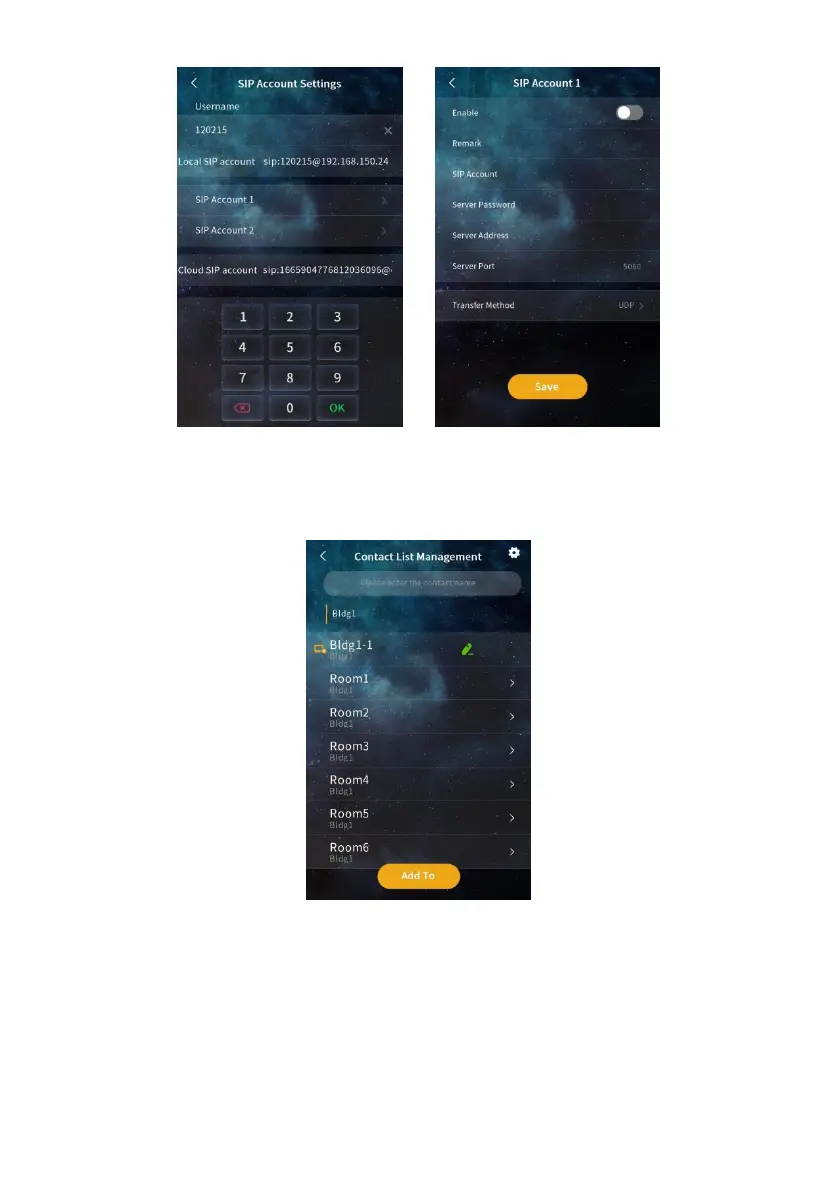
SIP Account Settings SIP Account 1& 2
(5) Contact list management
Contact List Management
Displays information about the current contact. Contacts include devices discovered
after automatic configuration is enabled, devices imported from the address book, and
devices manually added.
Search: You can fuzzy search for contacts in the list.
Setting: Select whether to display contact profile pictures. Select whether to set the


 To Next Page