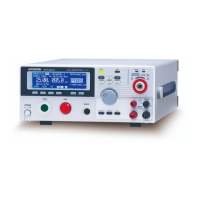
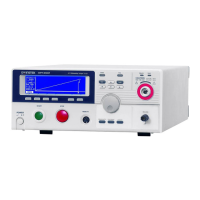
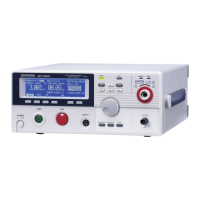
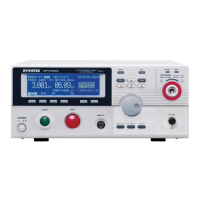
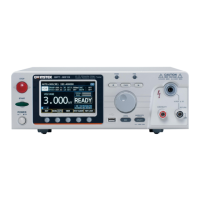
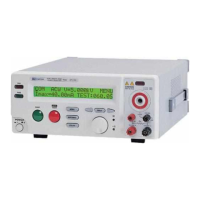
When GROUND MODE is set to ON, the GPT-
9000/9000A grounds the return terminal to the
ground. This mode is best for DUTs that are
grounded to an earth ground by their chassis,
fixtures or operation environment. This mode
measures the potential of the HIGH VOLTAGE
terminal with respect to earth ground. This
means that any stray capacitance/resistance
that leaks to earth ground will also be
measured. This is the safest testing mode,
though potentially not as accurate.
When GROUND MODE is set to OFF, the
return terminal is floating with respect to the
earth ground. This mode is for DUTs that are
floating and not directly connected to an earth
ground. This is more accurate than when
GROUND MODE is set to ON as any stray
capacitance/resistance that leaks to the earth


 To Next Page
 Loading...