GPT-9000/9000A Series User Manual
96
P A S
P A S
S
S
P A S
F A I
S
L
E MA U OT N A_ *A U T O = 0 0 1 - * *
# 0 1 : # 0 2 : # 0 3 : # 0 4 : P A S
# 0 5 : # 0 6 : # 0 7 : # 0 8 : P A S
# 0 9 : # 1 0 : # 1 1 : # 1 2 :
# 1 3 : # 1 4 : # 1 5 : # 1 6 :
S
S
P A S
F A I
S
L
The Fail Sound setting must to set to ON for the
buzzer to sound (page 99).
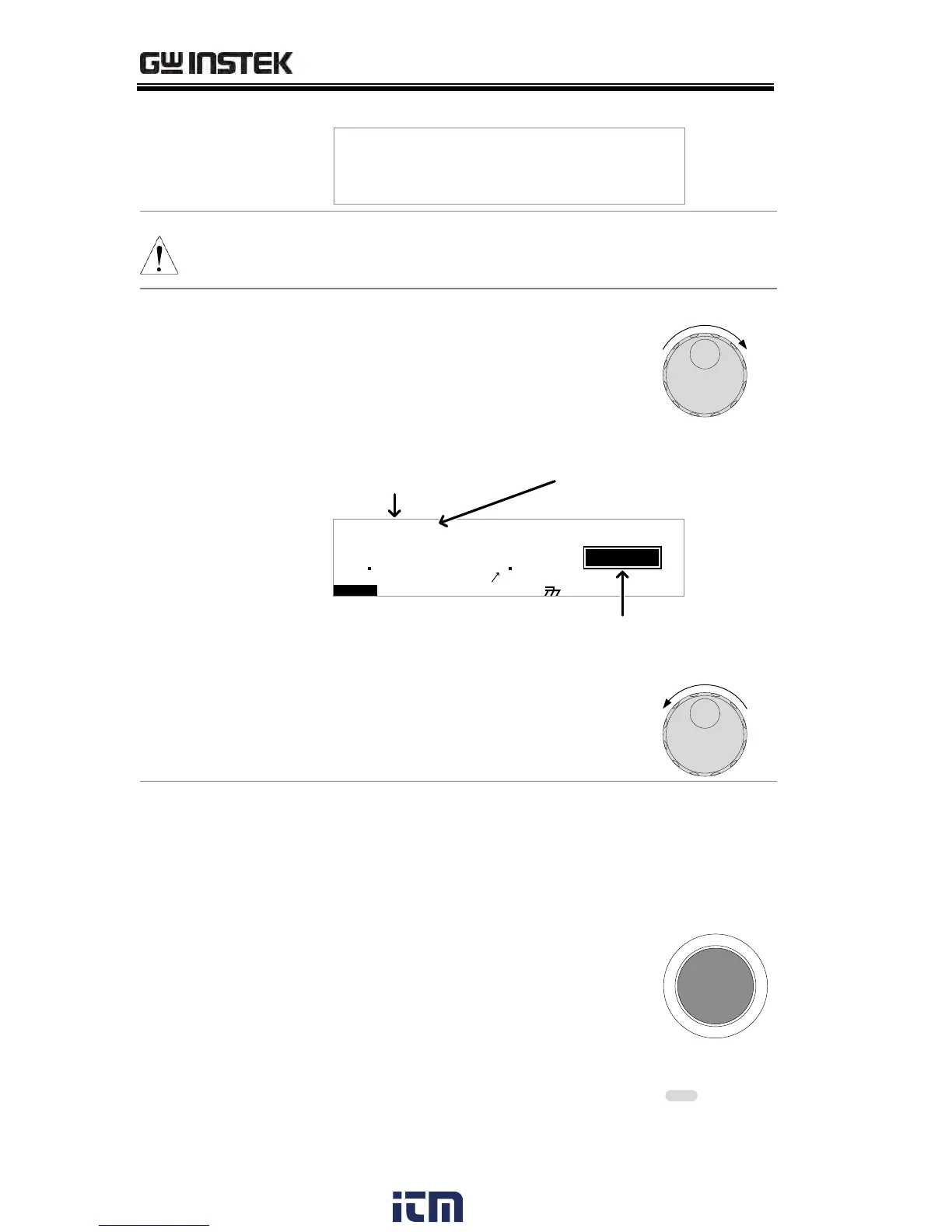
1. When the PASS or FAIL overview
table is shown on the screen, turn
the scroll wheel right to scroll
through each test step.
I R G B A CW D C W
F R E Q = 0 H z 6
0
100
k V
SAP
MT I E = 0 0 3 . 2 SR
0 0 m AER F =# 0 .0
1 . 0 0 m AIH ES = 0T
0 0 . 0 S0A M P =R
S
00 37
m A
E MM A UN N A_ 3S T E P : 0 2 - 0 0
PASS/FAIL result
step number
MANU number for
current step
2. Turn the scroll wheel left to return
back to the overview table.
1. The PASS/FAIL results will be
held on the screen until the STOP
button is pressed.
2. To put the tester back into READY
status, press the STOP button
(twice for a fail result).
3. The READY indicator will be lit
blue in the READY status.
w ww . . co m
information@itm.com1.800.561.8187


 To Next Page
 Loading...