EasyManua.ls Logo

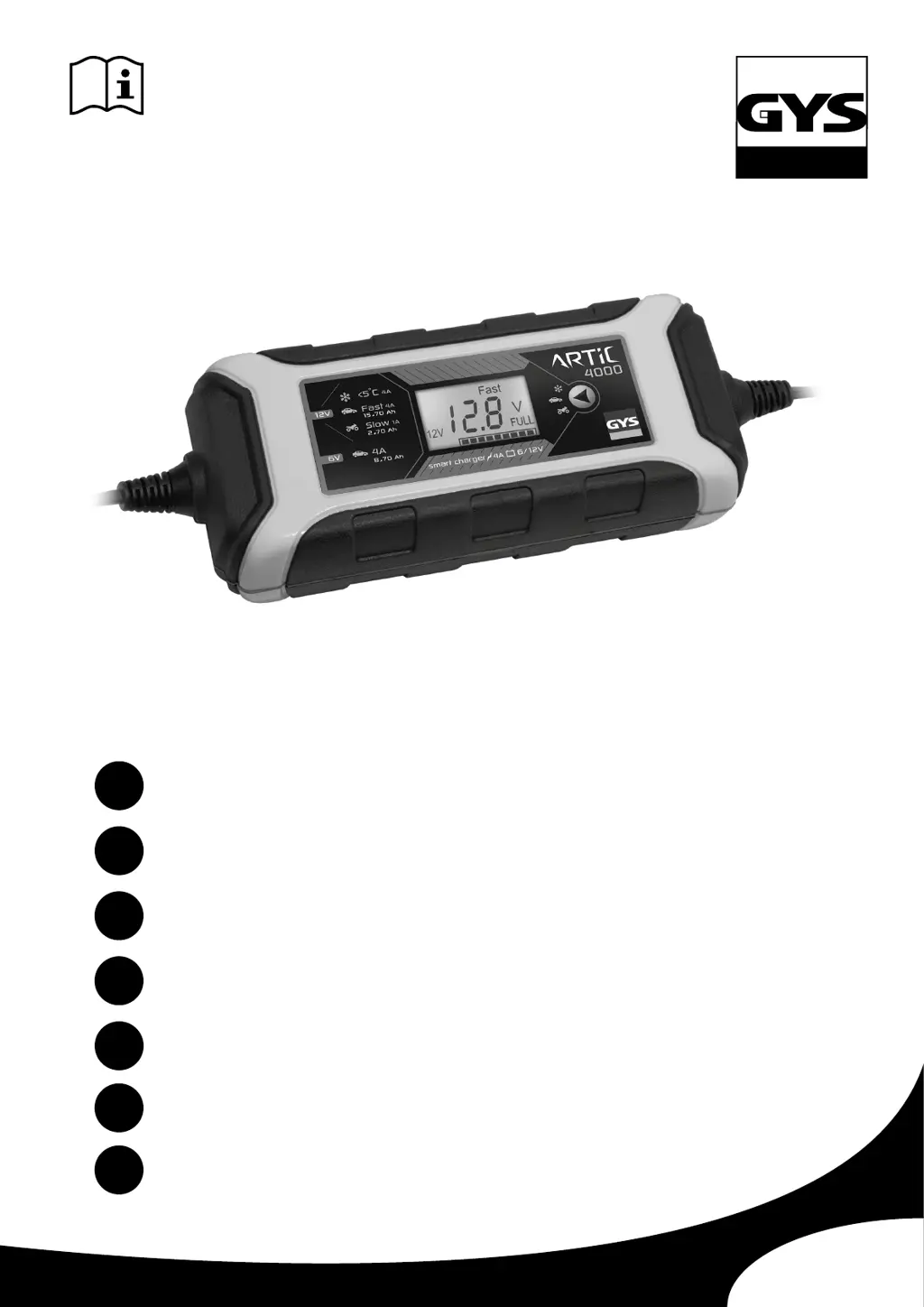
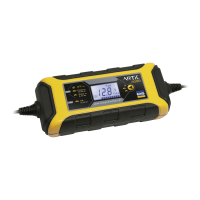
GYS ARTIC 4000 - User Manual

GYS ARTIC 4000
24 pages
Go to English
Print Icon
To Next Page IconTo Next Page
Loading...
V2_17/06/2019
ARTIC 4000
www.gys.fr
FR
2-4 / 23-24
EN
5-7 / 23-24
DE
8-10 / 23-24
ES
11-13 / 23-24
RU
14-16 / 23-24
IT
17-19 / 23-24
NL
20-22 / 23-24

Questions and Answers

  • J
    joshuajohnstonAug 4, 2025
    What to do if the indicator does not light up on my GYS ARTIC 4000 Battery Charger?
    • C
      Cassandra ThomasAug 4, 2025
      If the indicator on your GYS Battery Charger doesn't light up, it could be due to a short-circuit, open circuit, or polarity reversal. Ensure there is no power consumption in the vehicle circuit. Also, check that the clamps are properly connected. If the indicator still doesn't light up after these checks, the battery may be sulfated/damaged and needs replacement.
  • C
    Casey WalkerAug 11, 2025
    Why is the battery voltage too high on my GYS ARTIC 4000 Battery Charger?
    • M
      Matthew ColeAug 11, 2025
      If the battery voltage is too high on your GYS Battery Charger, verify that the selected voltage on the charger matches the battery voltage (6, 12, or 24V).
  • C
    currykevinAug 19, 2025
    What to do if I unplug the clamps or terminals during the charge on my GYS ARTIC 4000 Battery Charger?
    • J
      Jessica WilliamsSep 12, 2025
      If you accidentally unplug the clamps or terminals during charging with your GYS Battery Charger, simply reconnect the charger to the battery.
  • B
    Brittany TorresAug 27, 2025
    What to do if my GYS Battery Charger says the battery is faulty or has a very low voltage?
    • M
      Monica MooreAug 27, 2025
      If your GYS Battery Charger indicates that the battery is faulty or has a very low voltage, the battery needs to be replaced.

Summary

Safety Instructions

General Safety Precautions

General safety advice including indoor use, child supervision, battery types, and fire prevention.

Connection and Disconnection

Detailed steps for safe connection and disconnection of the charger to the battery and mains.

Electrical Safety

Information on the device's electrical safety classification and power supply connection standards.

General Description and Startup

Product Overview and Capabilities

Overview of the ARTIC 4000 charger, its purpose, and compatible battery technologies.

Startup Procedure

Step-by-step guide for connecting the charger, plugging it in, and initiating the charge.

Charging Modes and Performance

Mode Descriptions

Detailed explanation of the Slow, Fast, and Cold charging modes for 12V and 6V batteries.

Estimated Charge Times

Table showing estimated charging times for various battery capacities and modes.

Troubleshooting and Warranty

Troubleshooting Guide

Explains common error codes (F1-F4), their causes, and recommended solutions for the charger.

Warranty Terms and Conditions

Outlines the 2-year warranty period, covered issues, and exclusions for the charger.

Failure Reporting

Guidance on returning the unit for repair, including required documentation.

Technical Specifications

Product Identification and Power

Model reference, input power supply voltage (220-240 VAC), and rated power (75 W).

Output and Battery Compatibility

Output voltage (6/12V), rated current (4A), and compatible battery capacities (6V/12V).

Operating and Storage Conditions

Operating/storage temperatures (-20°C to +50°C / +80°C), IP65 protection, Class II, and noise level (<50dB).

Physical Characteristics and Standards

Weight (0.64 Kg), dimensions (193x80x52mm), and compliance with EN/CEI standards.

Control Panel and Components

Component Identification

Identifies and labels the main components of the charger, including buttons, display, and connectors.

Part Descriptions

Lists multilingual names and functions for identified charger components like selection button, display, and clamps.

GYS ARTIC 4000 Specifications

General IconGeneral
BrandGYS
ModelARTIC 4000
CategoryBattery Charger
LanguageEnglish

Related product manuals