EasyManua.ls Logo

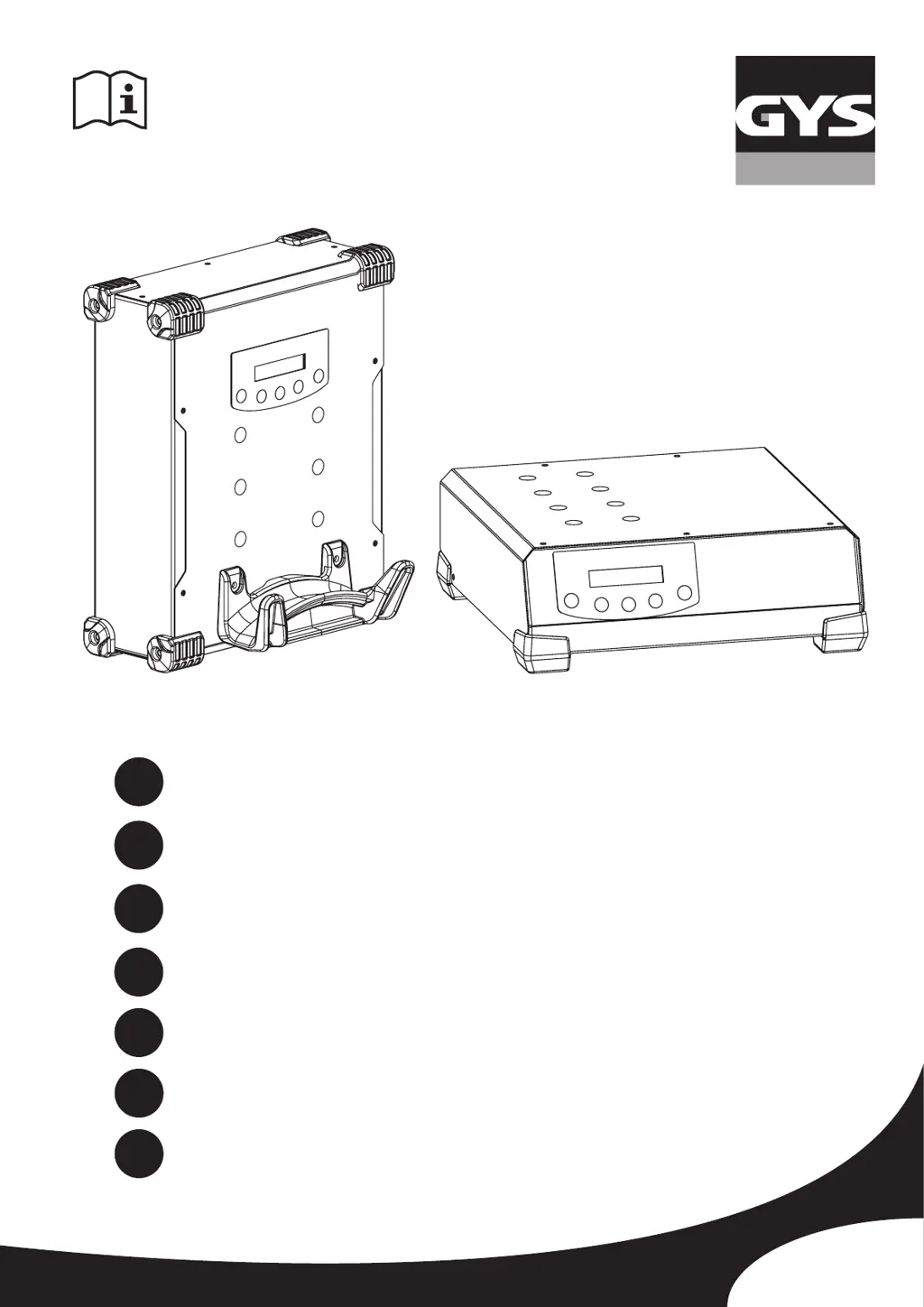
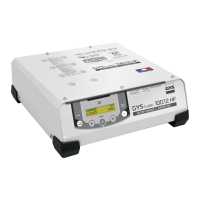
GYS GYSFLASH 100-12 HF - User Manual

GYS GYSFLASH 100-12 HF
14 pages
Print Icon
To Next Page IconTo Next Page
Loading...
75530_V9_23/06/2021
FR
EN
DE
ES
2-11 / 72-76
12-21 / 72-76
22-31 / 72-76
32-41 / 72-76
GYSFLASH 100.12 HF
102.12 HF
www.gys.fr
RU
42-51 / 72-76
NL
52-61 / 72-76
IT
62-71 / 72-76

Other manuals for GYS GYSFLASH 100-12 HF

Questions and Answers

  • C
    Caitlin JenkinsSep 23, 2025
    What does '#error fuse' mean on GYS Power Supply?
    • R
      Renee PierceSep 23, 2025
      The '#error fuse' message indicates that the internal fuse has blown, likely due to mishandling. The internal fuse must be changed by a qualified person (ref. 054585 : 125A).
  • J
    Jessica SmithAug 25, 2025
    How to fix « #error (+)(-) » error on GYS Battery Charger?
    • H
      Holly PattonAug 25, 2025
      If your GYS Battery Charger screen is flashing « #error (+)(-) » and beeping, it indicates that the polarity of the clamps has been reversed. To fix this, connect the red clamp to the (+) terminal and the black clamp to the (-) terminal of the battery.
  • D
    David OwensAug 25, 2025
    What to do if GYS GYSFLASH 100-12 HF Battery Charger shows '#battery error'?
    • L
      Leslie JohnsonAug 26, 2025
      If your GYS Battery Charger displays '#battery error' and beeps, it could mean several things: the battery is short-circuited or damaged (in which case, change the battery), the battery is not connected or the clamps are short-circuited (check the clamps connection), or a 6V battery is connected (the charger is not suitable).
  • A
    Anthony ByrdAug 27, 2025
    Why does my GYS GYSFLASH 100-12 HF Battery Charger show « #erreur U>Umax »?
    • R
      reneebrownAug 27, 2025
      If your GYS Battery Charger screen displays « #erreur U>Umax » and beeps, it means the battery voltage is too high. Ensure that the charger is suitable for the battery you are trying to charge. For example, you might be using a charger designed for a 12V battery on a 24V battery.
  • T
    Tammy AlvarezSep 23, 2025
    What does '#error IHM' mean on my GYS Power Supply?
    • J
      James RogersSep 23, 2025
      The '#error IHM' message indicates an electronic fault. Contact your distributor.
  • E
    Erica BarrSep 13, 2025
    Why GYS Power Supply doesn't display anything?
    • G
      Grace GregorySep 13, 2025
      If your GYS Power Supply isn't displaying anything, there are a couple of potential causes: * The input fuse may be blown. This fuse must be changed by a qualified person (temporised fuse 10A 5x20). * There may be an issue with the electrical network. Check that the voltage of the electrical network is between 180V and 260V.
  • B
    browncathySep 12, 2025
    How to fix GYS Power Supply showing '#error (+)(-)'?
    • G
      Gregory WeaverSep 12, 2025
      This error indicates the polarity is reversed. Ensure the red clamp is connected to the (+) terminal and the black clamp to the (-) terminal of the battery.
  • K
    Kathy PearsonSep 12, 2025
    What to do if my GYS Power Supply displays '#battery error'?
    • N
      Nathan GordonSep 12, 2025
      The '#battery error' message indicates a problem with the battery connection or the battery itself. Here's what to check: * The battery may be short-circuited or damaged, consider changing it. * The battery might not be properly connected, or the clamps could be short-circuited, so check the clamp connections. * The charger may not be suitable for the connected battery (e.g., a 6V battery connected).
  • J
    jason09Sep 4, 2025
    What to do if GYS GYSFLASH 100-12 HF Battery Charger screen flashing '#erreur U>Umax'?
    • F
      franciscomirandaSep 4, 2025
      If the screen flashes « #erreur U>Umax » and an alarm beeps, it indicates that the battery voltage is too high. This means the charger is not suitable for the battery (for example, using a charger for a 12V battery on a 24V battery).
  • W
    wendycoleSep 2, 2025
    What to do if GYS GYSFLASH 100-12 HF screen flashing '>100A'?
    • V
      Vernon MckaySep 2, 2025
      If the screen flashes '>100A' and an alarm beeps, it means the consumption exceeds the charger's output or several consumers are active on the vehicle. To resolve this: * Turn off electrical consumers to reduce power demand. * If consumers are active, GYSFLASH works to specification. Turn off consumers to check the battery is not too discharged.

Summary

Safety Instructions and Precautions

General Safety Precautions

Contains essential safety and operating instructions for using the device safely.

Fire and Explosion Risks

Highlights risks associated with battery charging gases and preventative measures.

Acid Dispersion Risks

Details necessary precautions for handling battery acid to prevent injury.

Operational and Compliance Information

Connection, Disconnection, and Maintenance

Procedures for connecting, disconnecting, and maintaining the device.

Product Overview and Operation

Startup and Charge Mode Configuration

Startup procedure and details on selecting charging curves based on battery type.

Mode Operations: Charge and DIAG+

Charge Mode Start-up and Precautions

Instructions for starting charge mode and essential user precautions.

Specialized Operating Modes

Advanced Menu Parameters

Charging Curve, Protections, and Troubleshooting

Comprehensive Troubleshooting Guide

Identifies common error codes and provides solutions for troubleshooting issues.

GYS GYSFLASH 100-12 HF Specifications

General IconGeneral
BrandGYS
ModelGYSFLASH 100-12 HF
CategoryBattery Charger
LanguageEnglish

Related product manuals