EasyManua.ls Logo

GYS GYSFLASH 8.12 - User Manual

GYS GYSFLASH 8.12
32 pages
Go to English
Print Icon
To Next Page IconTo Next Page
Loading...
75534IND4_24/02/2020
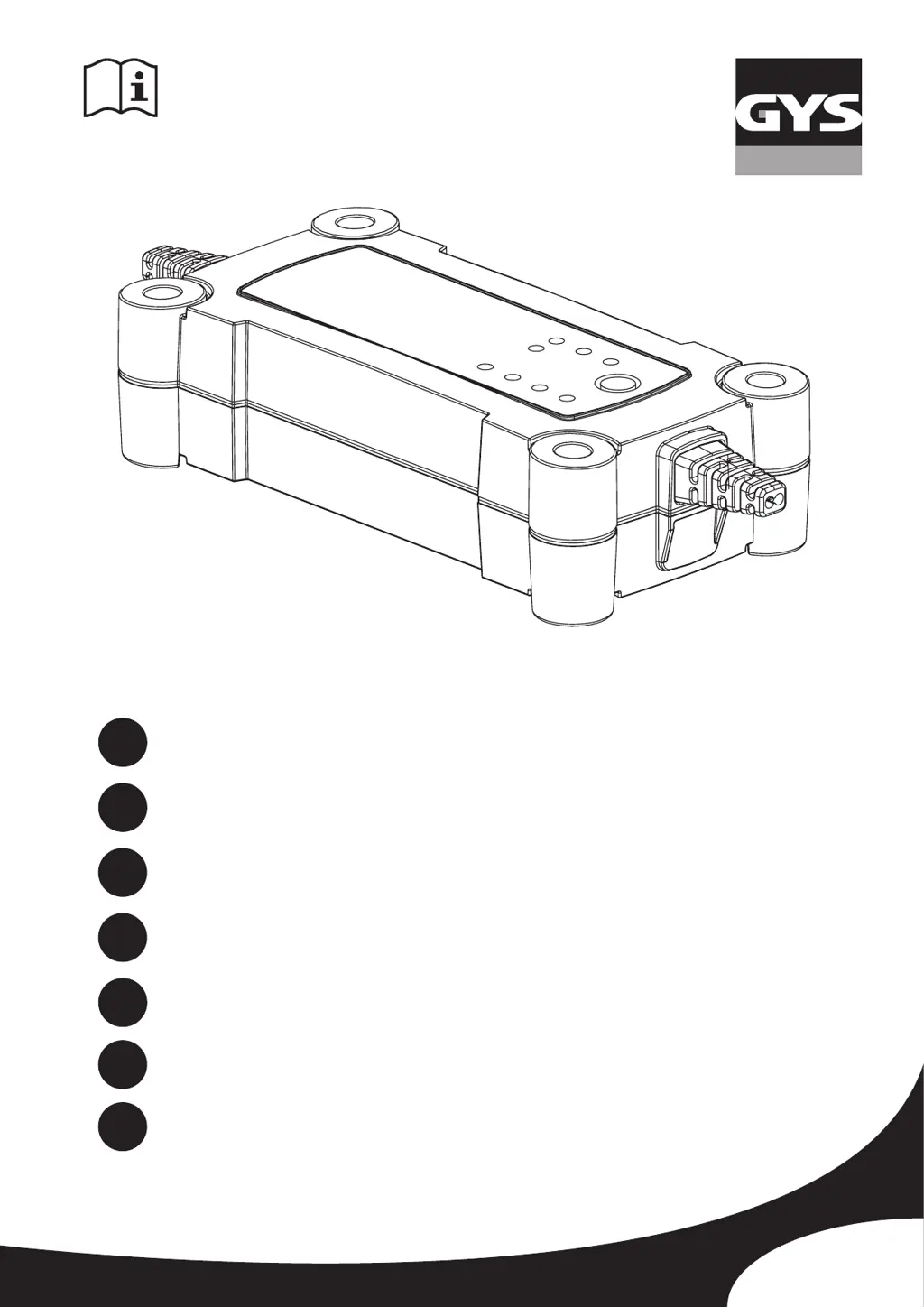
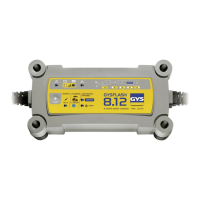
GYSFLASH 8.12
GYSFLASH 12.12
www.gys.fr
FR
2-5 / 30-32
EN
6-9 / 30-32
DE
10-13 / 30-32
ES
14-17 / 30-32
RU
18-21 / 30-32
IT
22-25 / 30-32
NL
26-29 / 30-32

Other manuals for GYS GYSFLASH 8.12

Questions and Answers

  • E
    Elizabeth CrossAug 5, 2025
    Why does the GYS GYSFLASH 8.12 Battery Charger indicator stay on even after pressing the button?
    • O
      ohernandezAug 5, 2025
      If the indicator stays on even after pressing the button on your GYS Battery Charger, it's likely due to thermal protection. The ambient temperature may be too high (above 50°C). To resolve this, cool the room and allow the charger to cool down.
  • N
    narroyoAug 13, 2025
    What to do if the GYS GYSFLASH 8.12 indicator blinks?
    • E
      edunnAug 13, 2025
      If the indicator blinks on your GYS Battery Charger, the charger might be in sleep mode. To exit sleep mode, press the button or connect a battery to the charger.
  • K
    Kevin IbarraAug 20, 2025
    What to do if the GYS Battery Charger indicator stays on even after pressing the button?
    • J
      Jesus PetersAug 20, 2025
      If the indicator remains on even after pressing the button, it might be due to thermal protection. The ambient temperature could be too high (above 50°C). Try cooling the room and allowing the charger to cool down.
  • P
    pchavezAug 27, 2025
    Why does the GYS GYSFLASH 8.12 indicator blink?
    • R
      Richard GallagherAug 27, 2025
      The indicator might be blinking because the charger is in sleep mode. To exit sleep mode, press the button or connect a battery to the charger.

Summary

Safety Instructions

Fire and Explosion Risks

Warning about explosive gases from charging batteries, need for ventilation and avoiding sparks/smoking.

Connection and Disconnection Procedure

Steps for safe connection and disconnection of the charger to the battery and mains.

General Description and Setup

Product Overview

Product is ideal for charging lead-acid batteries used in cars and other vehicles.

Model Specifications

Details specifications for charging 12V batteries with Gysflash 8.12 and 12.12 models.

Power Supply Mode

Power supply mode for demonstration vehicles and system memory backup.

Temperature Probe Feature

GYSFLASH 12.12 has a temperature probe for voltage adjustment during charging/supply.

Startup Procedure

Step-by-step guide for connecting, operating, and completing the charging process.

Charge Modes and Options

CHARGE Mode

Mode designed to charge and maintain 12V lead-acid batteries with an 8-step automatic cycle.

COLD;AGM or AGM Option

Adjusts charging voltage to 14.7V for AGM batteries or batteries with caps, useful in cold weather.

REFRESH Option

Adds a step to the charge cycle to restore deeply discharged batteries, not for sealed types.

SUPPLY Mode

Stabilized power supply mode for vehicles, maintaining system memory without time limit.

Charging Curve Explained

Explanation of the 8-step charging process for optimal battery performance.

Estimated Charge Time

Table showing estimated charging times for various battery capacities.

Protections

Features protecting against short-circuits, polarity inversions, and anti-spark functionality.

Troubleshooting and Warranty

Troubleshooting Guide

Guide to identify and resolve common issues based on indicator symptoms, causes, and remedies.

Warranty Information

Details on warranty coverage for faulty workmanship and exclusions for damages and misuse.

Technical Specifications Table

Model References

Article numbers for Gysflash 8.12 and 12.12, including UK variants.

Power and Voltage Ratings

Details on rated power supply voltage, rated power, and rated output voltage.

Battery and Current Specifications

Information on rated battery capacity, rated output current, and idle consumption.

Environmental and Physical Data

Operating and storage temperatures, protection ratings, noise level, weight, and dimensions.

Compliance Standards

List of safety and electromagnetic compatibility standards the product complies with.

Control Panel Overview

Button and Indicator Functions

Explanation of buttons and indicators on the control panel and their functions in various languages.

Connections

Identification and description of charge clamps and mains plug.

GYS GYSFLASH 8.12 Specifications

General IconGeneral
BrandGYS
ModelGYSFLASH 8.12
CategoryBattery Charger
LanguageEnglish

Related product manuals