EasyManua.ls Logo

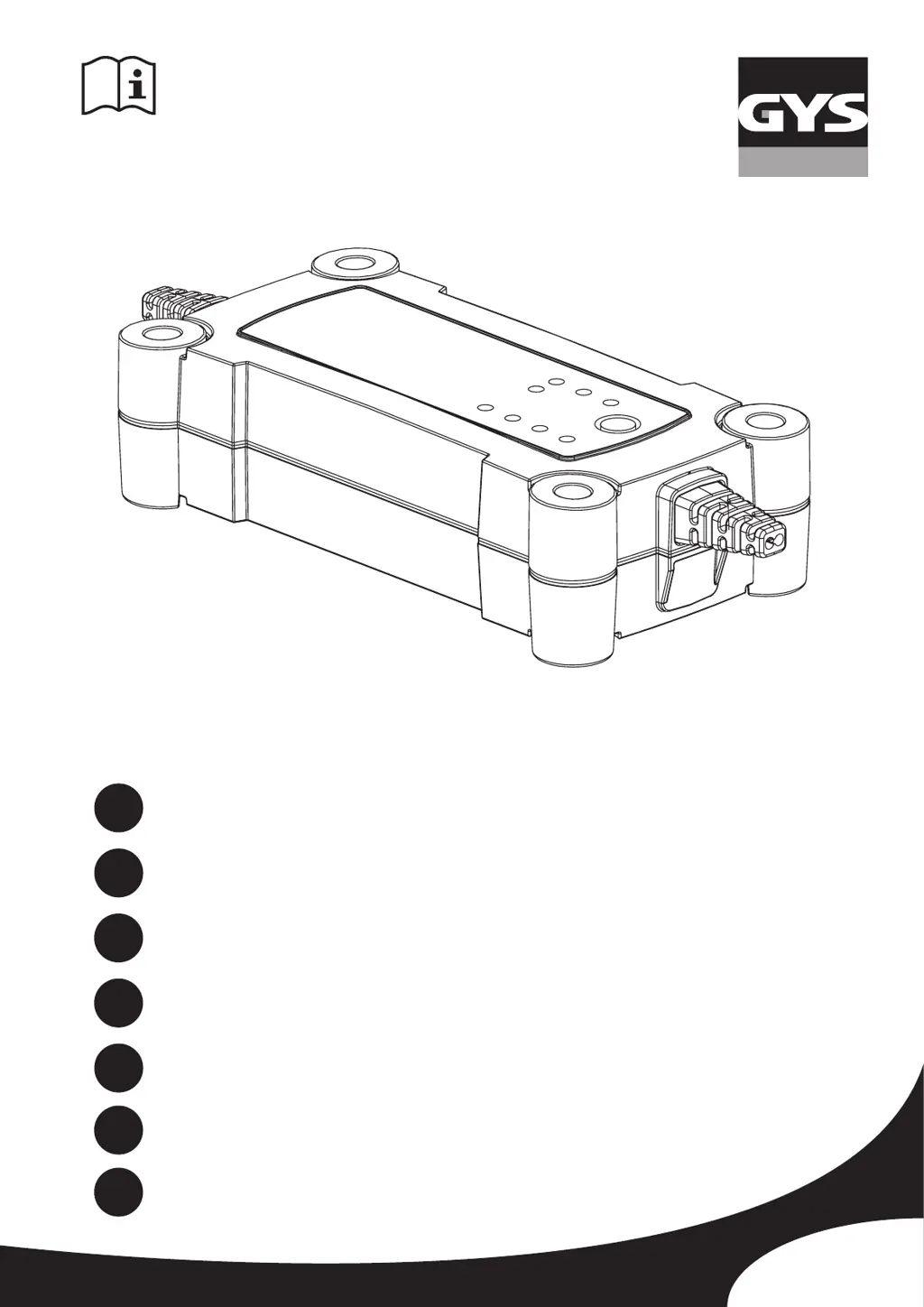
GYS GYSFLASH 6.12 - User Manual

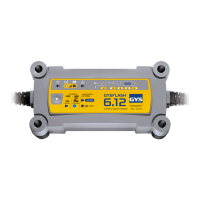
GYS GYSFLASH 6.12
32 pages
Go to English
Print Icon
To Next Page IconTo Next Page
Loading...
75532_V2_05/09/2019
GYSFLASH 6.12
www.gys.fr
FR
2-5 / 30-32
EN
6-9 / 30-32
DE
10-13 / 30-32
ES
14-17 / 30-32
RU
18-21 / 30-32
IT
22-25 / 30-32
NL
26-29 / 30-32

Questions and Answers

  • S
    Stephanie YoungAug 10, 2025
    Why does the GYS GYSFLASH 6.12 Battery Charger indicator stay on even after pressing the button?
    • J
      Joshua KnightAug 10, 2025
      If the indicator stays on even after pressing the button on your GYS Battery Charger, it's likely due to thermal protection. The ambient temperature may be too high (above 50°C). To resolve this, cool the room and allow the charger to cool down.
  • K
    Kayla ReyesAug 27, 2025
    What to do if the GYS GYSFLASH 6.12 indicator blinks?
    • H
      hamiltonnicoleAug 27, 2025
      If the indicator blinks on your GYS Battery Charger, the charger might be in sleep mode. To exit sleep mode, press the button or connect a battery to the charger.

GYS GYSFLASH 6.12 Specifications

General IconGeneral
Input Voltage230V AC
Input Frequency50/60Hz
Output Voltage6 V / 12 V
Charging Current6 A
Safety StandardsEN60335-2-29
Battery TypeLead-acid (Gel, AGM)
ProtectionShort-circuit, Reverse polarity
Charging ModesAutomatic
DisplayLED

Related product manuals