EasyManua.ls Logo

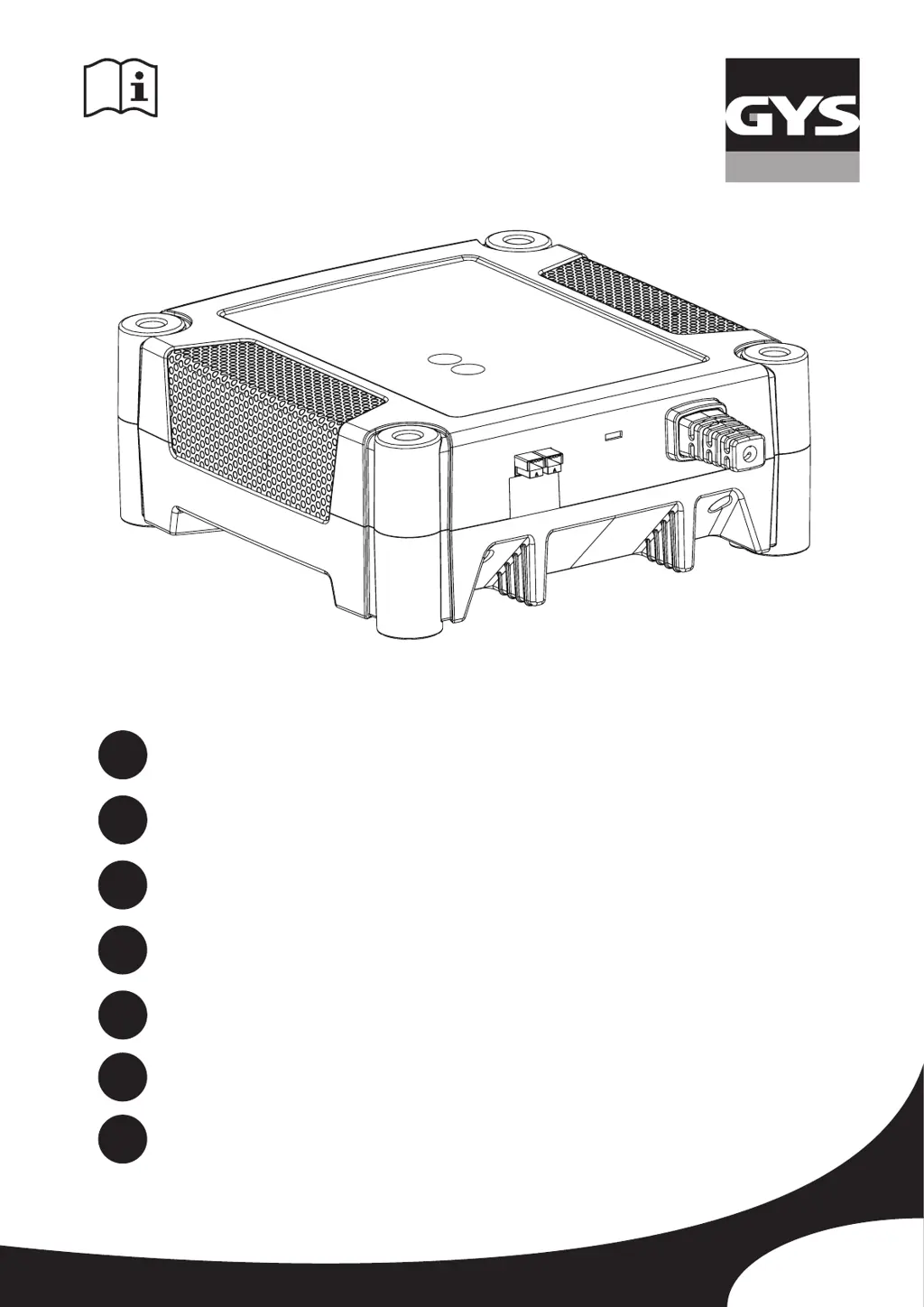
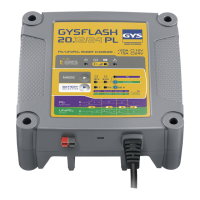
GYS GYSFLASH 20.12/24 PL - User Manual

GYS GYSFLASH 20.12/24 PL
48 pages
Go to English
Print Icon
To Next Page IconTo Next Page
Loading...
73502_V4_14/10/2019
GYSFLASH 20.12/24 PL
www.gys.fr
FR
2-7 / 44-48
EN
8-13 / 44-48
DE
14-19 / 44-48
ES
20-25 / 44-48
RU
26-31 / 44-48
NL
32-37 / 44-48
IT
38-43 / 44-48

Questions and Answers

  • S
    Stephanie JimenezAug 5, 2025
    Why is the indicator flashing on my GYS GYSFLASH 20.12/24 PL Battery Charger?
    • L
      Lori MaldonadoAug 5, 2025
      If the indicator light is flashing on your GYS Battery Charger, there are several possible reasons. It could be due to polarity reversal, meaning the clamps are not correctly connected. Ensure that the clamps are properly connected. Another reason could be that the battery voltage is too high. Verify that the selected voltage matches the battery's voltage. A short-circuit in the clamps could also cause this issue; double-check their connection.
  • F
    franklinaprilAug 12, 2025
    What to do if the indicator is on GYS GYSFLASH 20.12/24 PL Battery Charger?
    • A
      Amanda ThompsonAug 12, 2025
      If the indicator light on your GYS Battery Charger is illuminated continuously, it could be due to a charge failure, indicating that the battery cannot be recovered. In this case, replace the battery and press the button to restart the charging process. Alternatively, the ambient temperature might be too low for charging an LFP battery. Try charging the battery at a milder temperature or press the button to proceed.
  • S
    steven78Aug 20, 2025
    Why does the indicator stay on even after pressing button on GYS GYSFLASH 20.12/24 PL?
    • C
      Christopher WebsterAug 20, 2025
      If the indicator light on your GYS Battery Charger continues to stay on even after pressing the button, it is likely due to thermal protection being activated. This means the ambient temperature is too high (above 50°C). To resolve this, cool the room and allow the charger to cool down.
  • S
    Sheri MooreAug 27, 2025
    How to exit sleep mode on GYS Battery Charger?
    • C
      Crystal HamiltonAug 28, 2025
      If the indicator light is flashing on your GYS Battery Charger, it might be in sleep mode. To exit sleep mode, press the button or connect a battery to the charger.

Summary

Safety Instructions

General Device Safety

Guidelines for safe operation, child usage, and environmental conditions.

Fire and Explosion Prevention

Warnings on explosive gases, sparks, and ventilation during charging.

Acid Handling Safety

Precautions for battery acid exposure and required personal protective equipment.

Safe Connection, Maintenance, and Disposal

Connection;Disconnection Procedures

Steps for safely connecting and disconnecting the charger from battery and mains.

Maintenance and Electrical Safety

Requirements for power supply, cable care, and cleaning practices.

Regulatory Compliance

Information on device certifications and disposal guidelines.

Product Overview and Setup

General Description and Features

Overview of the GYSFLASH charger, capabilities, and temperature sensor.

Charging Cable Calibration

Procedure to calibrate charging leads for accurate voltage compensation.

Startup and Basic Operation

Step-by-step guide for connecting and starting the charging process.

Charging Modes and Curves

Lead-Acid Charging Details

Lead-acid charging modes, 7-step curve, and estimated charge times.

Charge Current and Capacity Guide

Table for selecting charging current based on battery type and capacity.

Charging Modes and Protections

Lithium Charging Details

Lithium charging modes, 8-step curve, and estimated charge times.

Device Safety Protections

Explanation of anti-spark, double insulation, and temperature sensor features.

Troubleshooting and Warranty

Troubleshooting Indicator Guide

Common issues, causes, and solutions for indicator lights.

Warranty Coverage

Details on warranty coverage, duration, and exclusions.

Technical Specifications

Comprehensive Technical Data

Detailed table of technical parameters for the GYSFLASH 20.12/24 PL.

Control Panel Overview

Control Panel Components and Functions

Identification and explanation of control panel buttons, indicators, and connectors.

GYS GYSFLASH 20.12/24 PL Specifications

General IconGeneral
Input Voltage230V AC
Output Voltage12V/24V
Output Current20A
Battery TypeLead-Acid, Lithium (LiFePO4)
Charging ModeAutomatic
ProtectionShort-circuit, Reverse polarity, Overvoltage

Related product manuals