Digital Video Recorder User Manual
11
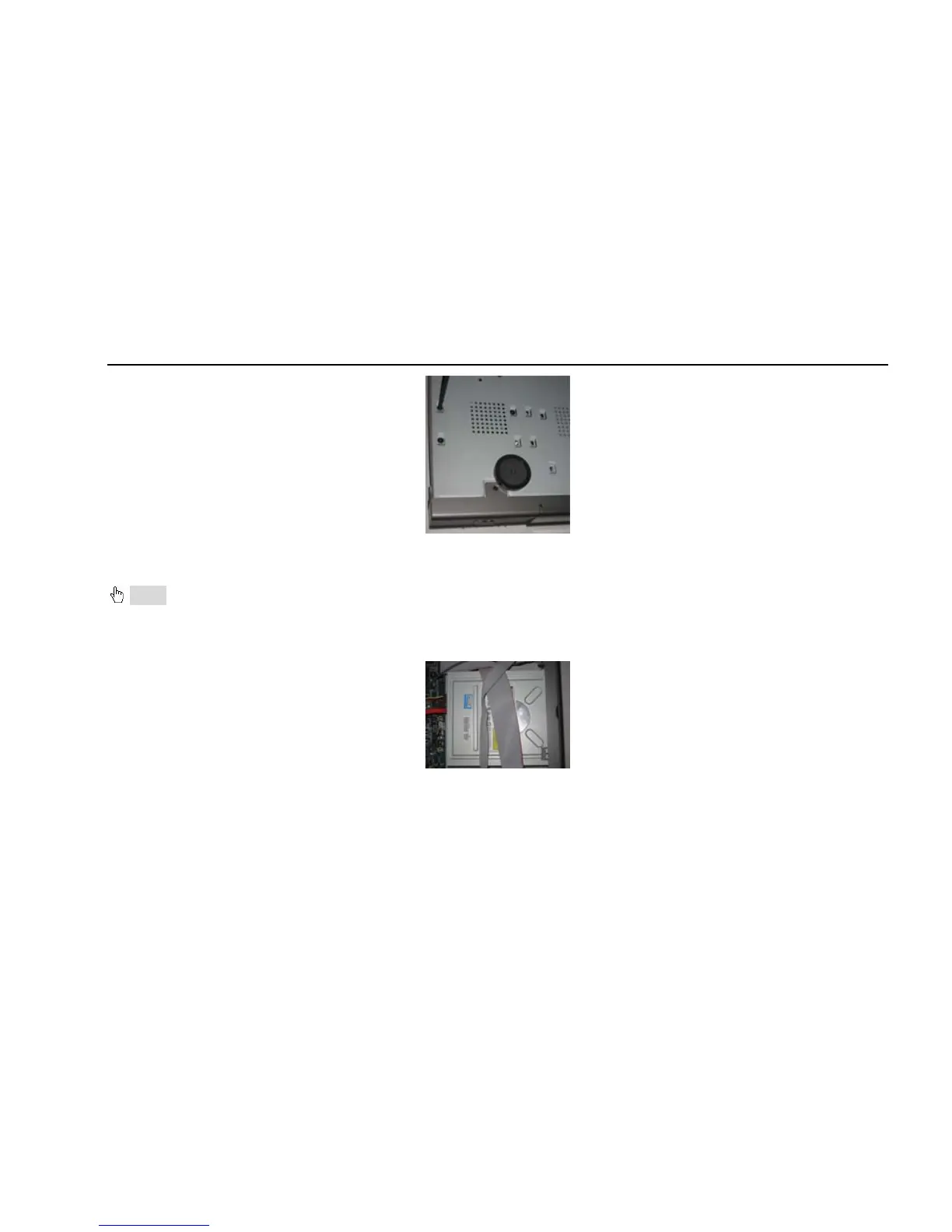
Fig 2.2 Screw HDD
2.1.2 Install DVD Writer
Notice: 1. The writers must be the compatible devices we recommend. Please refer to “Appendix C Compatible Devices”
2. This device is only for backup
Step1: Unscrew and Open the top cover
Step2: Connect the power and data cables. Place the DVD writer onto the bottom case as below.
Fig 2.3 Connect the DVD Writer
Step3: Screw the DVD writer as below.



 To Next Page