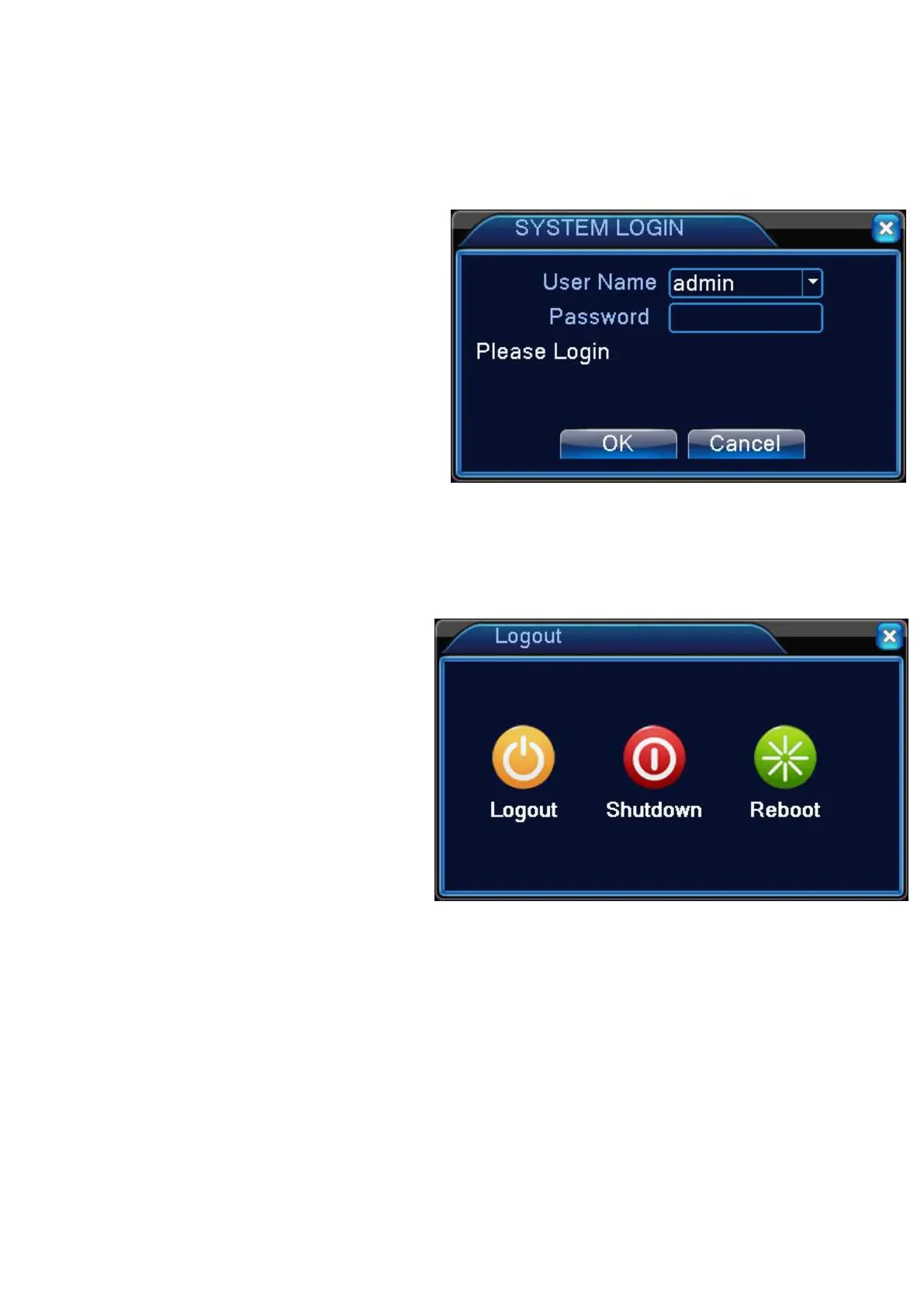
Log in & Log out
Log in
To manipulate or access the menus of DVR, you should have logged in.
1. When the system starts, the log in
2. Select a user and provide the
password.The default User Name is
"admin" ,password is “blank”(leave it null)
3.Click <OK>. You will access the system
Log out
To prevent unauthorized access, it is recommended to log out when you leave the screen.
1.In the monitoring screen, click
<MENU> in the bottom left corner of the
2.While logged out, Search / Backup /
System Settings/ Record Settings / Exit
menus are restricted to use.


 To Next Page