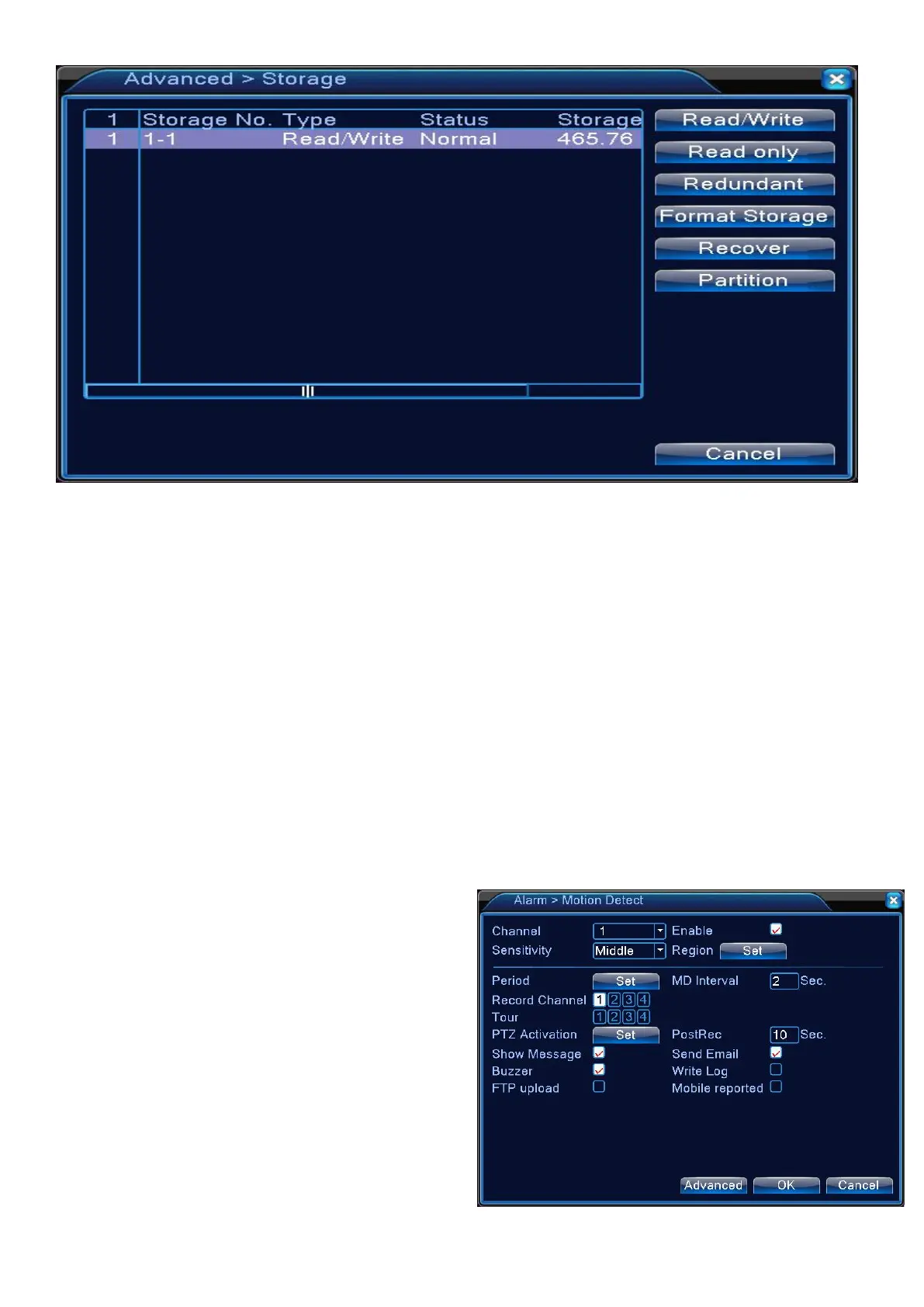
2.Choose <Format Storage> before you using hard drive
Before setting hard drive you need confirm if the hard drive has been connected
successfully.
System will automatically overwritten the former data when hard drive is full ,if you
need change model of recording ,please check 【General setting】
Motion detect
Set the motion sensor of the camera so that it can detect a motion event.
1.From <Main Menu> - <Alarm> - <Motion
2.Use the mouse to specify the use of each
> Channel : Choose channel you want set motion
> Enable
:
turn on the motion detect
> Sensitivity: Set the sensitivity level of the
> Region : Specify the motion detection area.


 To Next Page