5
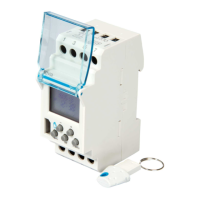
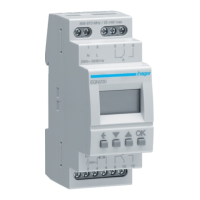
Press any button on the time switch.
The device has been identifi ed.
Touch the arrow key, give a
name to the product if necessary,
and then confi rm.
To return to the home screen,
double-tap the X key (or tap the
+ key to create a new program: see
next section).
The device has now been added
to the home screen.
4
5 6 7
4
OK
28 / 03 / 2020
15 : 18 : 04
AU


 To Next Page
 Loading...