9
1 Create a new program (see section 4).
2 Click on + to add a program step.
To select an action:
1 tap
+ to add an action
2 select one of the actions below, adjust its setting as required, then tap the confirm button.
Actions available per device and setting:
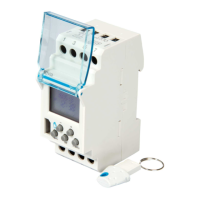
• EGN003
Example: Pulse On for 60 seconds
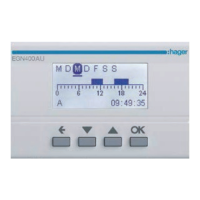
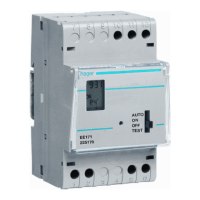
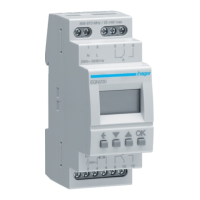
• EGN100AU/200AU/400AU
For each new step, you must define an action plus a
trigger, and the days you want the step to be executed,
as applicable:
1
2
6. Adding program steps
Action Setting
On
O
On
For a limited time
(pulse)
1 to 60 seconds
O
For a limited time
(pulse)
1 to 60 seconds
Action
On
O


 To Next Page
 Loading...