8
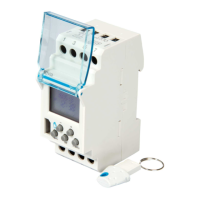
The program is now stored on the key.
The program will run as confi gured for as long as the key remains in the time switch.
Before removing the key from the time switch, you must manually load it onto the EGN103 time switch as described below.
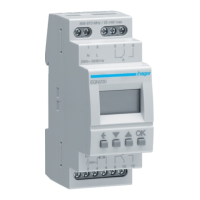
To load the program contained in the key onto the EGN103 time switch:
1 press the menu button, select LOAD mode then press OK to confi rm
2 press OK again to load the program
3 remove the key and check the program is present in the EGN103 time switch.
5
6
1
3
auto
On
24
1812
60
ok
menu
+
2
3
auto
ok
menu
+
ok
Program
3
auto
On
24
1812
60
ok
menu
+
3
Program
3
auto
On
24
1812
60
ok
menu
+


 To Next Page
 Loading...